Best E-Ink Tablet for Note-Taking (2026)
The best thing about taking notes on e-ink is that it feels like paper but behaves like a computer: your handwriting is searchable, backed up and synced, and you never run out of pages. The catch is that these devices vary wildly, from focused writing slabs to open Android tablets, and the wrong one will frustrate you daily. Here is what actually matters for handwriting, and our picks by how you work.








What Makes a Great Note-Taking Tablet
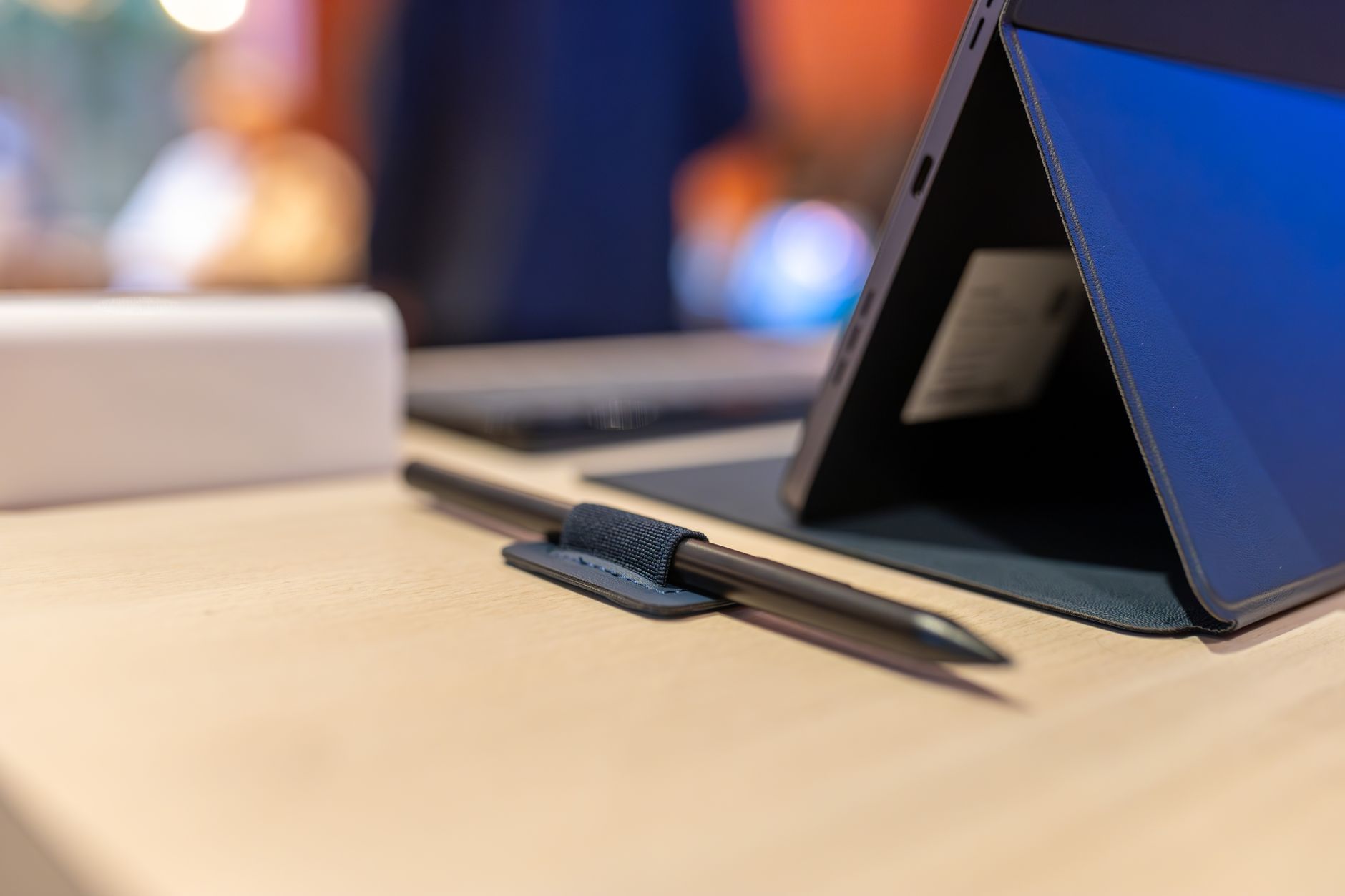
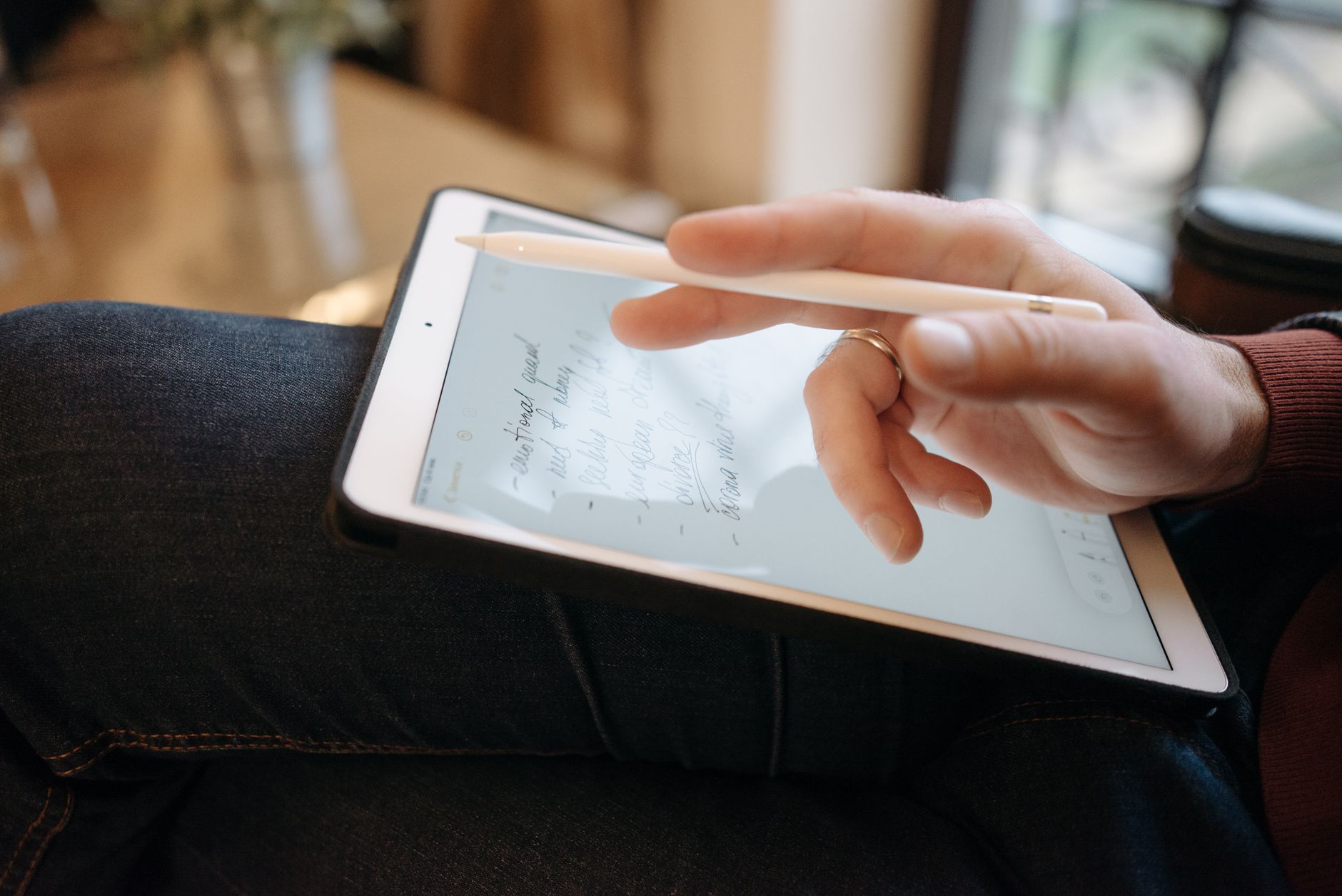
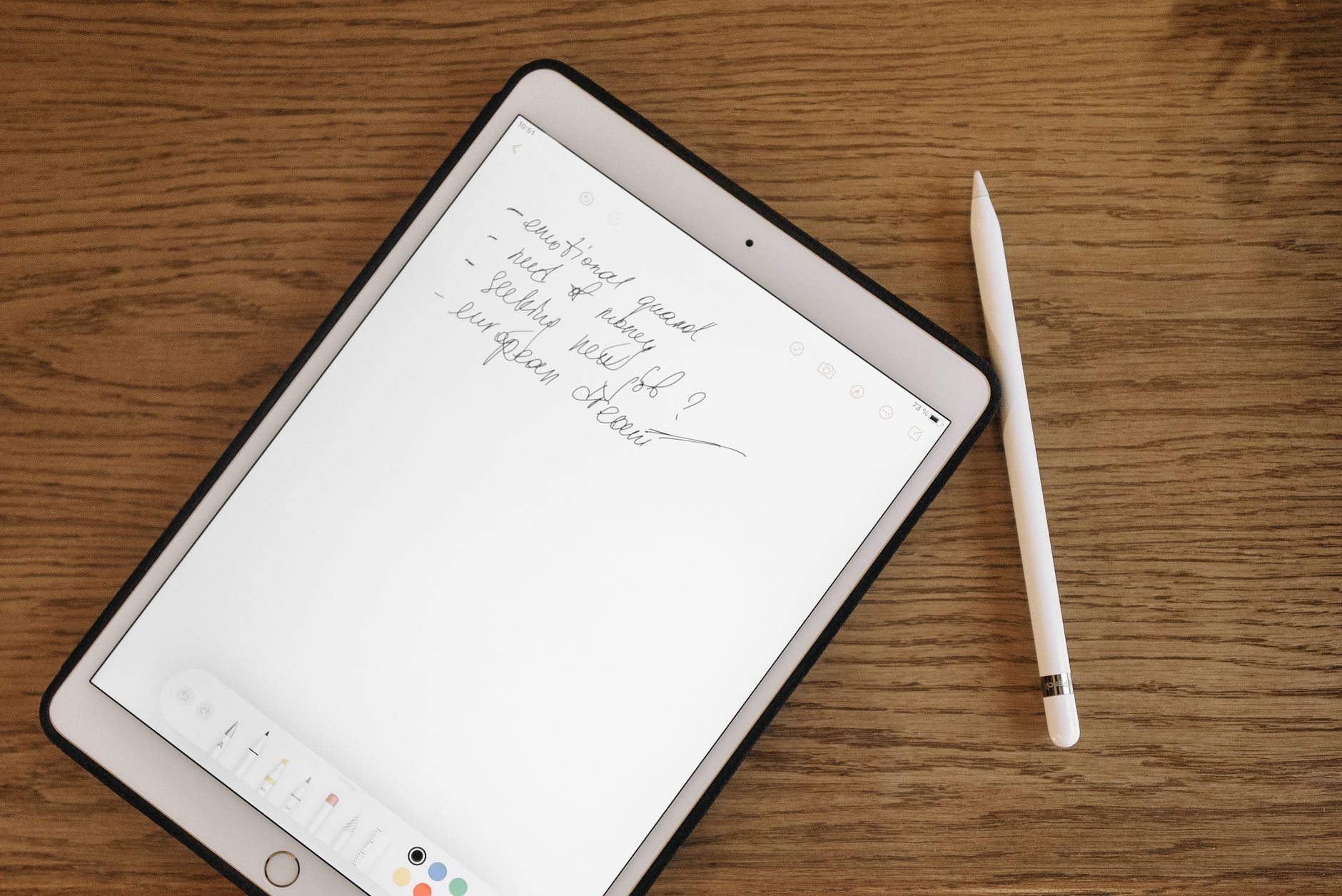
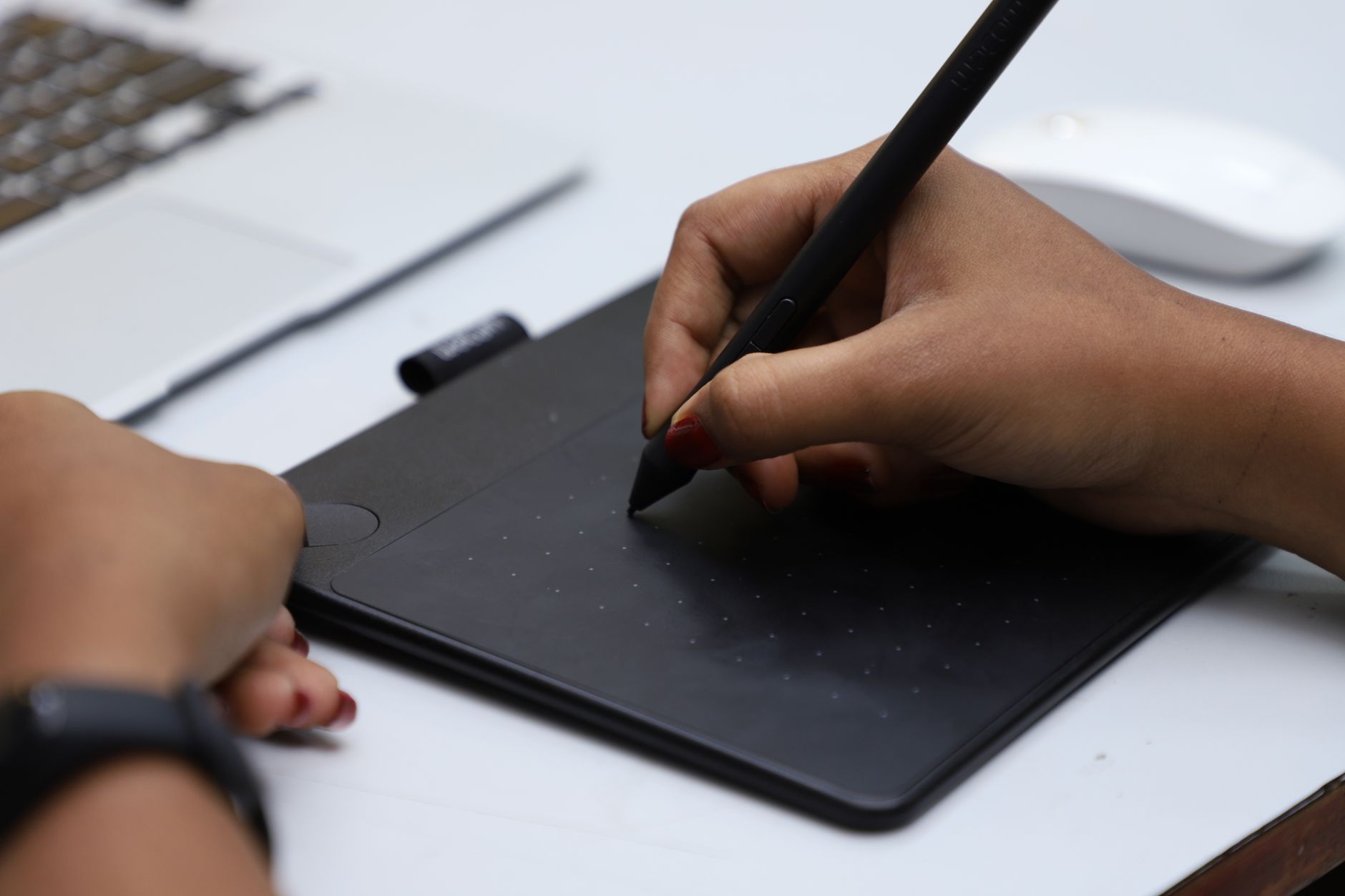
Three things matter most. First, the writing feel: low latency and a slightly toothy, paper-like surface separate a joy from a chore. Second, the note software: search, organisation, handwriting-to-text and export turn scribbles into something useful. Third, the ecosystem: a focused device keeps you distraction-free, while open Android lets you use any app but adds friction. Screen size and colour are secondary to these.
Best Overall for Writing
For the purest writing experience, the reMarkable Paper Pro leads on pen feel, focus and polish, with the cheaper reMarkable 2 close behind in mono. The Supernote Manta is the connoisseur's pick, with deep note organisation and repairable, long-supported hardware, usually for less money. Any of these is a genuine pleasure to write on all day.
Best for Reading and Writing Together
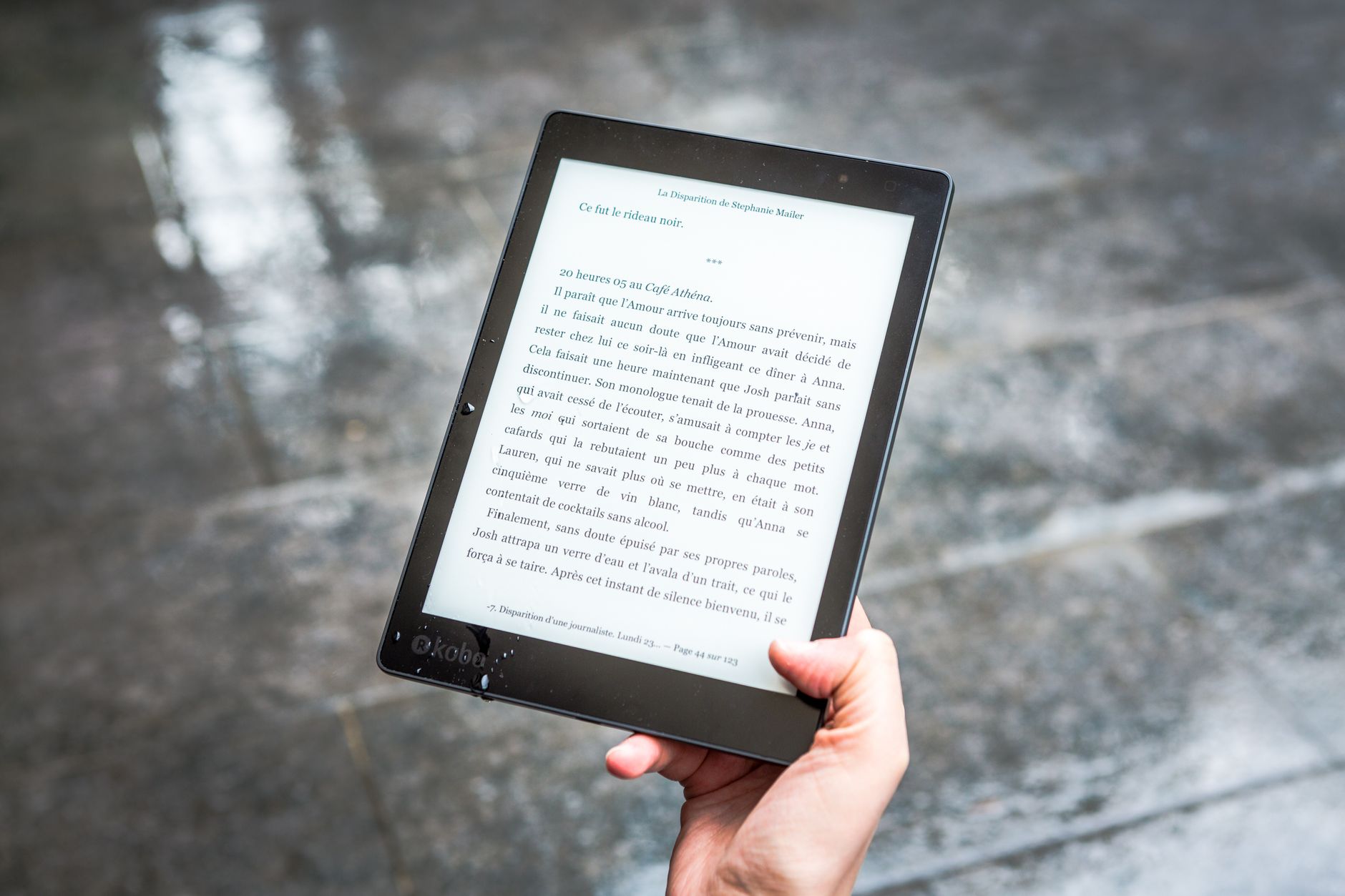
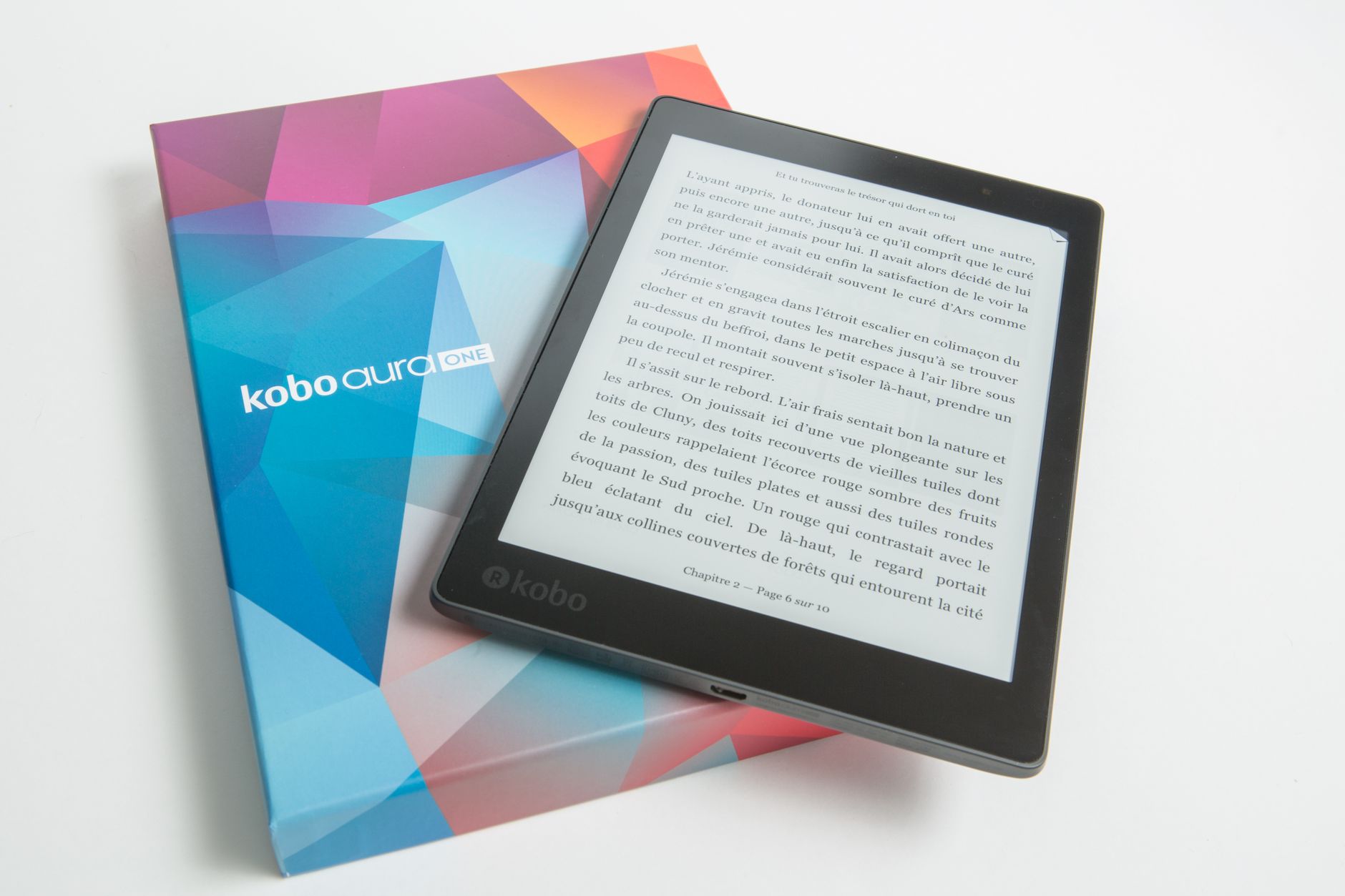
If you want one device that reads books well and takes notes, a hybrid makes more sense than a pure writer. The Kindle Scribe is superb if you live in Amazon, and the Kobo Elipsa 2E is the open-ecosystem equivalent with a bundled pen and great library support. Neither matches a reMarkable for feel, but both save you carrying two devices.
Best for Flexibility and Colour
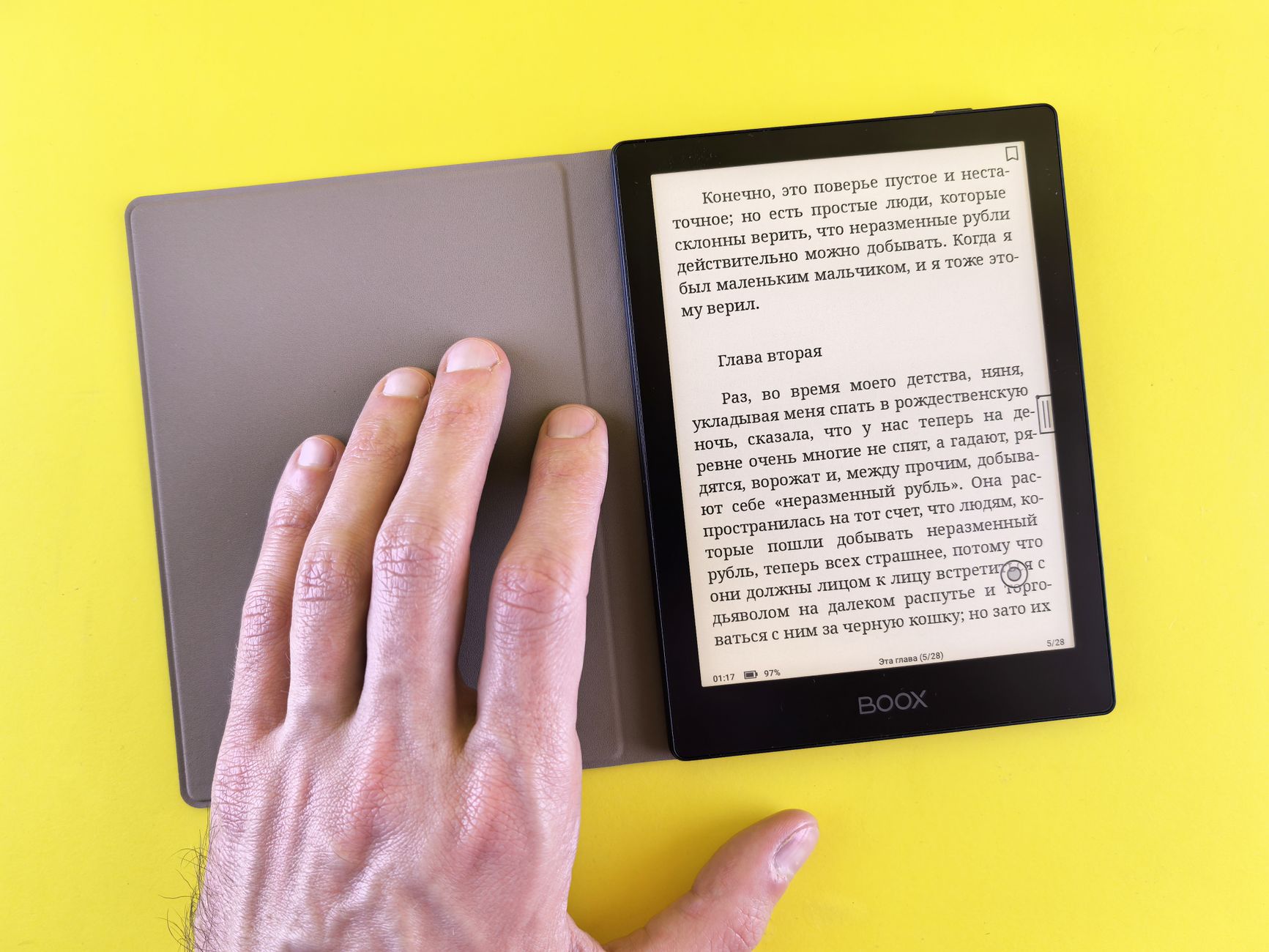
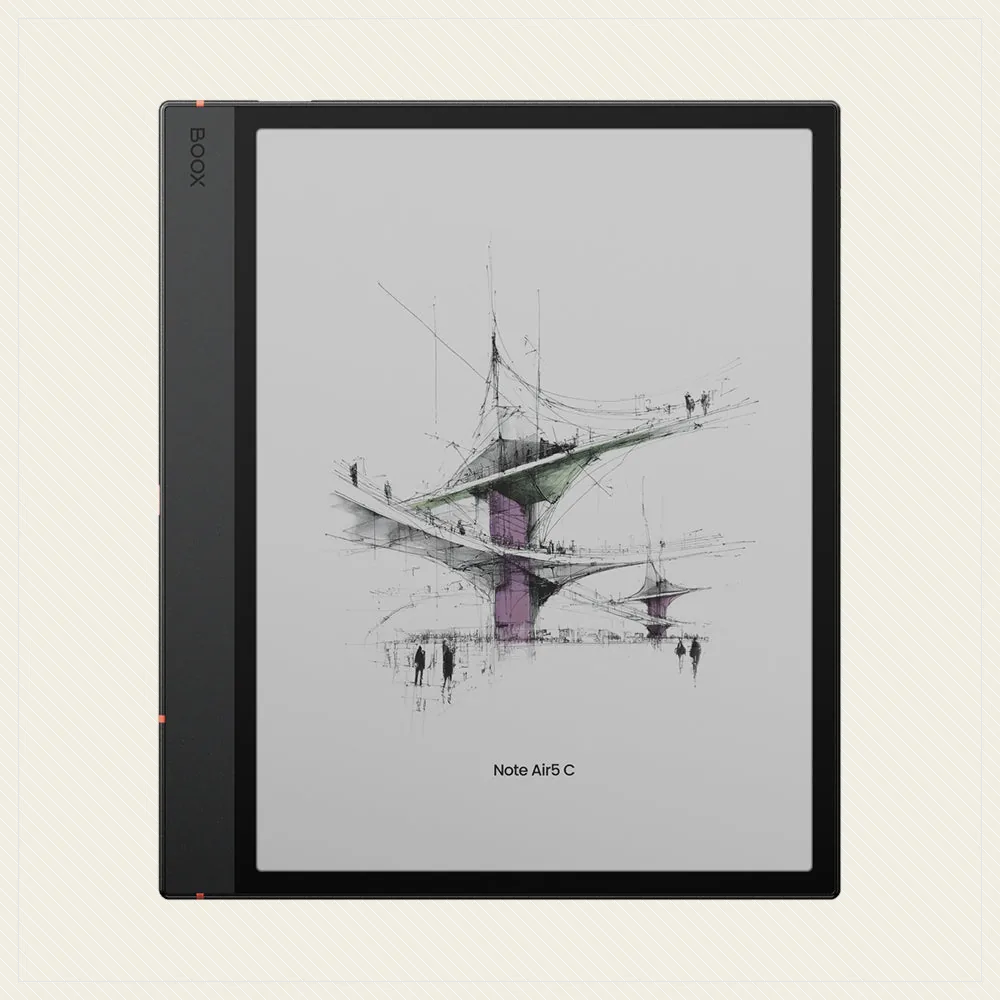
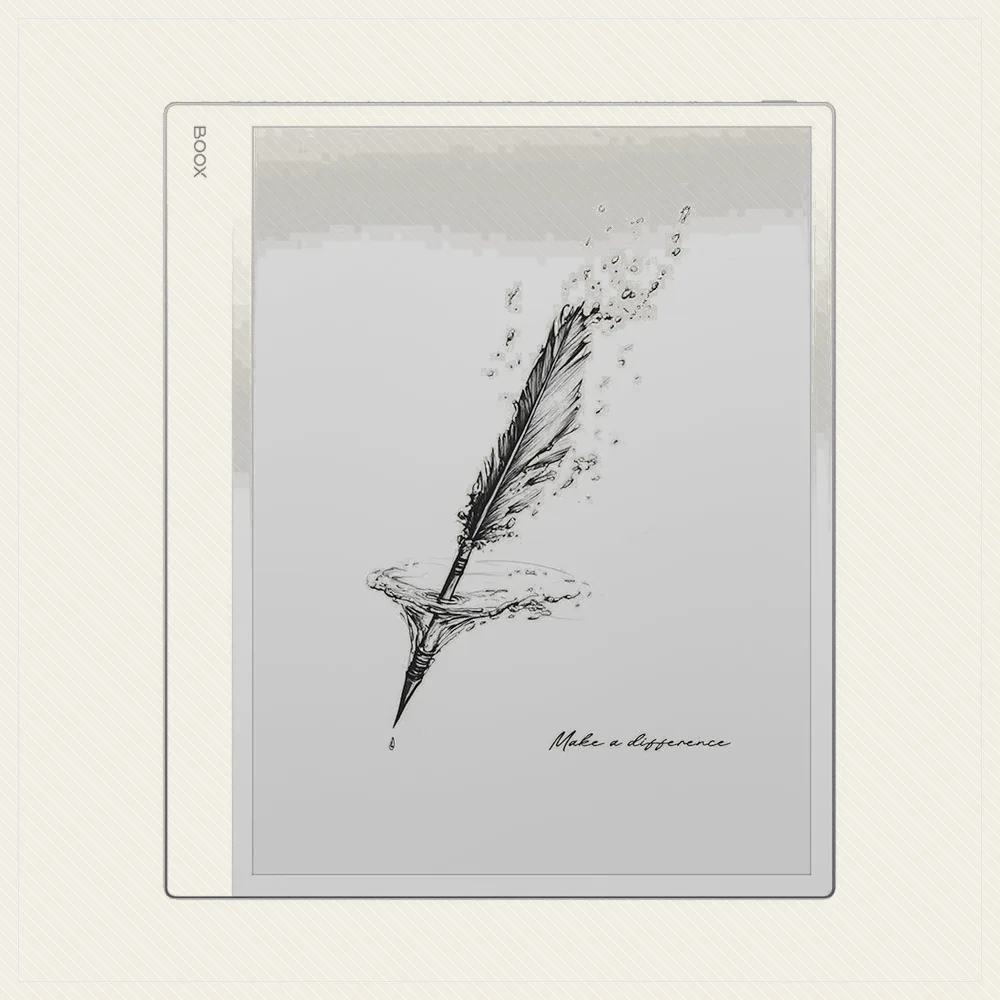
If you want colour notes, apps and the freedom to install anything, the Boox Note Air 4C runs open Android with a capable pen, and the Boox Go 10.3 is the cheaper mono option. You trade some pen polish and battery life for the ability to do everything on one device.
Best Portable and Budget Picks
For notes on the move, the Supernote Nomad and reMarkable Paper Pro Move shrink great writing into a pocketable size. On a budget, the entry Kindle Scribe and the reMarkable 2 on sale are the most affordable ways into serious handwriting. Match the size to where you actually write: a big slate for the desk, a compact one for the bag.
Frequently asked
What is the best e-ink tablet for note-taking?
For pure writing, the reMarkable Paper Pro leads on feel and focus, with the Supernote Manta a superb value alternative. If you want reading and writing together, the Kindle Scribe or Kobo Elipsa 2E are better all-rounders.
Is the writing feel really different between devices?
Yes, noticeably. reMarkable and Supernote have a paper-like friction and low latency that make writing a pleasure, while glassier devices feel more like writing on a screen. It is worth prioritising if you write a lot.
Should I get a focused device or open Android?
A focused device like a reMarkable keeps you distraction-free with the best pen feel. Open Android on a Boox lets you run any app and read from any store, at the cost of some polish and battery. Choose based on whether you value focus or flexibility.