Kobo E-Readers - Every Model, Reviewed
Kobo is Rakuten's e-reading brand and the one serious global alternative to the Kindle, and for a lot of readers it is the better choice. The reason is openness: Kobo reads EPUB natively and has library borrowing through OverDrive and Libby built right into the device, so you are not trapped in one store the way Amazon quietly encourages. This hub introduces the brand, walks through the current range from the Clara to the Elipsa 2E, and helps you work out which one fits how you read.

What Kobo Is
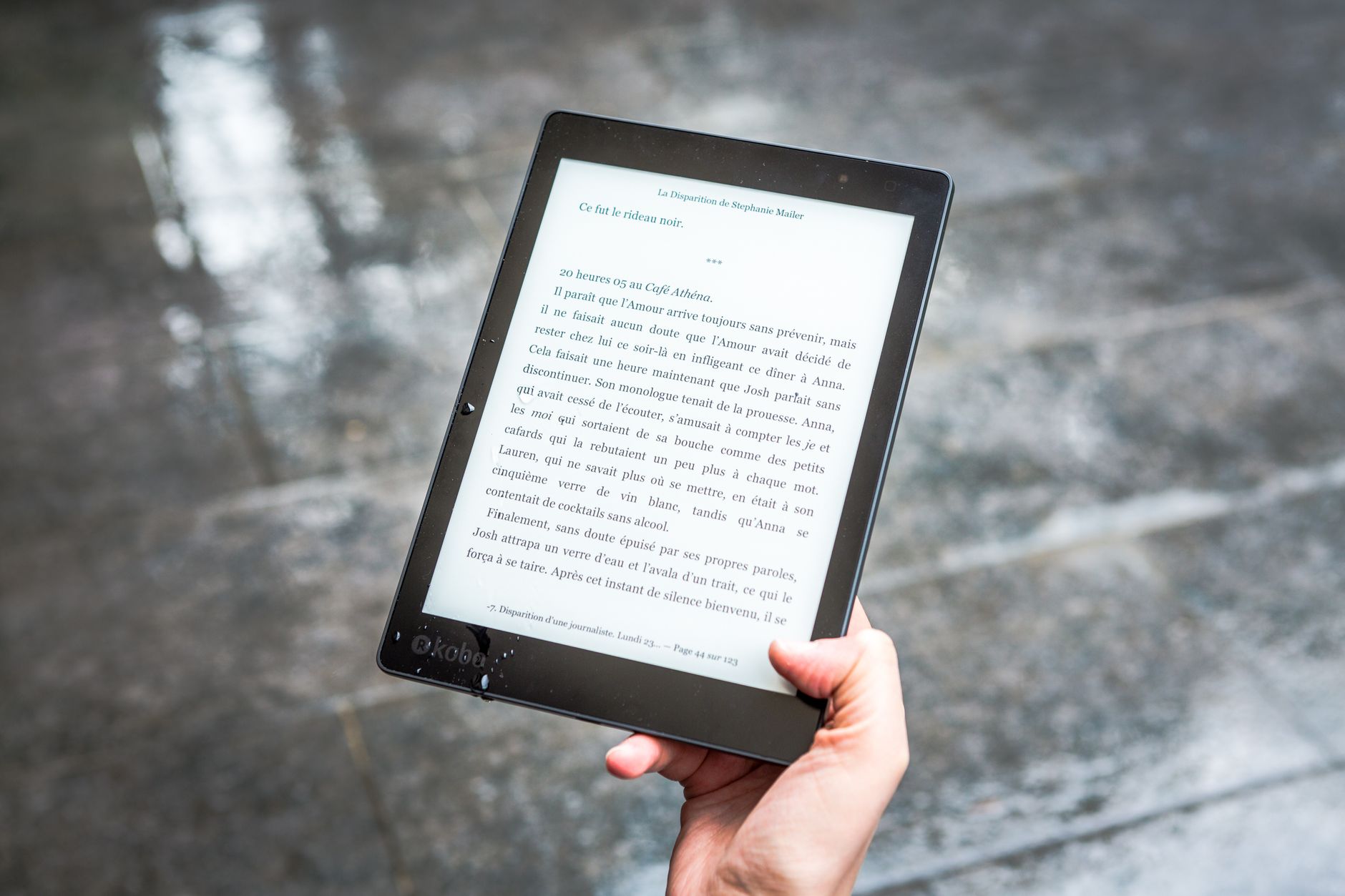
Kobo is an e-reader maker owned by the Japanese company Rakuten, which is why you often see the products listed as Rakuten Kobo. The brand builds dedicated e-ink readers, a companion app, and its own bookstore, and it does not bother chasing the general-purpose tablet market. That focus is a good thing: these are reading devices made by people who care about reading.
The whole pitch is openness. Kobo devices read the widely used EPUB format natively, so the files you already own just work, and library borrowing through OverDrive and Libby is baked into the device in supported regions. You tap a book in your library app and it lands on the reader, no cables, no sideloading, no store lock-in. That single feature is why many people switch from a Kindle and never look back.
The Current Kobo Lineup
The range sorts roughly by screen size. The Clara line covers the compact six-inch readers, in both black-and-white and a color version (the Clara Colour), and it is the sensible starting point for anyone who mainly reads novels and wants a pocketable device that does not cost much.
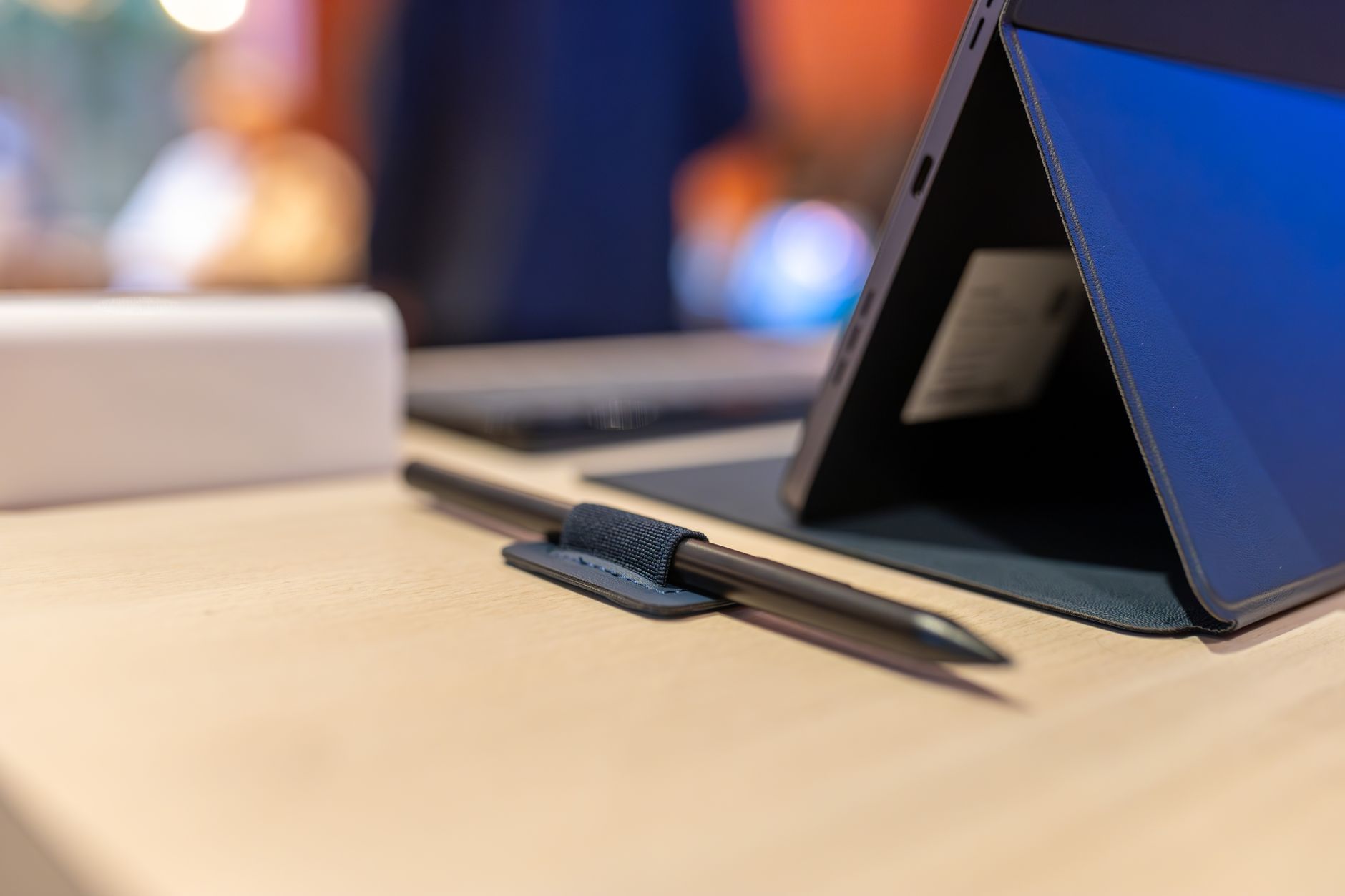
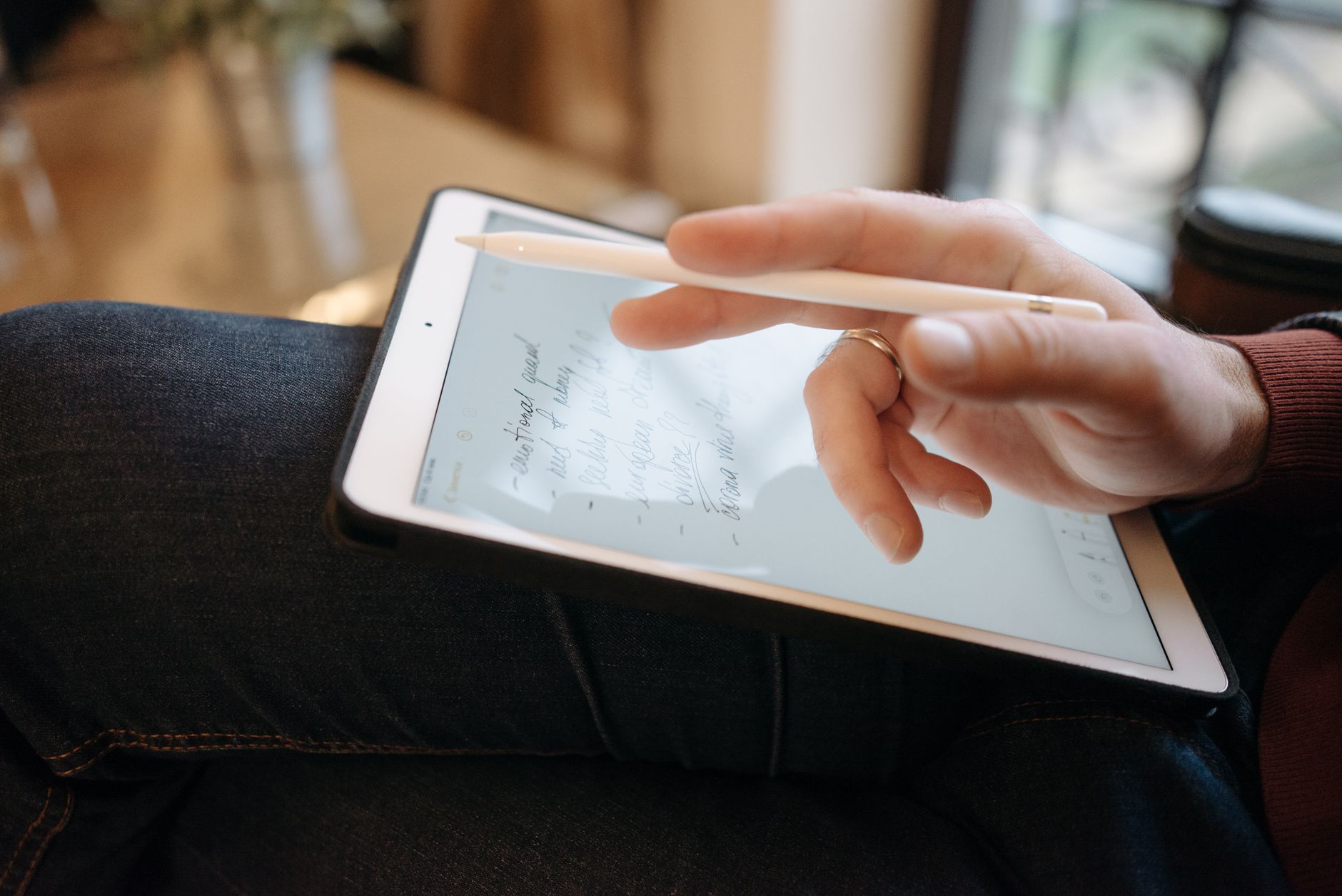
Step up and the Libra family adds physical page-turn buttons and a larger screen, with the excellent Libra Colour for readers who want illustrations, comics, or color highlights. The Sage goes bigger still and adds stylus support for notes and annotations. At the top, the Elipsa 2E is the large-screen notebook of the range, built around handwriting and document markup and the natural rival to the Kindle Scribe. Availability of any given model shifts by country and over time, so check Kobo's store for your region before buying.
Who Kobo Is For
Kobo is for readers who value open formats and lean on their public library. If most of what you read comes from Libby or from EPUB files you already own, Kobo removes a stack of friction that a Kindle deliberately keeps in place. It is the obvious pick for library regulars and anyone who resents being told which store they can shop in.
It also suits people who want a device that leaves them alone. These are single-purpose e-ink readers, so no notifications, no apps clamoring for attention, no bright backlight sabotaging your sleep. If you want to fall into a book for an hour with nothing pulling you out of it, that restraint is exactly the point. Who should look elsewhere? Someone who wants the absolute biggest catalog and does not care about lock-in, since Amazon's store is still larger.
How It Compares To Other E-Readers
Against the Kindle, the difference that actually matters is format and library support. Kobo reads EPUB and puts library lending on the device itself, while Amazon pushes its own format and store and makes borrowing more of a chore. The hardware is close, so this is the fork in the road for most buyers, and it is why we so often steer library users toward a Kobo Libra Colour over a Kindle Paperwhite.
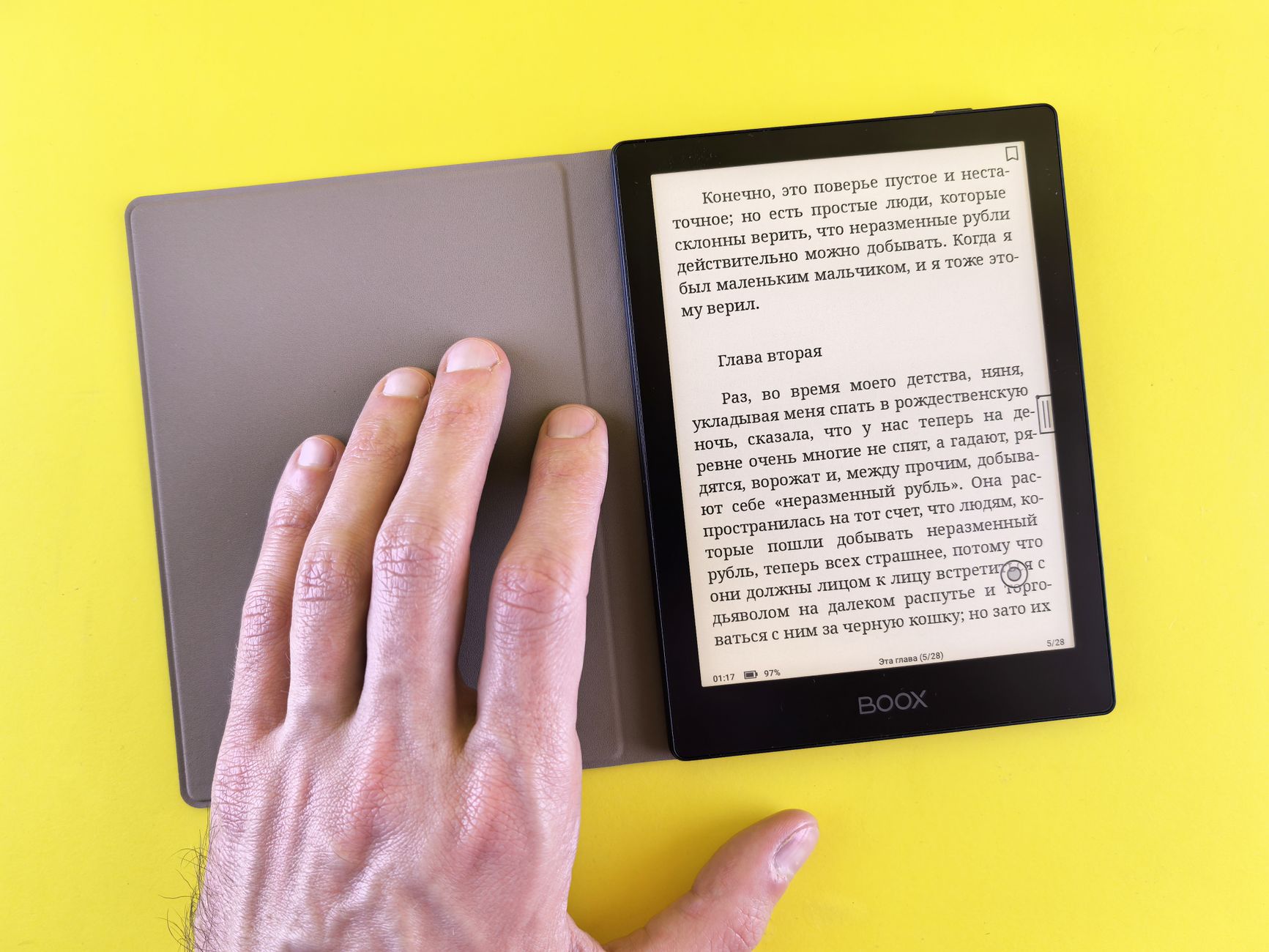
Against cheap generic e-ink tablets, Kobo wins on maturity: polished software, regular updates, and a large integrated catalog that a no-name device cannot match. The trade-off is price, which sits in the mid to premium range depending on the model. Against an open Android device like a Boox, Kobo is simpler and more focused but far less flexible, which is a plus or a minus depending on whether you want a reader or a gadget.
Tips For Getting The Most From Your Device
Use the library integration if it exists where you live, because borrowing through Libby or OverDrive can cover most of your casual reading for free, and it is the single best reason to own a Kobo. Sideloading your own EPUB files over USB or through the app is straightforward too, so a lifetime of collected books is not stranded.
In the evening, warm up the front light and take a minute to set a comfortable font, margin, and line spacing. Honestly, dialing in the typography does more for reading comfort than most hardware features people obsess over, and the settings follow you across every book on the device.
Reviews And What To Watch For
When you read our model reviews, focus on what changes your daily use: screen size and sharpness, whether physical page buttons matter to you, color versus black-and-white, and whether you need stylus support like the Sage or Elipsa 2E offer. Those are the decisions you will feel every day.
Do not waste worry on battery life, which on any e-ink device is measured in weeks of normal reading and is almost never the deciding factor. Waterproofing, storage, and overall responsiveness are far more useful things to compare between the current Kobo devices.
Frequently asked
Is Kobo owned by Rakuten?
Yes. Kobo is a subsidiary of the Japanese company Rakuten, which is why the brand and its store sometimes show up as Rakuten Kobo. It has nothing to do with Amazon, which is rather the point.
Can I read library books on a Kobo device?
In many regions, yes, and it is one of the best reasons to buy one. Models integrate OverDrive and Libby directly, so you borrow ebooks from a participating public library on the device itself, no computer required. It depends on your country and library, so check before you buy.
Does Kobo support EPUB files?
Yes, natively, which is the headline advantage over a Kindle. Kobo devices open the open EPUB format out of the box, and you can add your own files over USB or through the companion app. Your existing library just works.