KoboldTouch is reader-supported. If you buy through a link on this page I may earn a commission. Nobody pays to be on this list.
I run KoboldTouch, and most of my week goes into this one niche: spec sheets, firmware changelogs, return policies, and long owner threads on r/eink, r/supernote, r/Onyx_Boox and MobileRead. This page answers the question I get asked more than any other: “which e-ink tablet should I buy?”
I rewrote it in October 2026 because the market moved a lot this year. reMarkable discontinued the reMarkable 2 in May and replaced it with the Paper Pure. Amazon’s 2025 Kindle Scribe line pushed out the 2024 model I used to recommend. Boox replaced the Note Air5 C with the Note Air6 C in September, and the Palma 2 has sold out on the Boox store. Every tablet I rank below was on sale when I checked prices this week. Anything discontinued, sold out or still on pre-order is in a separate section near the end so you don’t waste money on old stock.
Whether you call it an e-ink tablet, a paper tablet, a digital notebook or an e-ink writing tablet, the device is a paper replacement. It’s lovely for handwritten notes, marking up PDFs and reading for hours without eye fatigue. It’s a poor choice for video, photo editing, fast scrolling or spreadsheets, and if you need those, an iPad with a matte screen protector will serve you better.
Prices are US list prices from each brand’s store at the time of writing. Sales come and go, so treat them as a ceiling. “Light” means a built-in frontlight, and “Score” is my KT Score out of 100.
If you searched for a 10-inch e-ink tablet under $700, everything from the Kindle Scribe down to the Viwoods AiPaper fits. The Paper Pro ($629) also comes in under that if you want the larger 11.8-inch screen.
How I score these tablets
Every tablet gets a KT Score out of 100, split four ways:
Writing experience (30%): pen latency, nib friction, palm rejection, how the note tools are organised
Reading and display (25%): sharpness, contrast, frontlight quality, PDF and EPUB handling
Software and ecosystem (25%): sync, file support, export, apps, update track record
Value and ownership (20%): price with the accessories you actually need, subscriptions, repairability, after-sales support
I weigh the spec sheet against what owners report after months of use, because that’s where the problems show up. A pen that feels great on day one but chews through nibs, or a sync service that goes behind a paywall after 50 days, costs points here.
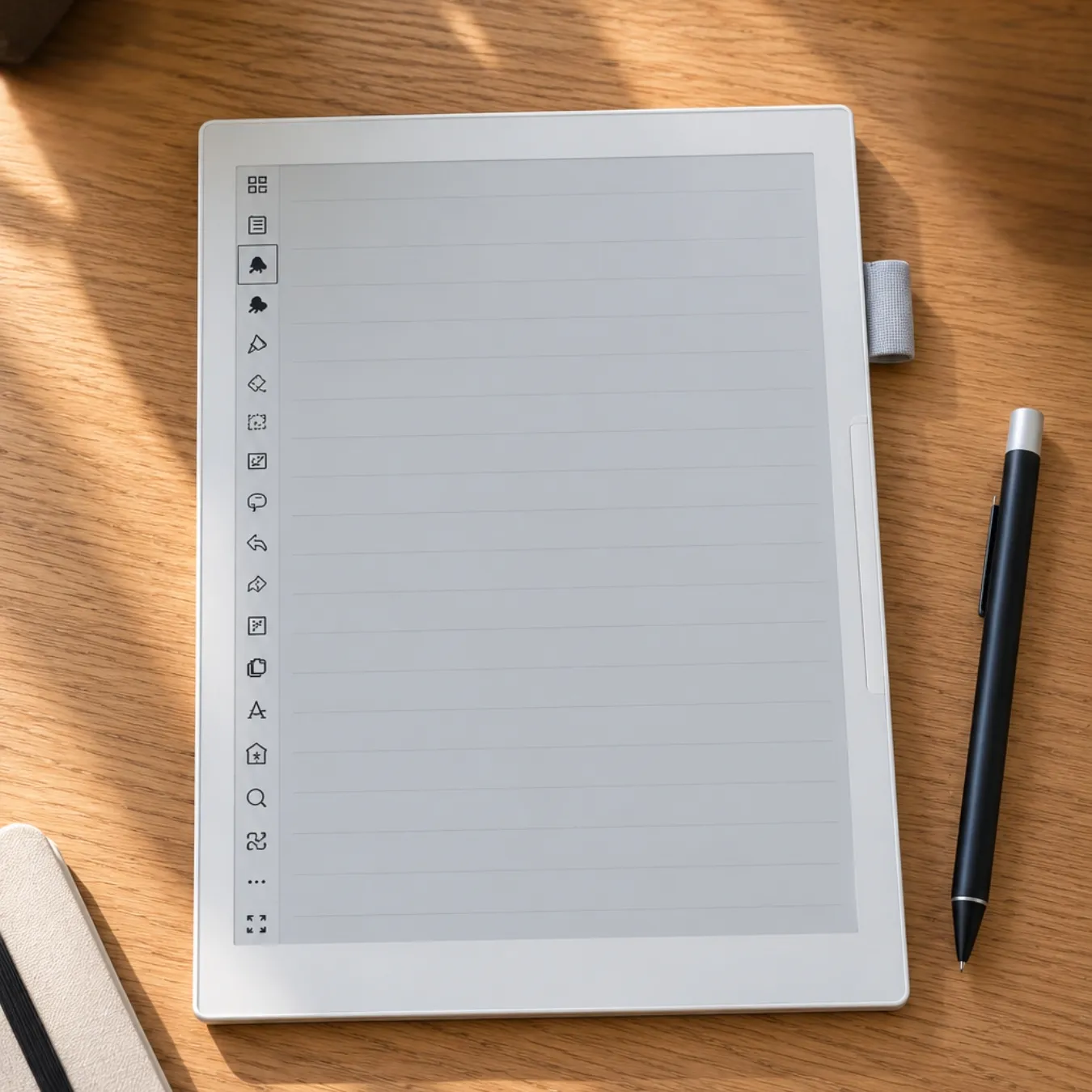
If someone asks me for one e-ink writing tablet and money isn’t the main worry, this is still the one I name. The writing feel is the reason. reMarkable has spent years tuning the friction between the Marker and the screen, and owners across Reddit and MobileRead keep describing it as the closest thing to pen on paper. The frontlight fixes the biggest complaint people had about the reMarkable 2, and the Gallery 3 color is subtle but useful for highlighting and color-coding notes.
Software has improved a lot over the past year. Recent updates added handwriting search, a web app, Word import, meeting notes tied to your calendar, AI summaries, and (in the September and October 2026 releases) a capture tool and the ability to copy text out of PDFs and EPUBs.
The catch is cost. The US price went up $50 to $629 in May 2025, the Book Folio is $89, and the Type Folio is $229. Then there’s Connect, reMarkable’s subscription, which is now $3.99 a month after a 50-day trial. Without it you still get handwriting conversion and Google Drive, Dropbox and OneDrive integration, but handwriting search, unlimited cloud sync, editing notes in the phone and desktop apps, and the AI features all sit behind it.
Pros
The best writing feel on the market, with very low latency
Color and a frontlight in a thin 11.8-inch body
Cons
Expensive once you add a folio, and many features need Connect
No Kindle or Kobo store, so it’s a weak e-book reader
A few owners report pressure damage to the screen in bags that warranty didn’t cover, so buy a rigid folio
Who should buy it: professionals, writers and students who mostly handwrite and annotate PDFs, and who will use it every day.
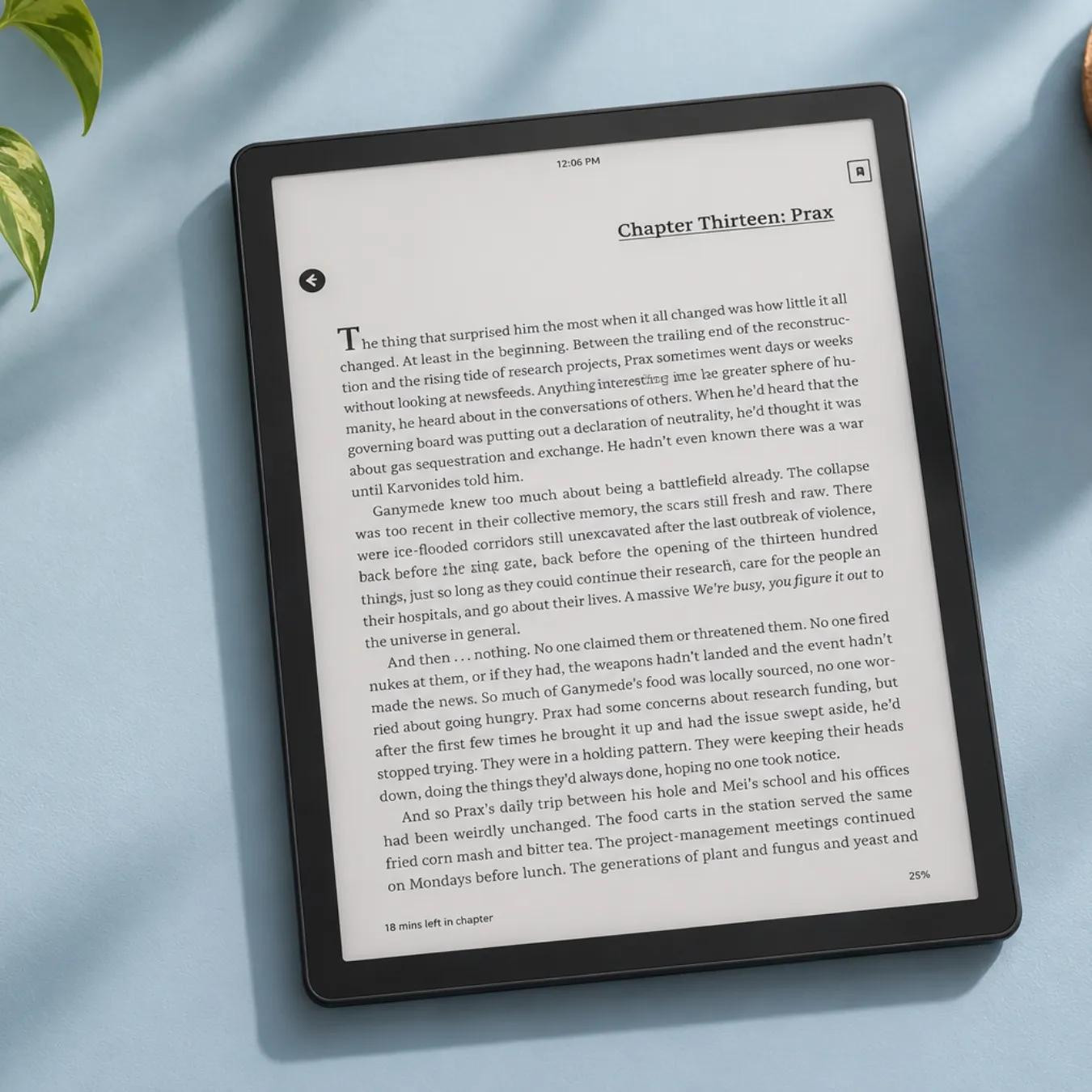
The third-generation Scribe, out since December 2025, is the easiest recommendation for anyone whose library already lives on Kindle. Text is sharp at 300 PPI, the frontlight is warm and even, and it’s light for an 11-inch slate. Amazon also fixed the old Scribe’s biggest weakness, which was getting documents in and out. You can now pull files from Google Drive and OneDrive, search your handwriting, and ask the built-in AI to summarise a notebook. None of that needs a subscription. Send to Alexa+ arrived in February 2026 if you live in that ecosystem.
The notebook side is still simpler than Supernote or reMarkable. You get fewer pen tools and less control over how notes are organised. There’s no waterproofing, and you are tied to Amazon’s servers for a lot of what makes it convenient.
Two siblings are worth knowing about. The Kindle Scribe without frontlight ($429.99, June 2026) saves $70, but I’d only buy it if you never read in dim rooms. The Kindle Scribe Colorsoft ($629.99) adds a color screen at 150 PPI in color. Owners describe the color as soft and newspaper-like, and the home screen shows ads. It’s lovely for comics and color-coded notes, but at that price I’d look hard at the reMarkable Paper Pro too.
Pros
Excellent screen for long reading sessions
Pen included, and AI notebook features without a subscription
Write directly in Kindle books and sideloaded documents
Cons
Note organisation is basic next to Supernote
Locked into Amazon’s ecosystem
No waterproofing
Amazon held back several new notebook features from older Scribes, which annoyed 2024 owners
Who should buy it: Kindle readers, students who read more than they write, and anyone wanting a bigger, easier-to-read Kindle with note-taking on top.
If I only cared about handwriting and organising notes, I’d buy the Manta. Supernote’s nibs have a slightly toothy feel that many owners prefer even to reMarkable’s. Its note tools are the most thoughtful of any e-ink tablet I follow: headings that build an outline, links between notes and documents, digests that pull highlights out of PDFs, and keywords you can search later.
There’s no subscription at all. Supernote Cloud is free, it syncs with Google Drive, Dropbox and OneDrive, and since late 2025 you can point it at your own private cloud or WebDAV server. The October 2026 update added plugins and a customisable toolbar. Supernote also sells replacement parts and makes the battery swappable, which matters to me if a tablet is going to last five years.
Two complaints come up again and again. There’s no frontlight, so you need a lamp at night. And the screen is more reflective than most, which some owners find annoying under overhead lights or in cafés. EPUB reading is also basic, and the price went up after tariffs, so it’s no longer the bargain it was at launch.
Pros
My favourite note organisation of any e-ink tablet
Zero subscriptions, private cloud and WebDAV support
Repairable, with a replaceable battery and microSD slot
Cons
No frontlight, and noticeable glare under bright lights
The pen costs extra
Who should buy it: students, researchers, and anyone who journals or plans on paper and wants that paper to be searchable and linked.
10.3-inch Kaleido 3 color display (300 PPI black and white, 150 PPI color)
Frontlight
frontlight
System
Android 16
Memory
6GB RAM
Storage
64GB plus microSD
Weight
about 430 g
In the box
Pen3 included
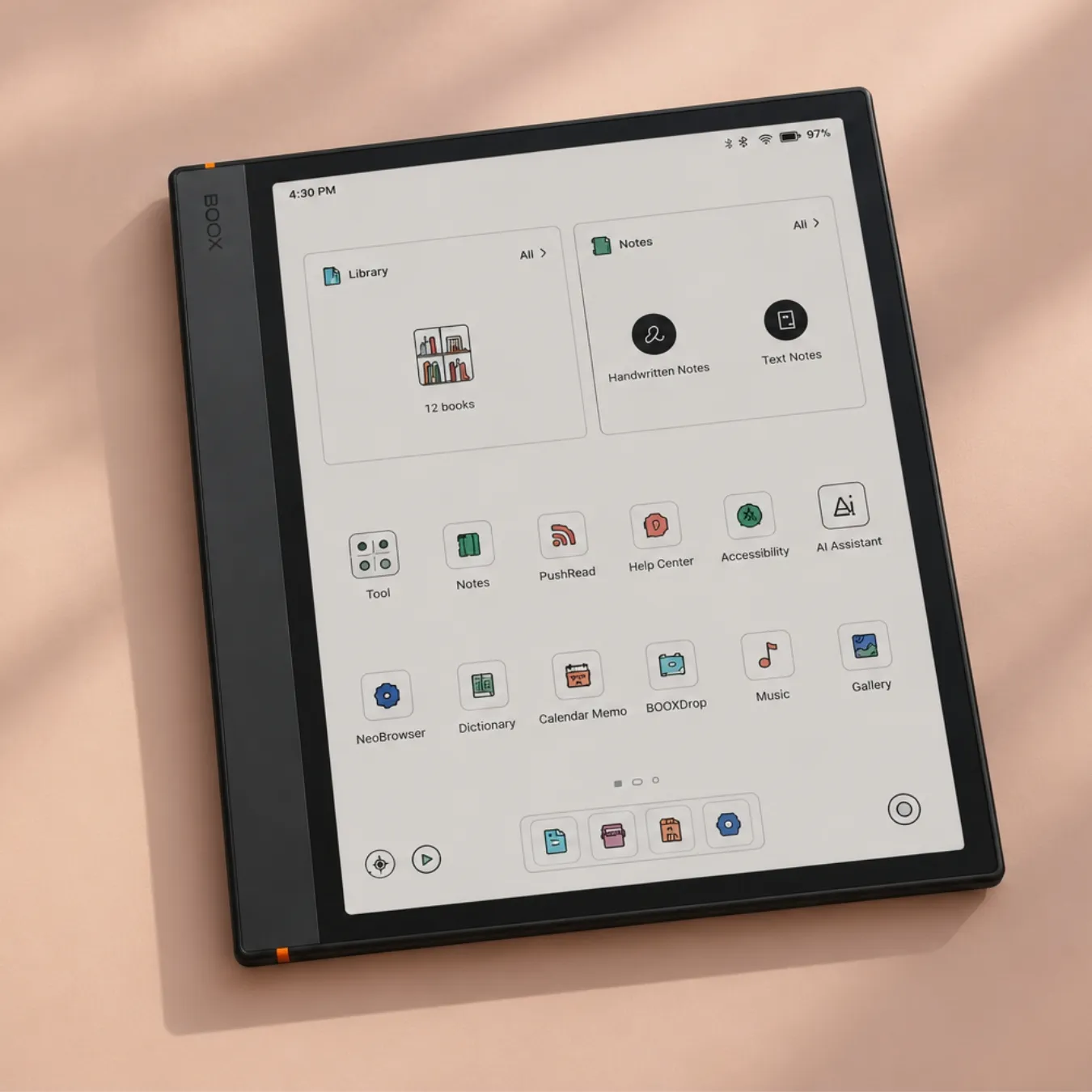
Boox launched the Note Air6 C on September 16, 2026, and it replaces the Note Air5 C as my color pick. It’s an open Android tablet with Google Play, so you can install the Kindle, Kobo, Libby, OneNote, Obsidian and Readwise apps on a single device. Boox says page turns are about 40% faster than the Air5 C, and Android 16 is current, so app compatibility should hold up longer than on older Boox models.
It’s only been out a month, so long-term owner reports are still thin. What I can tell you comes from a year of feedback on the Air5 C, which uses the same Kaleido 3 panel. Color e-ink makes the page background greyer than a monochrome screen, so most people run the frontlight indoors, and that hits battery life. Owners of the Air5 C often charged every one to two days with heavy use. Color here is for highlighting, charts, textbook diagrams and manga. It won’t look like an LCD.
If you want to save $50, the Note Air5 C is still on sale at $529.99 and has a full year of firmware fixes behind it.
Pros
Color plus Google Play apps on a 10.3-inch screen
Current Android version and expandable storage
Pen in the box, and an optional keyboard for typing
Cons
Kaleido color looks muted and greyer than black-and-white e-ink
Shorter battery life once you use the frontlight
Boox support gets poor reviews, and privacy-minded users block its telemetry
Who should buy it: students with color textbooks, manga and comic readers, and anyone who wants app flexibility from their e-ink tablet.
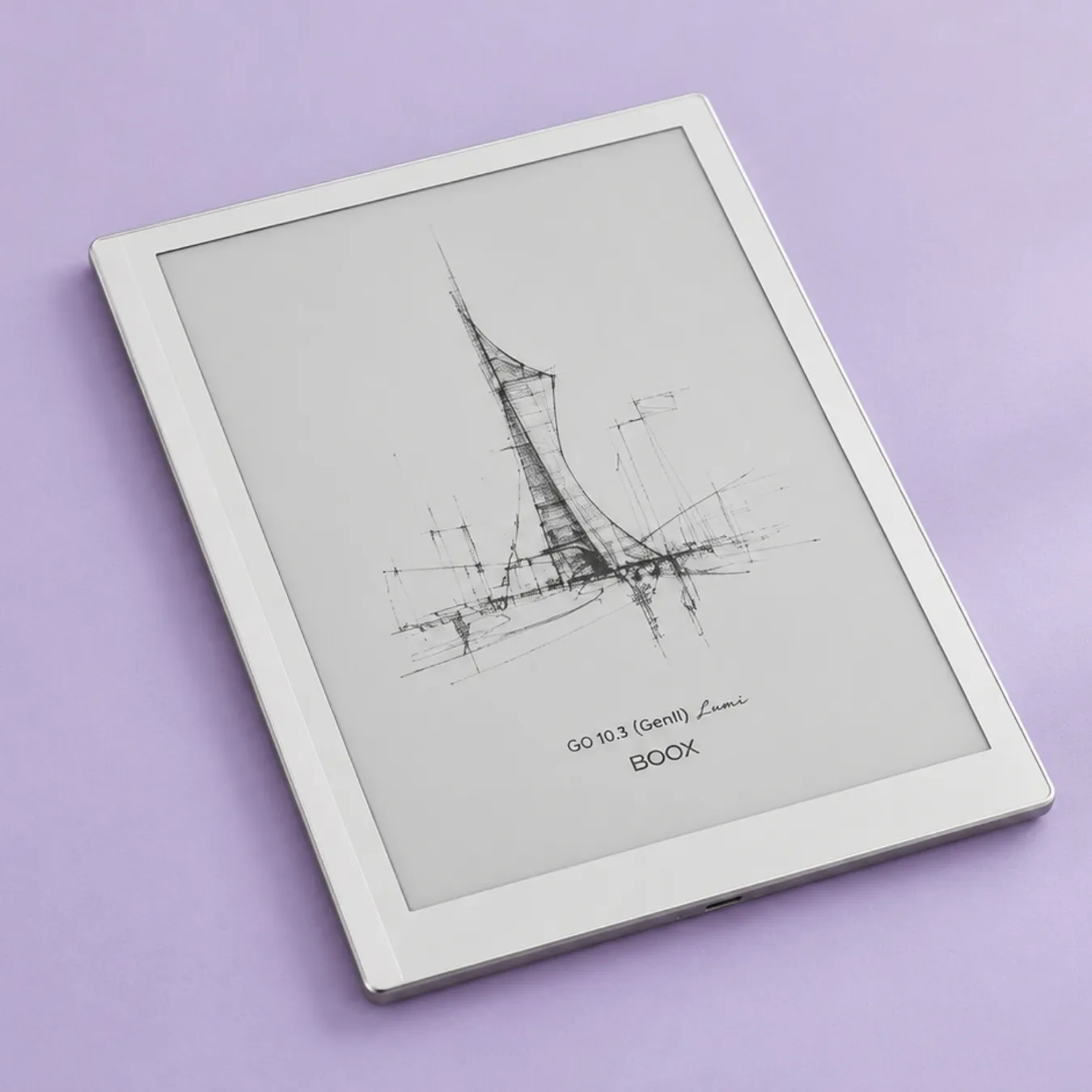
The original Go 10.3 was the tablet I suggested most often to people on a budget, and its one big flaw was no frontlight. The Gen II Lumi, released in March 2026, fixes that. You get a crisp 300 PPI screen, a thin and light body, and Google Play for under $450. That’s $50 less than a Kindle Scribe, and you can install the Kindle app on it anyway.
Owners of the first Go 10.3 liked it as a planner and printout replacement and said the screen is sharp. They also flagged a cheap-feeling stock pen, a weak pen magnet, and some lag when typing in apps like Obsidian. Confirm whether the pen is in the box for the listing you’re looking at before you order.
If you see the original Go 10.3 on clearance at $379.99, it’s still decent, but the Lumi’s frontlight is worth the extra $70 to me.
Pros
Best price for a 300 PPI, 10-inch Android e-ink tablet
The Lumi finally adds a frontlight, and it’s still light at about 360 g
Cons
Typing in third-party apps can lag
Boox’s own software takes some learning
Pen feel isn’t as refined as reMarkable or Supernote
Who should buy it: budget-conscious students and readers who want Google Play on a big, sharp screen.
10.3-inch monochrome Canvas display (custom Carta 1300) at 226 PPI
Frontlight
no frontlight
Storage
32GB storage
Weight
360 g
Battery
around three weeks of battery at an hour a day
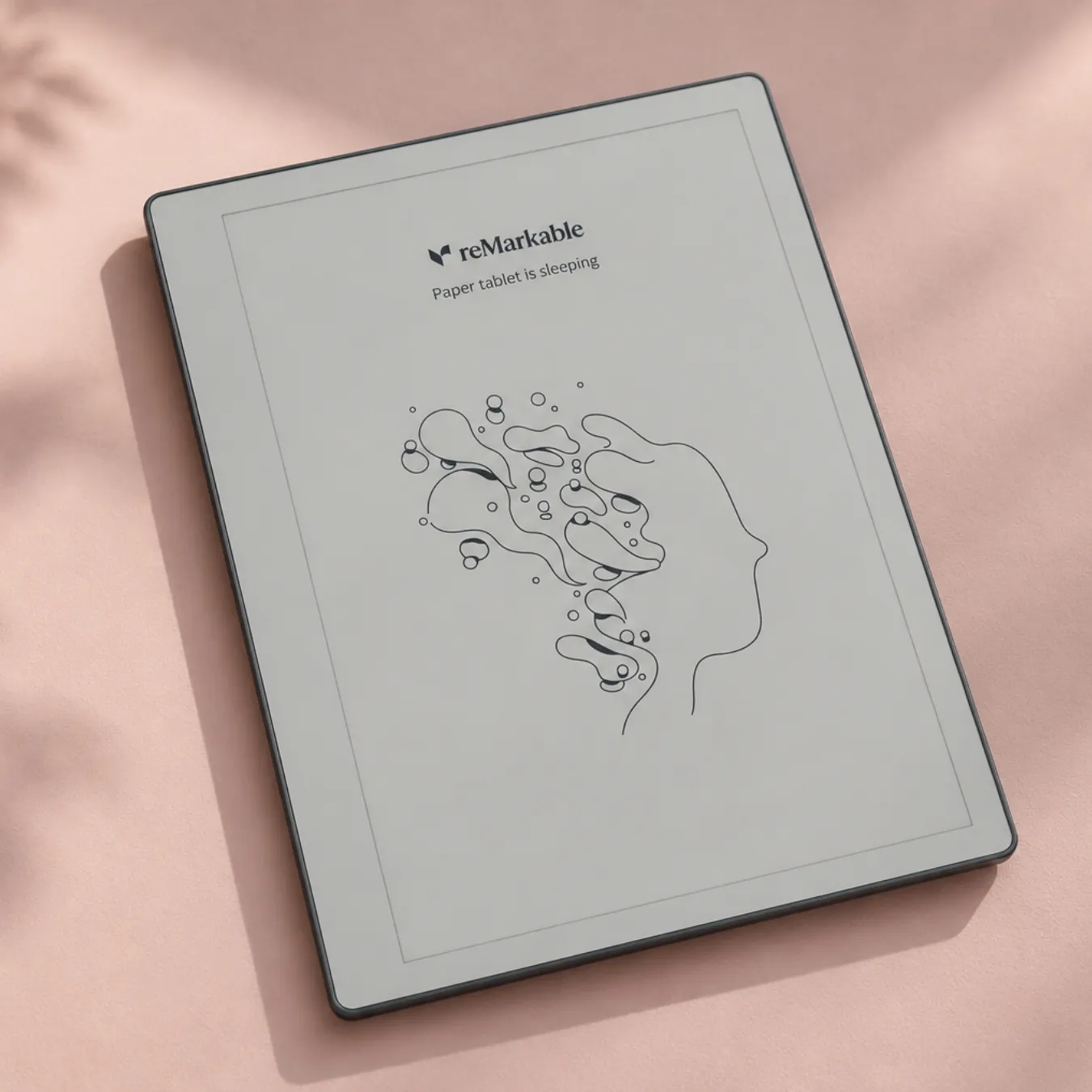
The Paper Pure launched on May 6, 2026, as the replacement for the reMarkable 2. It keeps the writing feel that made the reMarkable 2 famous, runs faster than the old model, and costs $230 less than the Paper Pro. Engadget gave it 8.3/10 and called the writing class-leading.
reMarkable still left out a frontlight, which I find hard to defend on a 2026 tablet. It also has no keyboard support. Everything I said about Connect under the Paper Pro applies here too.
You’ll still see leftover reMarkable 2 stock on Amazon. Unless it’s heavily discounted, I’d buy the Paper Pure instead, since it’s the model that will get updates for longest.
Pros
reMarkable’s writing feel for $399
Light, simple and distraction-free
Faster than the reMarkable 2 it replaces
Long battery life
Cons
No frontlight
No keyboard folio option
Who should buy it: writers and note-takers who want reMarkable’s paper feel and write in good light.
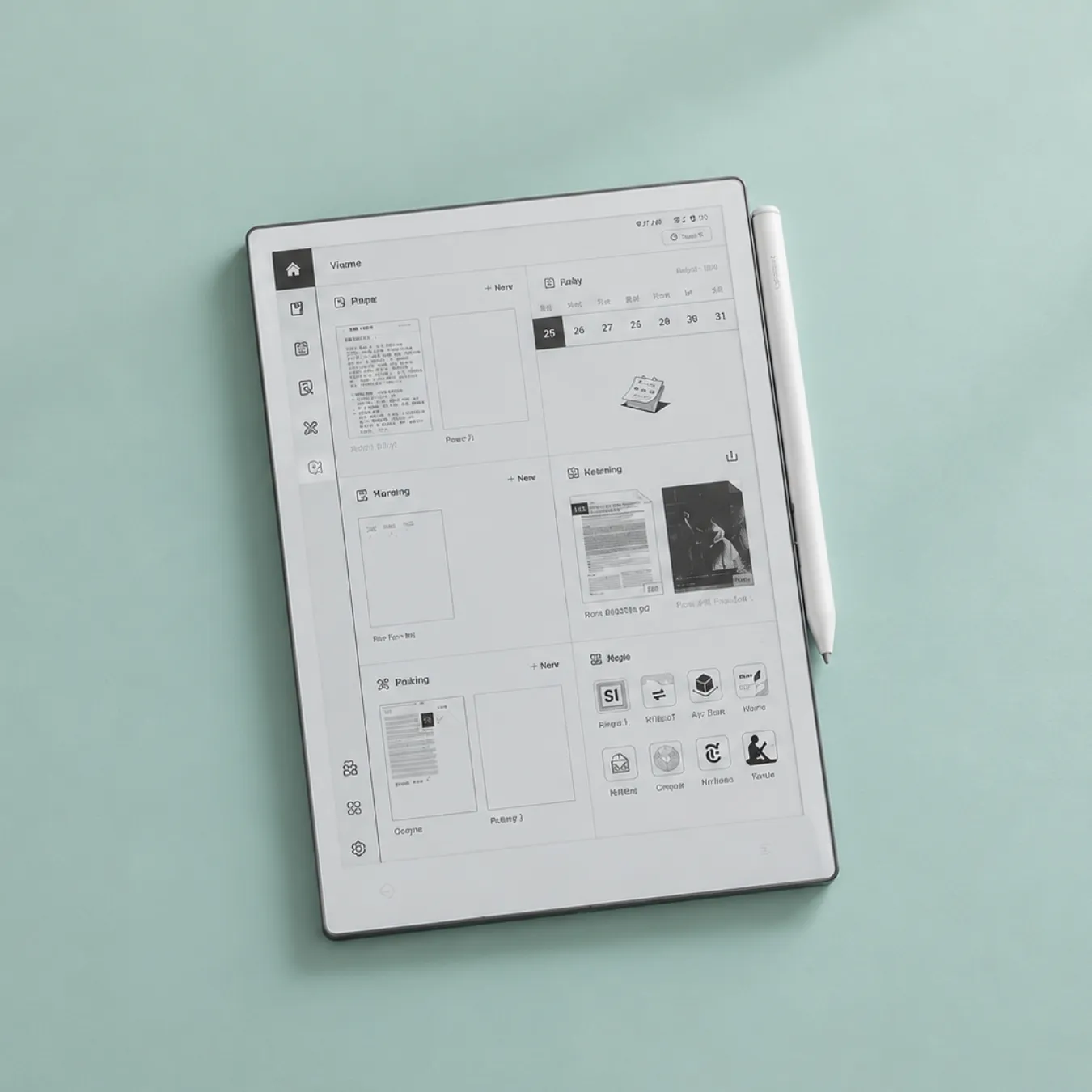
Viwoods is the newest brand on this list, and the AiPaper earned its place with excellent hardware. TechRadar called it the best writing tablet it had tested, and r/eink regulars rate the screen and build highly. You get the stylus and a folio in the box, so the real price is lower than it looks next to reMarkable or Supernote.
The AI tools turn handwriting into text, summarise notes and help with meeting notes. Viwoods added its own cloud in August 2026, with 10GB free plus Google Drive, OneDrive and Dropbox sync, and there’s no subscription. Monthly firmware updates have answered a lot of early complaints.
It has no frontlight, no microSD and no Play Store by default, so you’re sideloading apps. Handwriting recognition goes through a cloud AI service, which won’t suit people who need notes to stay offline. After-sales support is mixed, with Trustpilot reviewers in 2026 reporting refused returns and stylus failures. If you want a frontlight in a smaller size, the AiPaper Mini (8.2 inches, $429) has one.
Pros
Excellent screen and build quality
Stylus and folio included, no subscription
Cons
No frontlight on the 10.65-inch model
Newer company with uneven customer service
AI features rely on cloud processing
Who should buy it: professionals who take a lot of meeting notes and want them summarised and searchable without paying monthly.
7.3-inch Canvas Color display (Gallery 3) at 264 PPI
Frontlight
frontlight
Storage
64GB
Weight
230 g
Battery
around two weeks of battery
The Move is the Paper Pro shrunk to fit a jacket pocket. The writing feel carries over, the frontlight is there, and at 230 g you’ll actually take it to meetings. It’s built for quick notes and journaling more than for documents.
It’s pricey for the size, and the narrow screen makes full-page PDFs cramped. Some reviewers saw lag and a short delay before colors appear. One owner who returned theirs cited freezes and the Connect paywall around search and handwriting conversion in the apps. If you mostly read PDFs, buy a 10-inch tablet.
Pros
Pocketable with reMarkable’s writing feel
Color and frontlight at 230 g
Cons
Expensive for a 7.3-inch screen
Cramped for PDFs and textbooks
Same Connect subscription issue
Who should buy it: people who carry a notebook everywhere and want a digital one the same size.
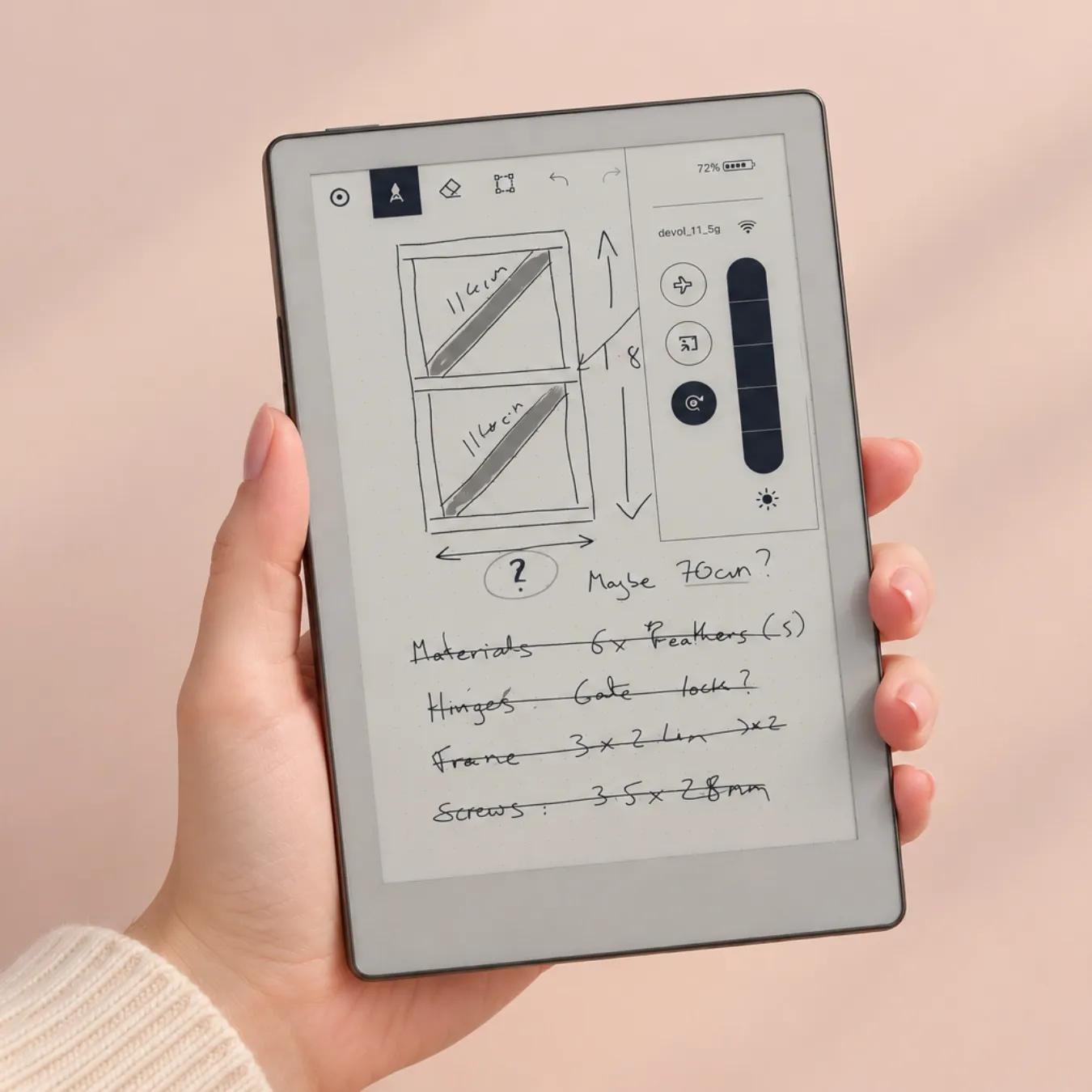
The Nomad gives you the Manta’s software and Supernote’s writing feel in an A6-sized body. Owners praise its handwriting recognition and battery life (more than a week of regular use), and some people sync it to Obsidian through Syncthing. Supernote raised the price by $30 on September 29, 2026, blaming memory costs, so it’s now $359.
The small screen is fine for notes and planners but tight for PDFs, and there’s no frontlight. You also can’t mix typed and handwritten text on the same page.
Pros
Supernote’s note tools in a small size
No subscription, and the battery is long-lasting and replaceable
Cons
No frontlight
Small for PDFs, and the pen is sold separately
Who should buy it: journalers, planners and students who want a pocket notebook with no monthly fees.
If you work with full-size PDFs, academic papers, contracts or sheet music, a 10-inch screen means constant zooming. The Note Max shows a full A4 page at 300 PPI, which makes it one of the sharpest large e-ink screens you can buy right now. Google Play means you can run the same PDF and music apps you use elsewhere.
At 615 g it’s a desk device more than a couch device. There’s no frontlight, and Android 13 is getting old for a tablet that costs this much. Boox hasn’t announced a successor, so it’s still the current model.
If you need color at this size, the Boox Tab X C ($819.99 with cover and pen) has a 13.3-inch Kaleido 3 screen and a frontlight, and owners rate it highly for magazines and manga. It’s also on Android 13.
Pros
Full A4-sized page at 300 PPI
Pen included and Google Play available
Cons
Heavy at 615 g, with no frontlight
Older Android version
Who should buy it: lawyers, academics, engineers and musicians who live in full-page PDFs.
For color textbooks and diagrams, I’d get the Boox Note Air6 C. For mostly black-and-white reading with notes on the side, the Supernote Manta is the better study tool thanks to its links and digests. On a budget, the Boox Go 10.3 Gen II Lumi runs every textbook app on Google Play for $449.99.
For reading ebooks (and borrowing from the library)
The Kindle Scribe (2025) is the best big-screen ereader with a stylus. If your library uses Libby/OverDrive and you don’t want Amazon, any Boox tablet can run Libby and Kobo apps. Kobo’s own Elipsa 2E is hard to find right now (more on that below).
For pure note-taking
The Supernote Manta, then the reMarkable Paper Pro. If your budget stops at $400, the reMarkable Paper Pure.
For meetings and work
The Viwoods AiPaper for AI summaries, or the reMarkable Paper Pro if your team already uses Slack or Miro, since reMarkable can send notes straight there.
For color and manga
The Boox Note Air6 C for 10 inches, the Boox Tab X C for 13 inches. The Kindle Scribe Colorsoft is the easy option if your comics are bought on Kindle.
For Android apps
Boox, every time. Viwoods runs Android too, but you’ll be sideloading.
For large PDFs and sheet music
The Boox Note Max. One caveat from musicians on the MobileSheets forum: many prefer a 4:3 screen for sheet music and end up on an iPad or a TCL NXTPAPER, which is LCD and not e-ink.
For a small e-ink tablet you can carry everywhere
The reMarkable Paper Pro Move if you want color and a frontlight, the Supernote Nomad if you’d rather skip subscriptions. The Boox Go 7 ($269.99) is the cheapest small model I’d consider with stylus support.
For drawing and sketching
E-ink is fine for line sketches and storyboards but not for serious art. Refresh is slow and color is limited. reMarkable’s Marker supports tilt for shading, which makes the Paper Pro my pick for sketching. On Boox, you can install drawing apps from Google Play.
For seniors and anyone who wants big, readable text
The Kindle Scribe (2025). It’s simple to set up, the 11-inch screen makes large fonts comfortable, and the frontlight is warm and adjustable.
Head-to-head: the comparisons people ask me about
Supernote vs Boox
Supernote is the better notebook. Boox is the better tablet. Supernote’s note tools are deeper, it has no subscription and no data-collection worries, and its hardware is repairable. Boox gives you Google Play, frontlights, color and more screen sizes. Owners who switch from Supernote to Boox usually cite glare or handwriting recognition. Those who go the other way usually want fewer distractions.
Boox vs Viwoods
Viwoods has the nicer hardware and writing feel on the AiPaper. Boox has the more mature software, the Play Store out of the box, and frontlights on more models. Both companies get poor marks for after-sales support, so buy from a retailer with an easy return policy.
Supernote Manta vs Viwoods AiPaper
The Manta wins for structured notes, PDFs and offline use. The AiPaper wins if you want a stylus and folio in the box, AI summaries, and access to apps like Chrome.
reMarkable Paper Pro alternatives
If the price or the subscription puts you off, the Supernote Manta has a comparable writing feel with no fees, and the Boox Note Air6 C gives you color, a frontlight and apps for less. The Viwoods AiPaper is the closest on pure writing quality.
Kindle Scribe alternatives
The Boox Go 10.3 Gen II Lumi is cheaper and runs the Kindle app. For better notes, the Supernote Manta. For color, the Boox Note Air6 C.
How to choose an e-ink tablet: my buying guide
Screen size
Around 10.3 to 11 inches is the sweet spot for notes and most PDFs. Go 13.3 inches for A4 documents and sheet music. Choose 7 to 8 inches if you care most about portability, and accept that PDFs will be cramped.
Monochrome vs color e-ink
Color e-ink comes in two main types right now. Kaleido 3 (Boox, Kindle Scribe Colorsoft) puts a color filter over a black-and-white panel, so text stays sharp at 300 PPI but color drops to 150 PPI and the page looks a little grey. Gallery 3 (reMarkable Paper Pro and Move) uses colored pigments, which gives richer color but slower color refresh. Both look muted next to an LCD. In an Android Authority reader poll, half the respondents preferred black and white. If you mostly read text, go monochrome and save money.
Frontlight
A frontlight lets you read in the dark, and most now let you warm the light up at night. Of my top ten, the Supernote Manta and Nomad, the reMarkable Paper Pure, the Viwoods AiPaper and the Boox Note Max don’t have one. If you read in bed, that decides it.
Writing feel, latency and the pen
reMarkable and Supernote lead on feel, with Viwoods close behind. Check what the pen costs and whether it’s included. Supernote’s isn’t. Also check the price of replacement nibs, because you’ll go through them.
Closed software or open Android
Closed systems (reMarkable, Kindle, Supernote) are faster, simpler and less distracting. Android (Boox, Viwoods) gives you apps but more settings to manage and, for some people, more distractions. Pick based on how much you trust yourself around a browser.
Sync, file support and subscriptions
Only reMarkable charges a subscription for core features ($3.99 a month for Connect). Kindle’s AI notebook features are free. Supernote and Viwoods are free, with optional cloud. Boox includes its own cloud and works with Dropbox and Google Drive.
Durability, repairability and privacy
Supernote is the most repairable brand, with a replaceable battery and spare parts. Most e-ink screens are fragile under pressure, so buy a hard folio. Boox is a Chinese company, and privacy-minded owners on its forums use the tablet offline or block its telemetry at the router.
E-ink tablet vs iPad
An iPad is better at almost everything except the reason people buy e-ink. It handles color, video, apps and handwriting recognition well, and with a matte screen protector it writes nicely. An e-ink tablet is easier on your eyes for long sessions, lasts days or weeks on a charge, is readable in sunlight, and has nothing on it to distract you. I’d buy e-ink if you read or write for hours a day and want to focus. I’d buy an iPad if you need one device for everything.
What I’d warn a friend about before buying
Return windows matter. Some owners of Boox and Viwoods tablets have paid return fees or been refused, so buying from Amazon or a store with simple returns is worth a few dollars more.
Color e-ink is dimmer than people expect. If you’ve only seen marketing photos, go in assuming a newspaper look.
The pen nibs wear out. Budget for replacements.
Protect the screen. A soft sleeve in a crowded bag is how people crack e-ink panels, and warranties often exclude pressure damage.
Subscriptions add up. reMarkable Connect is $3.99 a month, about $96 over two years if you pay monthly.
Firmware updates can change how a device feels, for better or worse. Boox updates in particular are hard to roll back.
Tablets I left off this list (and why)
reMarkable 2: discontinued in May 2026 and replaced by the Paper Pure. Leftover stock is still around.
Kindle Scribe (2024): replaced by the 2025 model. It’s a good deal if you find it cheap, but it won’t get the newest notebook features.
Kobo Elipsa 2E: Kobo stopped selling it on Amazon US in February 2026 and it’s sold out on Kobo’s international store. Kobo’s US store still lists it at $399.99, and it’s a nice OverDrive reader with a stylus, but I don’t rank tablets I can’t count on being in stock. No successor has been announced.
Boox Note Air5 C: replaced by the Note Air6 C, though still on sale at $529.99 for now.
Boox Palma 2: sold out on the Boox store. The Palma 2 Pro ($399.99, color, 5G data) is the current model, and the Palma 3 ($339.99) is announced but not shipping yet. These are phone-sized readers more than writing tablets.
Boox Note Mini C: an 8.52-inch color model on pre-order at $549.99. I’ll consider it once people have it in their hands.
Kobo Libra Colour: a 7-inch waterproof color ereader ($229.99) that works with the Kobo Stylus 2 (about $70 extra). Great reader, too small for serious notes.
PocketBook InkPad One ($359 with stylus) and Bigme B10 ($699): both new in 2026, and I want more owner feedback first.
InkLeaf: a foldable, dual-screen e-ink notebook. Public sales aren’t expected until March 2027.
Frequently asked questions
What is the best e-ink tablet in 2026?
For most people who want to write, the reMarkable Paper Pro. For readers who also take notes, the Kindle Scribe (2025). If you want no subscription, the Supernote Manta.
What is the best color e-ink tablet?
The Boox Note Air6 C for most people, since it has color, a frontlight and Android apps. The reMarkable Paper Pro has richer color but costs more and runs no third-party apps.
Are e-ink writing tablets worth it?
They are if you handwrite or read for long stretches and want fewer distractions. They aren’t if you need video, browsing or fast apps. A lot of regretful buyers on Reddit really wanted an iPad.
Why are e-ink writing tablets so expensive?
Large e-ink panels are made by essentially one supplier, E Ink, and they’re produced in much smaller volumes than LCDs. Add a pressure-sensitive pen layer, a small market and tariffs (several brands raised US prices in 2025 and 2026), and prices stay high.
What is the best cheap e-ink tablet?
The Boox Go 10.3 Gen II at $419.99, or the Boox Go 7 at $269.99 if a small screen is fine. For the best value e-ink writing tablet under $400, I’d pick the reMarkable Paper Pure or the Supernote Nomad.
Is there a waterproof e-ink tablet?
None of the 10-inch writing tablets on my list are waterproof. The closest thing is the Kobo Libra Colour, a 7-inch IPX8 ereader that works with the Kobo Stylus 2.
Do e-ink tablets need a subscription?
Only reMarkable puts core features (handwriting search, unlimited sync, app editing, AI) behind Connect at $3.99 a month. Kindle, Supernote, Viwoods and Boox don’t require one.
Are e-ink tablets eye friendly?
E-ink reflects light like paper instead of shining it at you, and the frontlights shine onto the screen rather than into your eyes. Most people find long reading sessions more comfortable than on an LCD, especially with a warm frontlight at night. If you have a specific eye condition, ask your eye doctor.
Can I read Kindle books on an e-ink tablet?
On a Kindle Scribe, obviously. On Boox and other Android e-ink tablets you can install the Kindle app from Google Play. reMarkable and Supernote can’t open Kindle books.
Does Supernote work with Obsidian?
There’s no official integration. Owners sync notes and exports into an Obsidian vault using Syncthing or a cloud folder. Boox can run the Obsidian app directly, though typing can lag.
Is there a Linux or open-source e-ink tablet?
reMarkable OS is Linux-based, and you can enable developer mode for SSH access. PocketBook tablets also run Linux. The PineNote is the fully open option, but owners say it’s for tinkerers, with poor sleep and battery performance.
Can an e-ink tablet replace an LCD monitor?
Not really. If you want an e-ink display for desk work, look at a dedicated e-ink monitor instead of a tablet. Even those struggle with video and fast scrolling.
Are foldable e-ink tablets available?
Not widely yet. InkLeaf is the most talked-about foldable, dual-screen e-ink notebook, with founder units shipping in 2026 and public sales planned for March 2027.
My final verdict
If you want the best writing experience and don’t mind paying for it, buy the reMarkable Paper Pro. If you read more than you write, the Kindle Scribe (2025) is the safest choice. If you hate subscriptions and want the best note tools, get the Supernote Manta. And if you want color and Google Play apps, the Boox Note Air6 C is the one I’d buy today.
I check prices and stock on this page regularly and will update it when the next round of tablets ships.
Cookies and audience measurement
I use Google Analytics and Microsoft Clarity to understand how my reviews are read and to improve them. They only run if you accept. You can change your mind at any time. Privacy policy