Best e-ink tablet for students in 2026: for textbooks, PDFs and notes

By Emily Book reviewer Published Updated
KoboldTouch is reader-supported. If you buy through a link on this page, I may earn a commission. No brand pays to appear in this list.
An e-ink tablet can replace a backpack full of notebooks, a stack of printed lecture slides and the textbook you only open the night before an exam. It shows PDFs on a screen that looks like paper, lets you write on them with a pen, and goes a week or more between charges. It also has no social media, no notifications and no YouTube autoplay, which is half the reason students buy one.
The other half is reading. I read for many hours a week on an e-reader, and the thing I’d tell any student first is that a book and a PDF are different problems. A novel reflows to fit any screen. A textbook PDF or a set of lecture slides doesn’t, so a tablet that’s lovely for fiction can be miserable for a 600-page anatomy textbook.
I rewrote this guide from scratch at the start of November 2026, because a lot changed this year. reMarkable discontinued the reMarkable 2 in May and replaced it with the cheaper Paper Pure. Boox released the Note Air6 C in September. Every Kindle Scribe is now an 11-inch model, and the 2024 Scribe has gone. For this update I went through manufacturer pages, reviews from TechRadar, Notebookcheck, Good e-Reader and The Gadgeteer, and student threads on Reddit (r/eink, r/RemarkableTablet, r/Supernote, r/PhD and several university subreddits) to see what students say after a semester of use. Every tablet below was on sale in the US when I checked prices this week.
If you want the full list for every kind of buyer, my main guide to the best e-ink tablets covers that.
My top 3
- #1 pick 01 Best e-ink tablet for most students
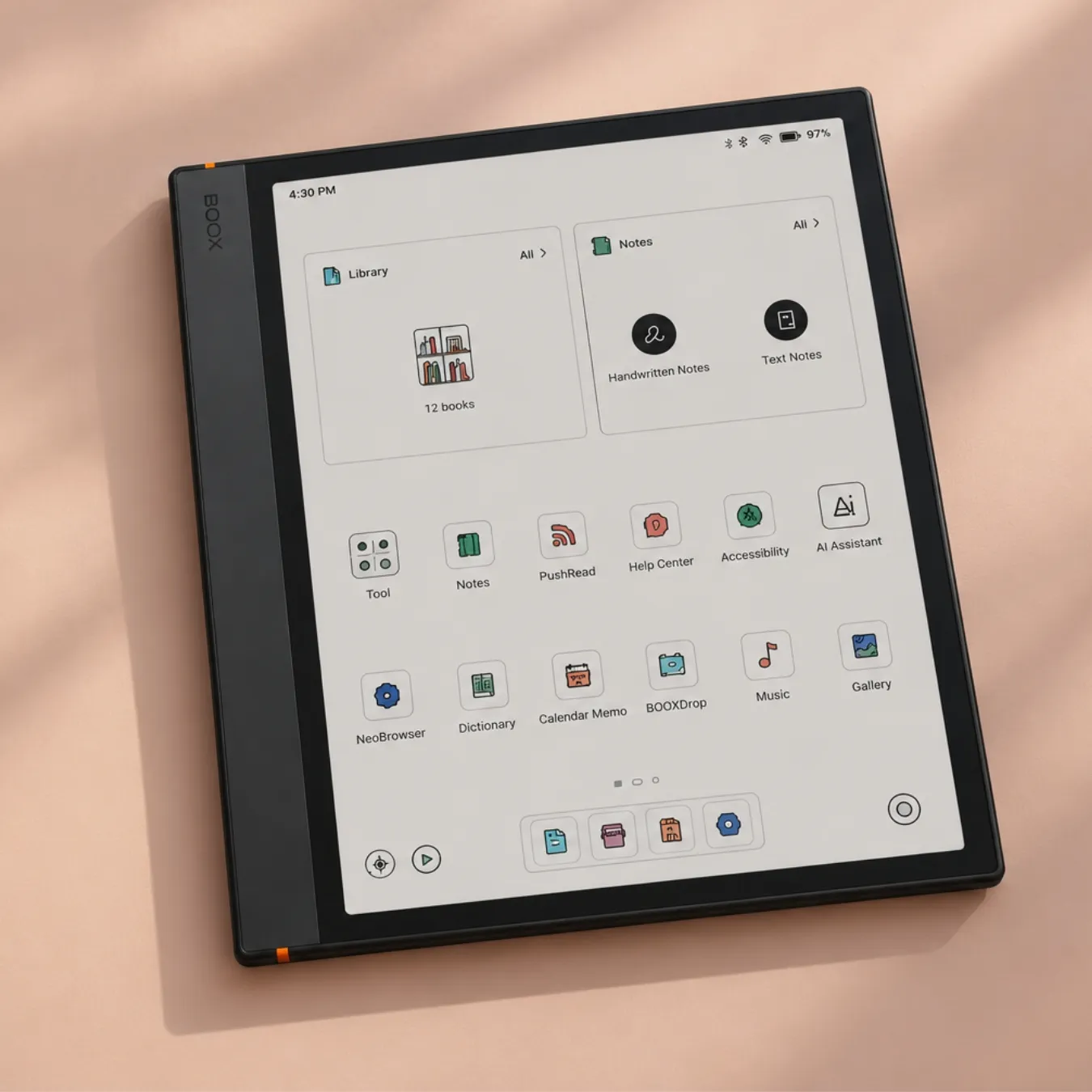
Boox Note Air6 C
KT score: 92/100- Screen
- 10.3” color
- Apps
- Android 16 + Play
- Pen
- Included
- Light
- Yes
Best for: students who rely on textbook apps or cloud folders, and anyone who wants one device for reading, notes and research.
Check price Read the full review ↓ - 02 Best for reading textbooks and simple notes
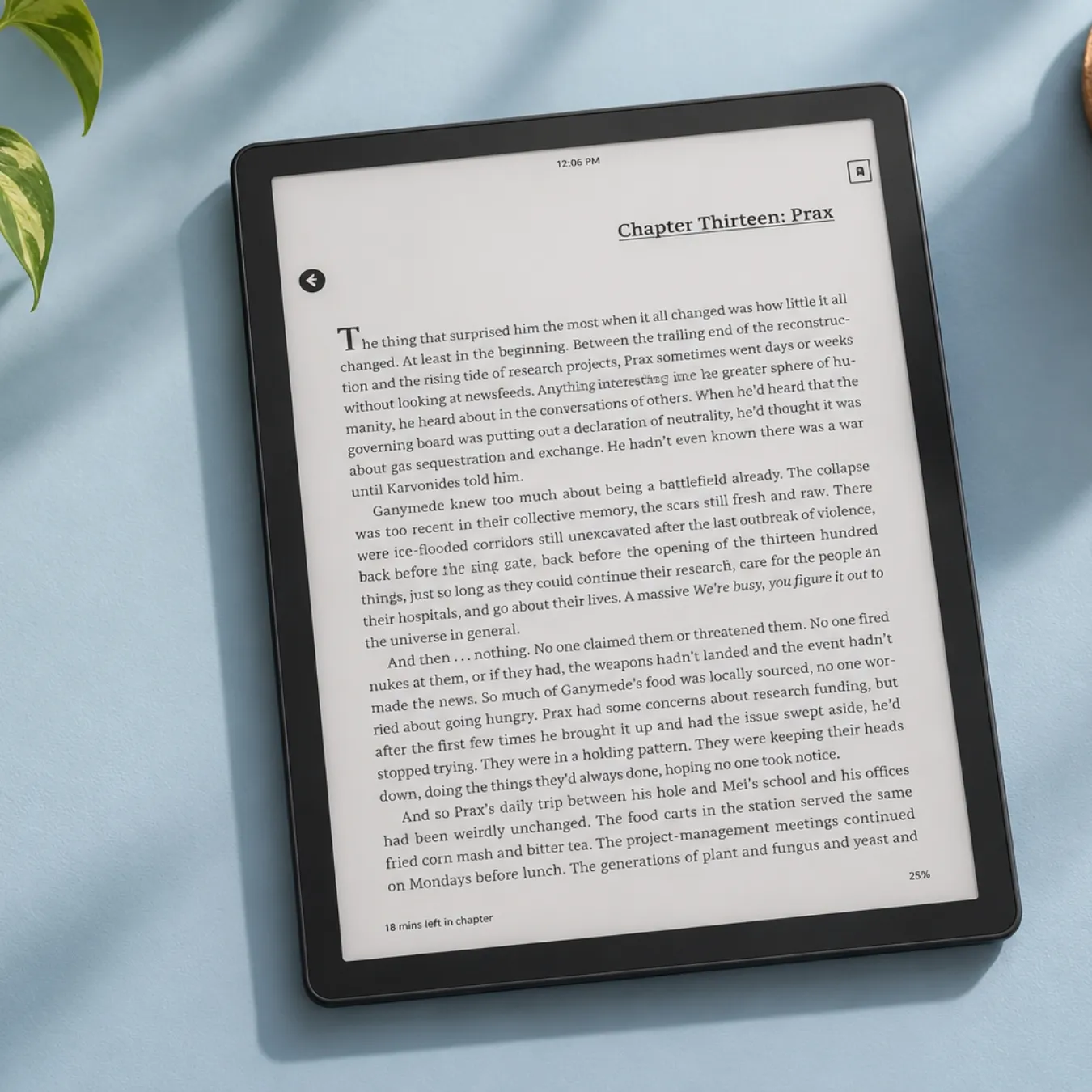
Kindle Scribe (2025)
KT score: 89/100- Screen
- 11” B&W
- Apps
- Amazon only
- Pen
- Included
- Light
- Yes
Best for: students who mostly read and annotate, and anyone already using Kindle.
Check price Read the full review ↓ - 03 Best for writing feel
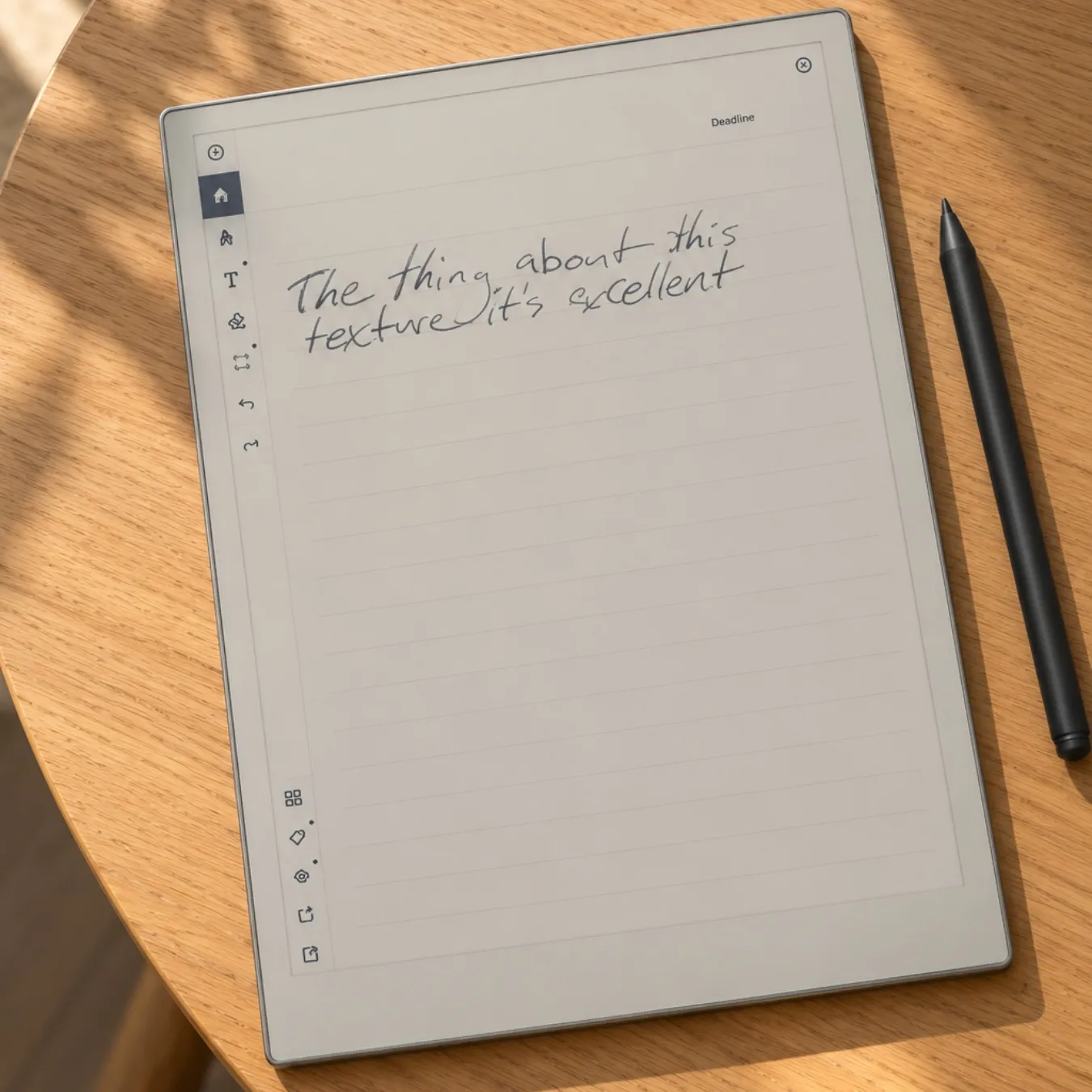
reMarkable Paper Pro
KT score: 88/100- Screen
- 11.8” color
- Apps
- None
- Pen
- Included
- Light
- Yes
Best for: students who write a lot by hand and read their PDFs from a folder.
Check price Read the full review ↓
My picks at a glance
Do students actually need an e-ink tablet?
Most don’t need one, but plenty would be glad to have one. You’ll get the most out of an e-ink tablet if you:
- read a lot of PDFs: lecture slides, journal articles, case law, scanned chapters;
- like writing notes by hand but hate losing notebooks or carrying five of them;
- get distracted on a laptop or iPad and want a device that only does reading and writing;
- study in bright rooms or outdoors, where glossy screens reflect everything.
It’s a weaker fit if your course depends on video, color-heavy slides, coding or fast web research. Students on Reddit are fairly blunt about this. A PhD student with a Boox Note Air4 C wrote that “reading papers on it is great” but that note taking felt “kinda clunky”, and a computer engineering student found that “flipping through my notes is a little more tedious on a tablet” than paging through paper. Many of the people who are happiest with one still keep a laptop for typing and use the e-ink tablet for reading and handwriting.
What matters most for studying
Screen size and PDFs
Textbooks and slides are fixed-layout PDFs. On a small screen you zoom and scroll on every page, and on e-ink every zoom means a refresh. One student on a university subreddit who owns the 13.3-inch Boox Note Max said the constant zooming and panning on 6- and 10-inch screens was a dealbreaker for PDFs.
Computingforgeeks worked out how big a full US Letter page appears on each screen, compared with the printed page:
| Tablet | Screen | Letter page shown at |
|---|---|---|
| Boox Note Max | 13.3” | 94% |
| reMarkable Paper Pro | 11.8” | 83% |
| Supernote Manta | 10.7” | 75% |
| Boox Note Air6 C | 10.3” | 73% |
| reMarkable Paper Pure | 10.3” | 73% |
For most students, 10.3 to 11.8 inches is the practical sweet spot: big enough for a slide or a journal article, small enough to carry. Go bigger if your course is mostly dense PDFs. Go smaller only if the tablet is mainly a notebook.
Where your textbooks come from
This is the question to answer before you pick a brand.
- If your textbooks are PDFs from your library or professor, any tablet here works.
- If you use VitalSource, Kindle textbooks, RedShelf or another publisher app, you need an Android tablet with Google Play (Boox), or the matching Amazon device for Kindle titles. reMarkable and Supernote can’t run those apps.
- Kindle textbooks are a special case. Many use a fixed-layout format, and not every title opens on a Kindle Scribe. Before you buy a Scribe for a specific textbook, check the “Available on these devices” or compatibility note on that book’s Amazon page.
Apps and cloud sync
Boox tablets run Android with the Google Play Store, so you can install Google Drive, OneDrive, Dropbox, Zotero, the Kindle and Kobo apps and most note apps. Students say OneNote runs but feels laggy on e-ink. reMarkable syncs with Google Drive, Dropbox and OneDrive. Supernote supports Dropbox, Google Drive, OneDrive, WebDAV and its own cloud. The Kindle Scribe imports files from Google Drive and OneDrive and exports notes to OneNote.
Pen and writing feel
reMarkable and Supernote focus on writing first, and their owners talk about the feel more than anything else. Boox tablets do more, but reviews of the 2026 Boox pens are mixed: TechRadar found the new InkSense Plus pen on the Go 10.3 Gen II heavier, with a thicker tip than the previous model. If handwriting is most of what you’ll do, writing feel deserves a lot of weight.
Color
Color e-ink (Kaleido 3 and Gallery 3) helps with highlighting, charts and diagrams, but color is shown at half the sharpness of black text, and the screen is darker. In Discury’s analysis of 162 Reddit comments from e-ink communities, the most common complaint about e-ink tablets was color screens looking dim or low contrast without the front light on. If your subject is mostly text, black and white is sharper and cheaper.
Front light
A front light lets you read in a dim lecture hall or late at night. The Paper Pure, Supernote Manta and the cheapest Kindle Scribe don’t have one. Plenty of people manage without, but it’s worth deciding before you buy.
Subscriptions
reMarkable’s Connect plan costs $3.99 a month. Without it you still get handwriting conversion and Google Drive, Dropbox and OneDrive sync, but files you haven’t opened or synced in 50 days drop out of reMarkable’s cloud. Supernote, Boox, Kindle and Kobo have no required subscription.
Comparison table (November 2026)
- Screen:
- 10.3” B&W
- Apps:
- Android 15 + Play
- Pen:
- Included
- Light:
- Yes
How I score tablets for students
Each tablet gets a KoboldTouch (KT) score out of 100, weighted for studying:
- Reading PDFs and textbooks (30%): screen size, sharpness, page-turn speed, support for textbook apps
- Note-taking (30%): pen feel, latency, organization, search, handwriting conversion
- Software and sync (20%): cloud services, export, updates, app support
- Value (20%): price, required subscriptions, what’s in the box, battery life
I weigh spec sheets against what owners say after months of use. A tablet that looks great on paper but frustrates students with slow PDFs loses points.
The best e-ink tablets for students in 2026
All reviews →01
Boox Note Air6 C
the best e-ink tablet for most students
KT score: 92/100
Specs
- Display
- 10.3-inch Kaleido 3 color display (300 PPI black and white, 150 PPI color)
- Frontlight
- frontlight
- System
- Android 16
- Memory
- 6GB RAM
- Storage
- 64GB plus microSD
- Weight
- about 430 g
- In the box
- Pen3 included
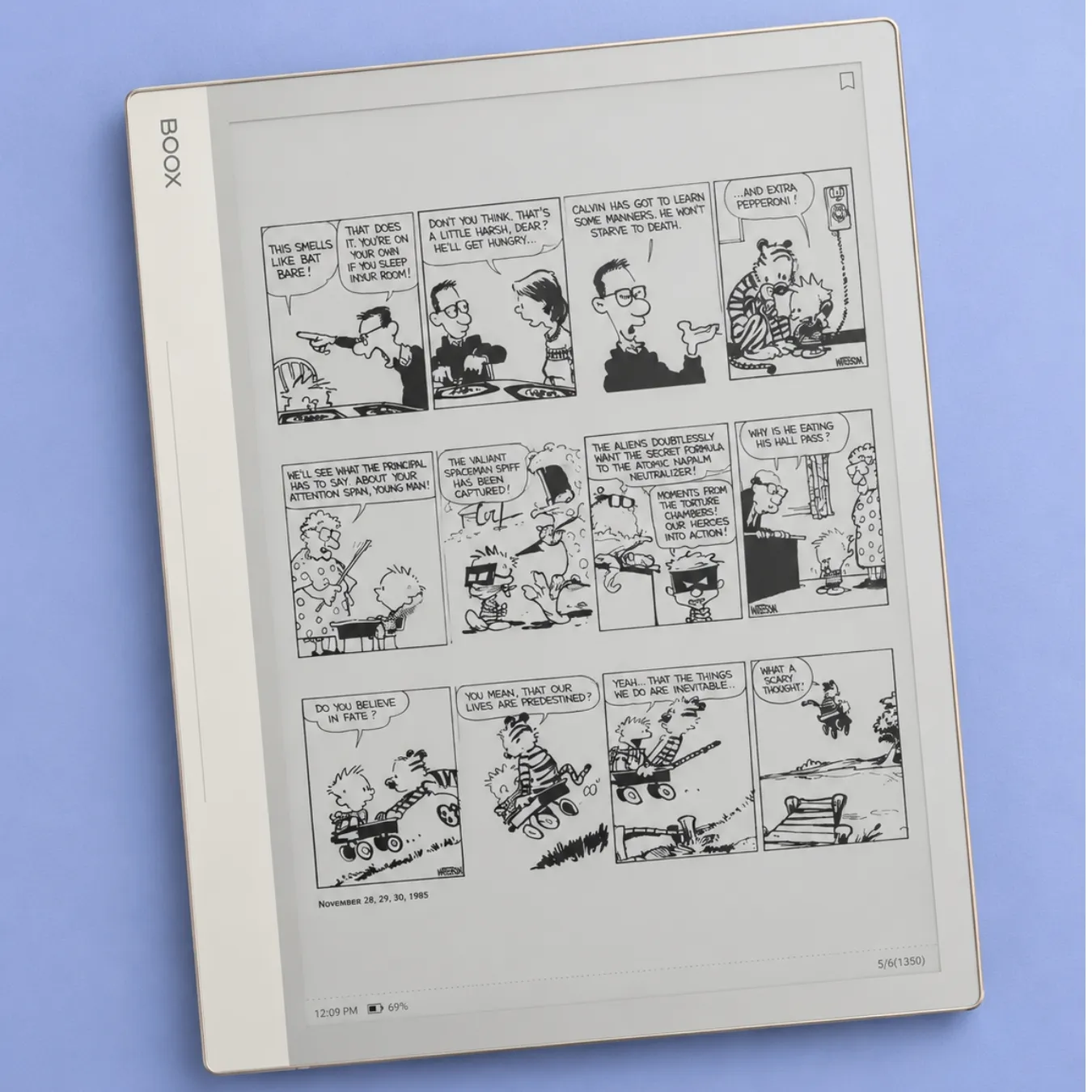
The Note Air6 C is the tablet I’d point most students to, because it handles the widest range of coursework. It runs Android 16 with the Google Play Store, so VitalSource, Kindle, Google Drive, OneDrive, Zotero and your university’s apps install like they would on a phone. The 10.3-inch color screen shows black text at 300 ppi and color at 150 ppi, which is enough to see highlights, graphs and colored diagrams in slides. It has a front light, 6 GB of RAM, 64 GB of storage plus a microSD slot, and the Pen3 stylus comes in the box.
The 2026 model adds two things students will notice. Boox says PDFs open and turn pages about 40% faster than on the Note Air5 C, which matters with big scanned textbooks, though that figure is the company’s own. It also adds Talk Insights, a lab feature that records, transcribes and summarizes lectures. Ask your instructor before you record. One student on Reddit called recording lectures “a bit of an invasion of privacy” without permission.
The downsides are familiar for Boox. The software has many settings to learn, and some apps built for phones refresh badly on e-ink. The Ereaders Forum review found the screen a little darker, with a slight green tint when the front light is off, and noted that the toolbar can no longer be fully hidden. If you don’t need color, the Note Air5 C ($529.99) is still sold and costs $50 less.
Good
- Runs textbook, cloud and note apps from Google Play
- Color for diagrams and highlights, pen included
- Expandable storage for large PDF libraries
Not so good
- Lots of settings to learn
- Color screen is darker than black-and-white e-ink
Best for: students who rely on textbook apps or cloud folders, and anyone who wants one device for reading, notes and research.
Check price02
Kindle Scribe (2025)
the best for reading textbooks and simple notes
KT score: 89/100
Specs
- Display
- 11-inch Carta 1300 display at 300 PPI
- Frontlight
- warm frontlight
- Weight
- 400 g and 5.4 mm thick
- Battery
- up to 12 weeks of reading
- In the box
- Premium Pen included
The Kindle Scribe is the easiest tablet here to live with. The 2025 model has an 11-inch, 300 ppi screen with a front light, weighs about 400 g, and comes with a pen that never needs charging. If you already buy Kindle books, they’re all there, and it has the best reading screen of the large tablets in this list.
For studying, Amazon has improved the Scribe’s note tools a lot. You can bring in PDFs from Google Drive or OneDrive, write directly on them, export notebooks to OneNote, and search your handwriting with Amazon’s AI, which can also summarize notes. TechRadar noted that only about 22 GB of the 32 GB is usable and that notebooks can’t be sorted into subfolders, so it suits students who keep simple folders.
Prices move a lot. In Amazon’s October Prime sale the Scribe dropped to $379.99 and the Scribe Colorsoft to $479.99. If you’re a student, Prime Student gives you a six-month free trial, which also gets you those Prime deal prices. There’s also a Scribe without the front light at $429.99, which I’d skip: the light is worth the extra money, and the cheaper model is rarely discounted.
Good
- Best reading screen in this list
- Simple, fast note-taking with a charge-free pen
- Frequent big discounts
Not so good
- No third-party apps, so no VitalSource or Google Play
- Basic folder organization
Best for: students who mostly read and annotate, and anyone already using Kindle.
Check price03
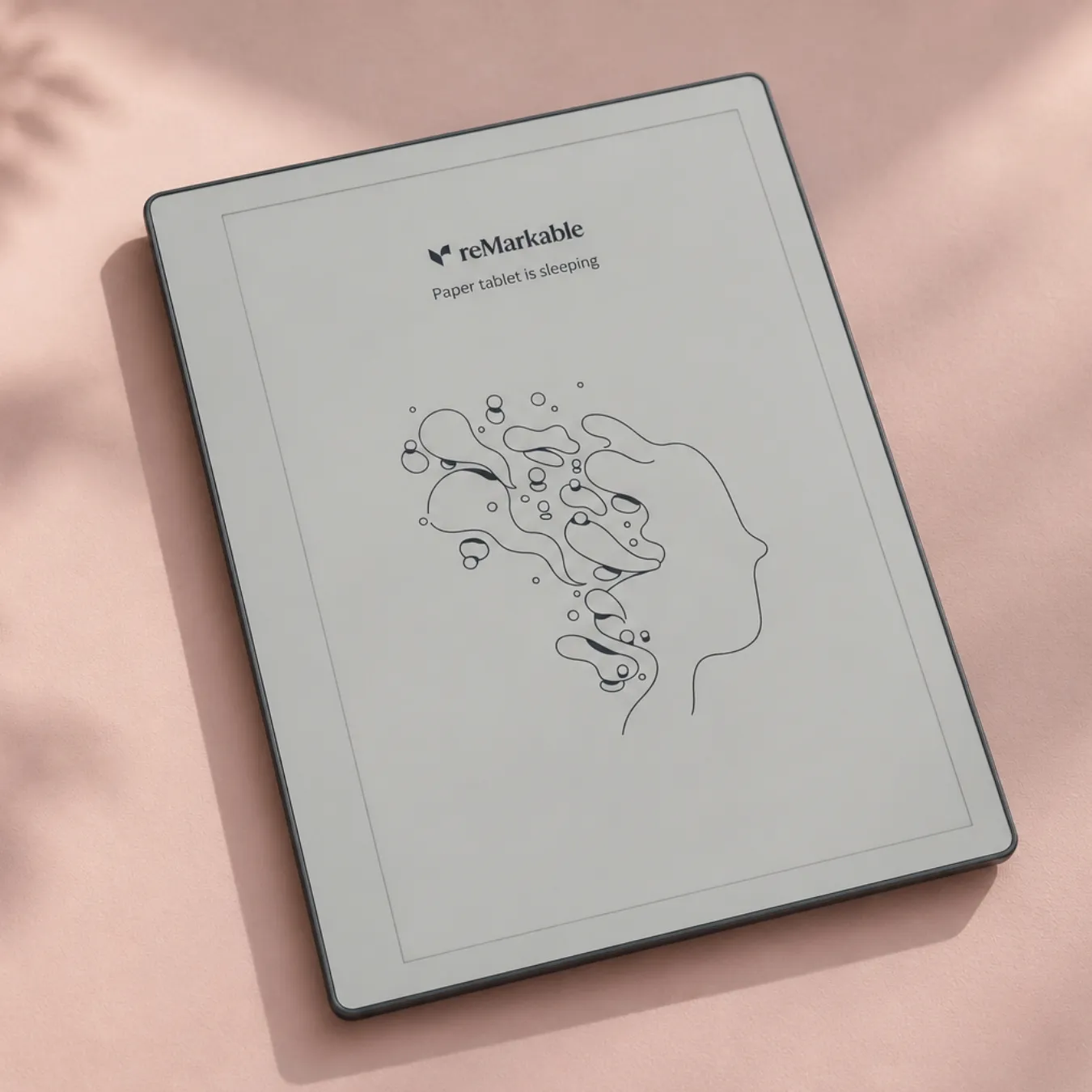
reMarkable Paper Pro
the best writing feel
KT score: 88/100
Specs
- Display
- 11.8-inch Canvas Color display (E Ink Gallery 3)
- Resolution
- 2160 x 1620 at 229 PPI
- Frontlight
- adjustable frontlight
- Storage
- 64GB storage
- Weight
- about 525 g
- Battery
- around two weeks of battery
If handwriting is the main reason you want a tablet, the Paper Pro is the one students praise most for writing. The 11.8-inch Gallery 3 color screen is the largest here apart from the Note Max, showing a Letter page at 83% of its printed size, with a front light and 64 GB of storage. The writing surface has a slight paper texture, and the software has no app store, no browser and nothing else to pull your attention away.
On Reddit, one student said being able to move handwritten blocks around was “a really nice move up from physical paper”. You can convert handwriting to text, add typed text, and sync with Google Drive, Dropbox and OneDrive.
The trade-offs are price and limits. The Paper Pro went from $579 to $629 because of US tariffs, and the bundles with the Marker Plus or a keyboard folio cost $679 to $829. It doesn’t run textbook apps. Large PDFs over 100 MB need the desktop app instead of the USB web interface. And the Connect subscription question comes up in nearly every student thread: you don’t need it, but without it older unsynced files drop out of the cloud after 50 days.
Good
- The writing feel students compare to paper
- Large color screen with a front light
- Distraction-free by design
Not so good
- Expensive once you add accessories
- No apps for textbook platforms
Best for: students who write a lot by hand and read their PDFs from a folder.
Check price04
reMarkable Paper Pure
the best budget note-taker
KT score: 87/100
Specs
- Display
- 10.3-inch monochrome Canvas display (custom Carta 1300) at 226 PPI
- Frontlight
- no frontlight
- Storage
- 32GB storage
- Weight
- 360 g
- Battery
- around three weeks of battery at an hour a day
The Paper Pure replaced the reMarkable 2 in May 2026 and is the cheapest reMarkable yet. It has a 10.3-inch black-and-white screen at 226 ppi, 32 GB of storage, a faster processor than the reMarkable 2 and a battery reMarkable rates at about three weeks. TechRadar’s reviewer found that claim accurate and gave it about 4.5 out of 5.
The big omission is the front light. TechRadar called it “the biggest misstep”, and if you study in the evening you’ll need a lamp. The body is plastic, and the Paper Pure has no connector for reMarkable’s Type Folio keyboard. The $449 bundle adds the Marker Plus (with an eraser end) and a sleeve.
If you’re on a budget and mostly take notes, it’s the reMarkable I’d buy. Several student-focused pages still recommend the reMarkable 2, which is now discontinued, so you’ll see it mostly as refurbished stock.
Good
- Same distraction-free reMarkable writing for $230 less than the Paper Pro
- Excellent battery life
- Light at 360 g
Not so good
- No front light
- Handwriting conversion is hit and miss, according to TechRadar
Best for: students on a budget who mainly take handwritten notes.
Check price05
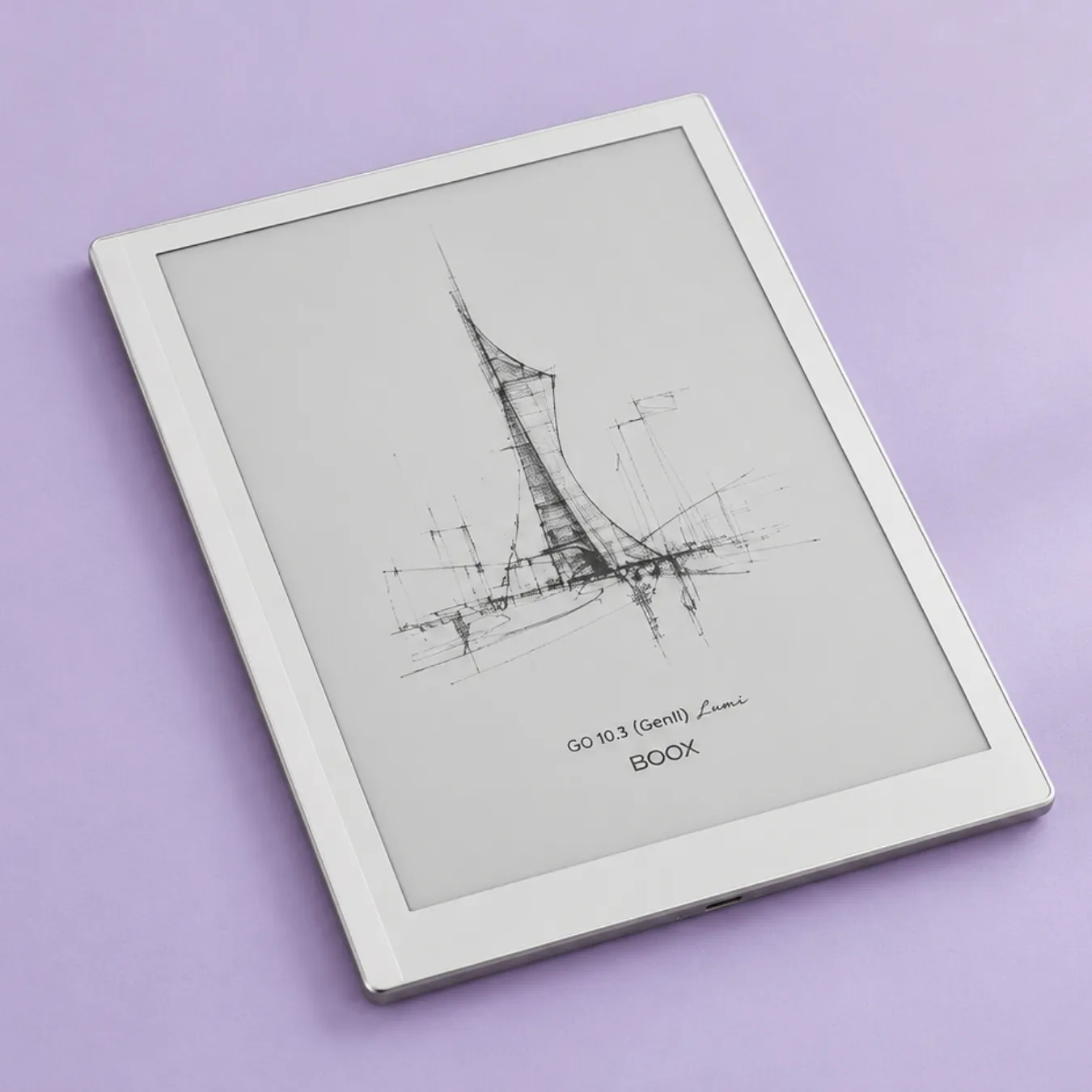
Boox Go 10.3 Gen II Lumi
the best Android tablet under $500
KT score: 86/100
Specs
- Display
- 10.3-inch monochrome display at 300 PPI
- System
- Android 15
- Weight
- about 360 g
- Frontlight
- frontlight on the Lumi version
The Go 10.3 Gen II is the cheapest way to get Android and Google Play on a 10-inch e-ink screen. It’s a sharp 300 ppi black-and-white display, runs Android 15, weighs about 364 g and comes with a stylus. The Lumi version adds a warm and cold front light, and TechRadar’s reviewer got 17 days of use from a charge with an hour of reading and half an hour of writing a day. The version without the light is $419.99.
The pen is the weak point. Boox dropped Wacom EMR for its own InkSense Plus pen, which needs charging and won’t work with third-party EMR pens, and TechRadar found its thicker tip less smooth than the old one. Reviewers also noted ghosting in the notes app and no microSD slot.
Good
- Google Play apps on a sharp, light 10.3-inch screen
- Long battery life for an Android tablet
- Front light on the Lumi
Not so good
- The new pen is a step back for writing
- No microSD slot
Best for: students who need textbook apps on a budget and read more than they write.
Check price06
Supernote Manta
the best for organized notes with no subscription
KT score: 85/100
Specs
- Display
- 10.7-inch E Ink display
- Resolution
- 1920 x 2560 (about 300 PPI)
- Frontlight
- no frontlight
- Storage
- 32GB plus microSD
- Battery
- user-replaceable battery
Supernote’s 10.7-inch Manta is popular with grad students and anyone who takes a lot of notes. The 300 ppi screen is sharp, storage starts at 32 GB with a microSD slot, and there’s no subscription. Its standout feature is organization: you can tag headings and keywords as you write and jump to them later, which a Supernote owner on Reddit called “awesome to have”. In the same Discury analysis, eight users said they had switched from reMarkable to Supernote, mostly for better file organization and no subscription.
Keep in mind that the pen isn’t in the box, the screen has no front light, and it doesn’t run third-party apps. Supernote offers a $20 student discount through its Student Discount Program.
Good
- Excellent tools for finding and organizing notes
- No subscription, expandable storage
- Student discount
Not so good
- Pen costs extra
- No front light
Best for: grad students, law and medical students, and anyone with years of notes to search.
Check price07
Boox Note Max
the best for full-size PDFs
KT score: 84/100
Specs
- Display
- 13.3-inch Carta 1300 display at 300 PPI
- Frontlight
- no frontlight
- System
- Android 13
- Memory
- 6GB RAM
- Storage
- 128GB storage
- Weight
- 615 g
- In the box
- Pen Plus included
If your course is mostly long PDFs, the Note Max is the only tablet here that shows a Letter page close to its real size (94%). That means no zooming on textbooks, papers or past exams. It’s a 13.3-inch black-and-white screen running Android with Google Play, so the same textbook apps work as on the Note Air6 C.
It’s big and expensive, and it won’t fit in every bag. Check what’s included in the listing you buy, since the higher list price may include accessories. If you want color at this size, the Boox Tab X C costs $819.99.
Good
- Shows full pages without zooming
- Android and Google Play
Not so good
- Large and heavy to carry every day
- High price
Best for: law, medicine and humanities students who read hundreds of pages of PDFs a week.
Check price08
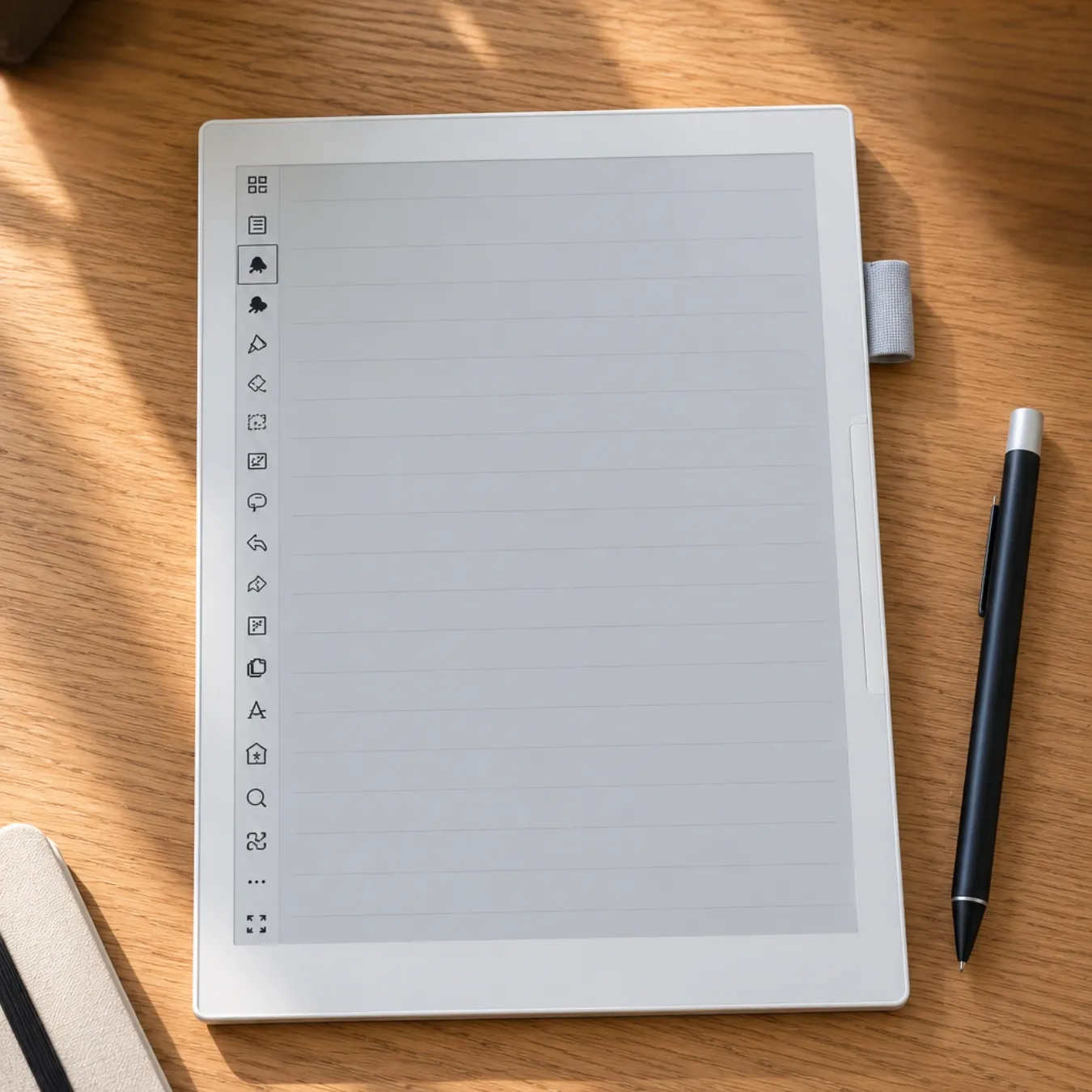
reMarkable Paper Pro Move
the best small e-ink tablet for students
KT score: 83/100
Specs
- Display
- 7.3-inch Canvas Color display (Gallery 3) at 264 PPI
- Frontlight
- frontlight
- Storage
- 64GB
- Weight
- 230 g
- Battery
- around two weeks of battery
If you want a notebook that fits in a jacket pocket or a small bag, the Paper Pro Move is my pick. It has a 7.3-inch color screen at 264 ppi, a front light, 64 GB of storage, and it weighs 230 g. It has the same software and writing feel as the Paper Pro.
The small screen is the catch. It’s great for notes, to-do lists and short readings, but cramped for textbooks and slides, so I’d only buy it as a second device or if you mostly write.
Good
- Pocketable, with a front light and color
- Same writing feel as the Paper Pro
Not so good
- Too small for most textbooks and slides
- No apps
Best for: students who want a light notebook more than a PDF reader.
Check price09
Kobo Elipsa 2E
the best for library borrowing plus notes
KT score: 82/100
Specs
- Display
- 10.3-inch display at 227 PPI
- Frontlight
- frontlight
- Storage
- 32GB storage
- Weight
- 390 g
- In the box
- stylus included
The Elipsa 2E is a large e-reader with good note-taking added on. The 10.3-inch screen has a front light, the stylus is included, and you can write on ebooks and PDFs, convert handwriting to text, and sync with Dropbox and Google Drive. In the US, Kobo has OverDrive built in, so you can borrow library ebooks directly on the device, which is a real saving if your library has the books on your reading list.
At 227 ppi it’s less sharp than the 300 ppi tablets, it doesn’t run apps, and you can’t mark up DRM-protected PDFs. No successor has been announced.
Good
- Built-in library borrowing in the US
- Front light and stylus included at $399.99
Not so good
- Lower resolution
- Limited PDF tools compared with Boox or reMarkable
Best for: students who borrow a lot from the library and want simple notes.
Check priceThe best e-ink tablet for a college student under $500
If your budget is $500, these are the tablets I’d look at, in order:
- Kindle Scribe at $499.99, or $379.99 when it’s on sale: the best reading screen and simple notes.
- Boox Go 10.3 Gen II Lumi at $449.99: Android apps for textbooks.
- reMarkable Paper Pure at $399: the best writing for the money, without a front light.
- Kobo Elipsa 2E at $399.99: library borrowing and notes.
- reMarkable Paper Pro Move at $449: if you want something small.
The Supernote Nomad is also under $500 at $359, but you need to add a pen, and its 7.8-inch screen is small for PDFs.
Small e-ink tablets for students
A small e-ink tablet (7 to 8.5 inches) is easier to carry and nicer as a daily notebook, but it struggles with full-page PDFs. If you want one anyway, the main choices are:
- reMarkable Paper Pro Move ($449): 7.3-inch color, front light, best writing feel.
- Supernote Nomad ($359, pen extra): 7.8-inch, no subscription, no front light. Supernote raised the price by $30 on 29 September.
- Boox Note Mini C ($549.99): 8.52-inch color with Android 16 and Google Play, released in autumn 2026. It’s too new for me to find many owner reviews yet.
Best tablet for reading textbooks (if you don’t need to write)
E-ink is what most people mean by a paper reading tablet: the screen reflects light like a printed page instead of shining it at you. If you only read, a large e-reader or e-ink tablet is still the most comfortable way to get through long textbooks. The Kindle Scribe is the nicest screen for reading. For textbook apps, a Boox tablet is the safer bet. A 6- or 7-inch e-reader like the Kindle Paperwhite or Kobo Libra Colour is fine for novels and set texts, but a frustrating size for PDFs and slides.
E-ink tablet or iPad for students?
An iPad does more. It runs every app, shows color and video properly, and Apple sells it with education pricing. The basic iPad starts at $349 and the iPad Air at $599, plus an Apple Pencil, so a writing setup costs about the same as a good e-ink tablet.
An e-ink tablet is better for long reading sessions, glare-free use outdoors and battery life measured in weeks instead of hours. It also has no notifications. If you get distracted easily and spend most of your study time reading and writing, e-ink is the better tool. If you need video, color-heavy slides or fast apps, buy the iPad.
Student discounts and when to buy
- reMarkable: there’s no verified student discount. In August 2026 reMarkable ran a back-to-school offer with $100 off selected Paper Pro and Paper Pro Move bundles, open to everyone. Black Friday and Best Buy sales are the other times to look.
- Supernote: $20 off through its Student Discount Program.
- Boox: seasonal sales, such as its August back-to-school sale with $20 off orders over $300.
- Amazon: Prime Student has a six-month free trial, and Kindle Scribe prices drop sharply during Prime Day, the October Prime sale and Black Friday.
- Apple: education pricing on iPads, if you’re comparing.
The October 2026 lows are a good benchmark for Black Friday: Kindle Scribe at $379.99 and Scribe Colorsoft at $479.99.
My recommendations by subject
STEM and math
Handwriting math works on all of these, but students on r/math describe split screen on e-ink as “clunky”, and page flipping slower than paper. A Boox Note Air6 C or reMarkable Paper Pro gives you color for diagrams. Keep scrap paper for long derivations if you think faster on paper.
Law and medicine
These courses mean huge PDFs. The Boox Note Max shows full pages without zooming, and the Supernote Manta’s tags help you find notes months later.
Humanities
Lots of reading and annotation. The Kindle Scribe is the most comfortable reader, and the Kobo Elipsa 2E adds library borrowing.
Grad students and PhD researchers
Papers, citations and long-term notes. On r/PhD, students mention keeping citations in Zotero, which runs on Boox. Finding old notes is the most common pain point, and the Supernote Manta’s heading and keyword tags are built for that.
Mistakes I see students make
- Buying a 6- or 7-inch e-reader for PDF textbooks.
- Buying a reMarkable or Supernote and then finding the textbook only works in the VitalSource or Kindle app.
- Assuming every Kindle textbook opens on a Kindle Scribe without checking its compatibility first.
- Paying for color when the course is almost all text.
- Buying a discontinued reMarkable 2 new at full price when the Paper Pure costs about the same.
- Forgetting the pen: the Supernote Manta and Nomad don’t include one.
Tablets I left out (and why)
- reMarkable 2: discontinued in May 2026 and replaced by the Paper Pure. Refurbished units are still around.
- Kindle Scribe (2024): replaced by the 11-inch 2025 models. Only refurbished units are sold now.
- Boox Note Air4 C, Tab Ultra C Pro, Tab Mini C and Palma 2: sold out on Boox’s store and replaced by newer models.
- Kobo Sage: sold out.
- Kindle Scribe Colorsoft ($629.99): a good tablet, but I’d only pay the extra over the regular Scribe if color matters for your subject.
- Viwoods AiPaper ($549): promising AI note features, but too few student reviews for me to rank it yet.
- Daylight DC-1: not an e-ink screen and hard to buy.
Frequently asked questions
What is the best e-ink tablet for students?
For most students, the Boox Note Air6 C, because it runs textbook and cloud apps, has a 10.3-inch color screen and includes the pen. If you mostly read, get the Kindle Scribe. If you mostly write, get a reMarkable.
Is an e-ink tablet worth it for college?
Yes, if you read a lot of PDFs and like handwritten notes. It’s less useful for courses built around video, coding or color-heavy slides.
What size e-ink tablet do students need?
About 10 to 11.8 inches for PDFs and slides. A 13.3-inch tablet shows full pages, and 7 to 8 inches is best kept for notes.
Can I read textbooks on an e-ink tablet?
Yes. PDFs work on every tablet here. For VitalSource or similar apps you need an Android tablet like a Boox. For Kindle textbooks, check the book’s device compatibility on Amazon first.
Does reMarkable have a student discount?
Not a verified one. reMarkable runs general sales instead, such as $100 off selected bundles in its August 2026 back-to-school offer.
Do I need the reMarkable Connect subscription?
No. Without it you still get handwriting conversion and cloud folder sync, but files you haven’t opened or synced in 50 days drop out of reMarkable’s cloud.
Is a Kindle Scribe good for students?
It’s very good for reading and simple notes, and often on sale. It can’t run third-party apps, so it isn’t the right choice if your textbooks live in VitalSource or a similar app.
E-ink tablet or iPad for studying?
An iPad if you need apps, video and color. An e-ink tablet if you want fewer distractions, a paper-like screen and weeks of battery life.
My verdict
For most students I’d buy the Boox Note Air6 C: it reads textbooks in almost any app, takes notes, and has color where it helps. If you mostly read, the Kindle Scribe is the more comfortable choice, especially at its sale price. If handwriting is your main reason, the reMarkable Paper Pro gives you the best writing, and the Paper Pure gives you most of it for $399.
I check prices and availability on this page regularly and will update it after Black Friday and when new models arrive.