
Best E-Reader for Seniors & Elderly
An e-reader can be a wonderful gift for an older reader: text as large as they like, a light built into the page, and a device far lighter than a hardback. But the wrong one, fiddly, tiny, or overloaded with features, ends up in a drawer. The goal here is comfort and simplicity: big adjustable text, easy handling, and controls that stay out of the way. Here is what matters, and the kindest picks for older eyes and hands.


What Matters Most for Older Readers
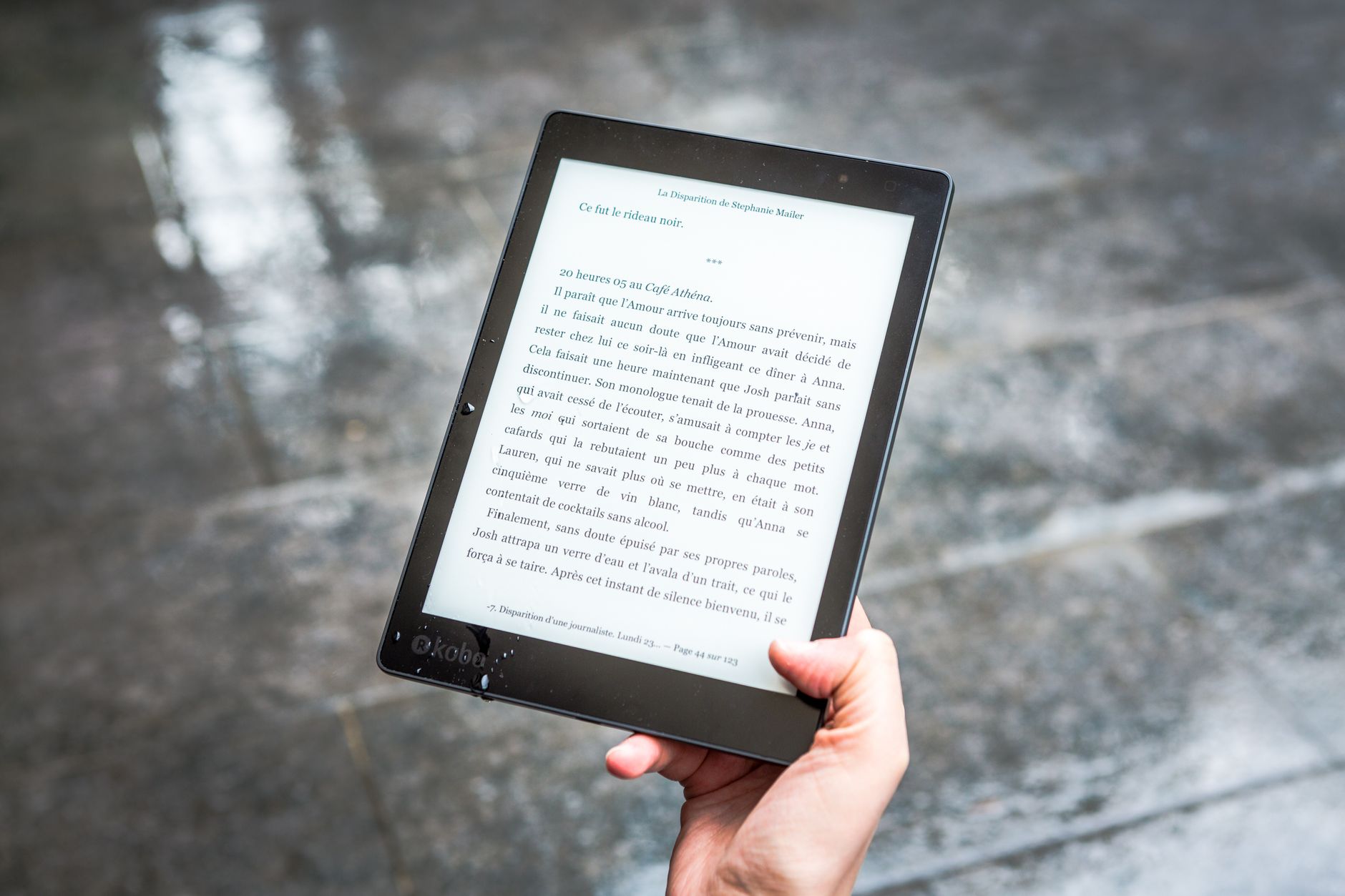
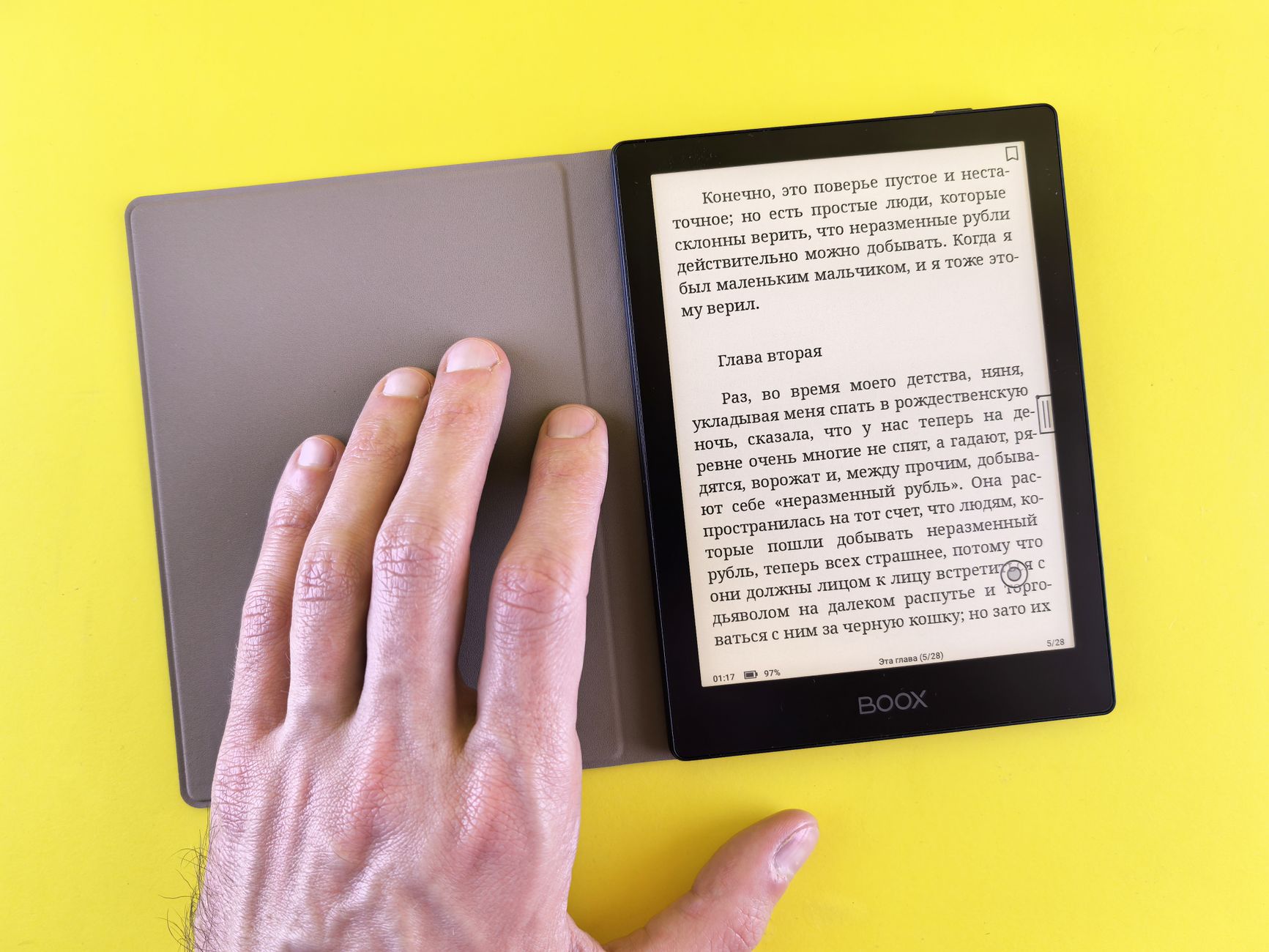
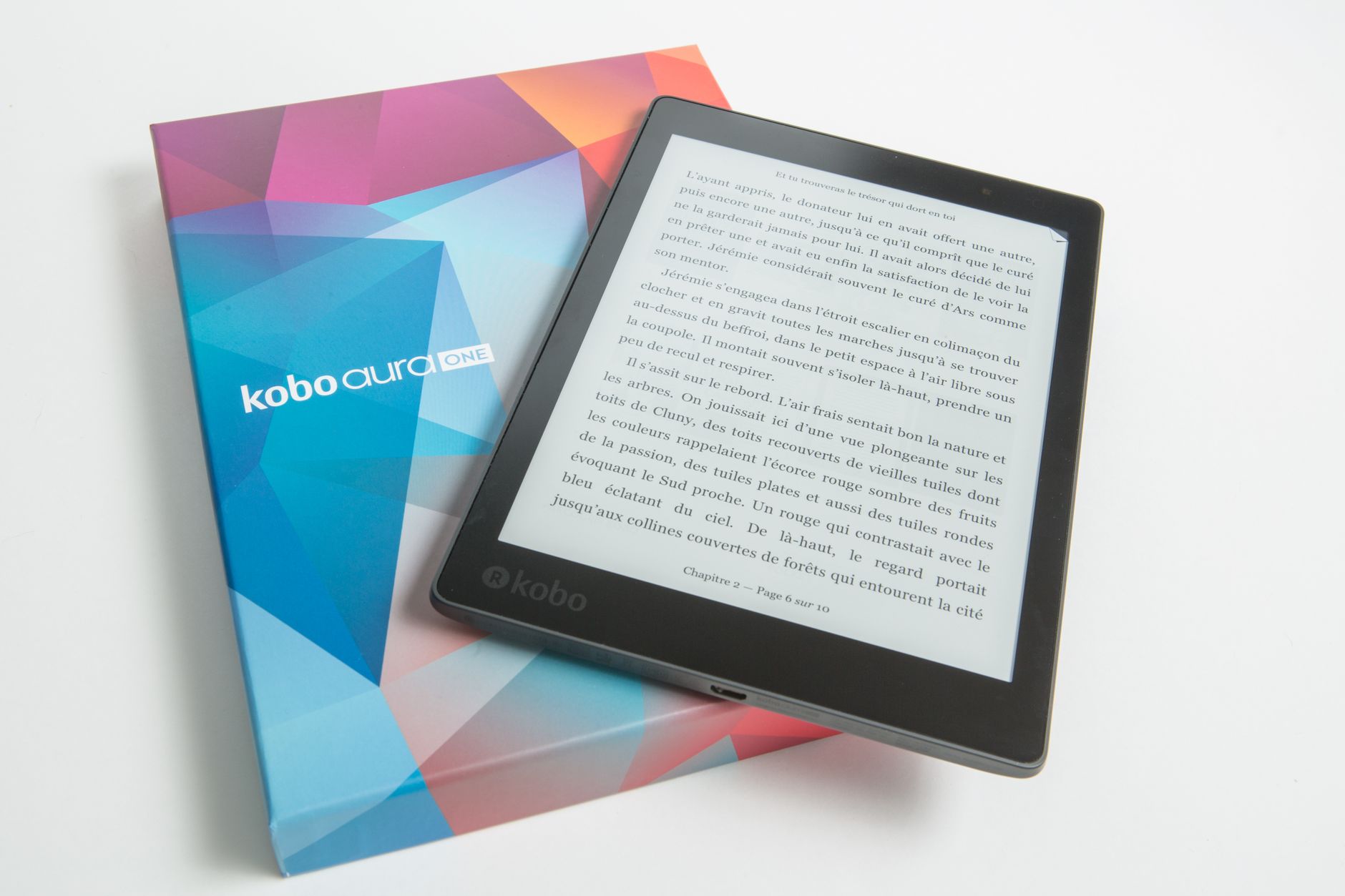
Prioritise a few things above all: text that scales large and stays sharp, a warm, adjustable front light that is easy on the eyes at night, and low weight for comfortable one-handed holding. Physical page-turn buttons are a real help for anyone who finds precise taps fiddly. Simplicity beats features here, since a clean, uncluttered interface matters more than any spec.
Best Overall for Seniors
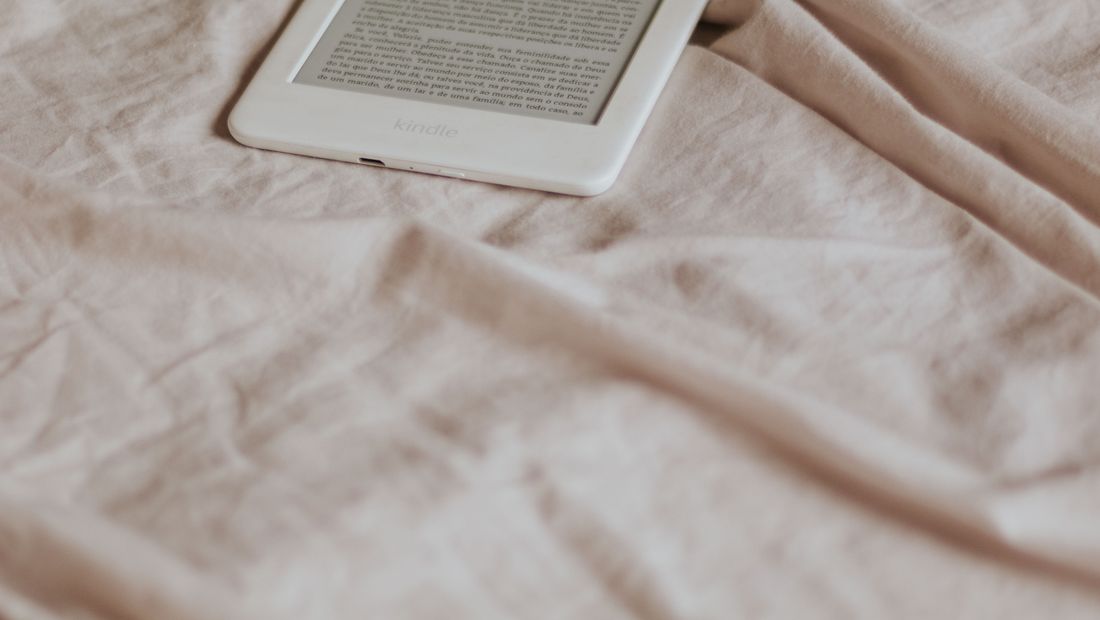
The Kindle Paperwhite is the easy recommendation: a large, sharp, warm-lit screen, a huge and simple store, and text that scales up beautifully. Its size is comfortable without being heavy, and the interface is about as friendly as e-readers get. For most older readers, it is the safe, satisfying choice that will not frustrate them.
Best for Easy Page Turning
If tapping the screen is awkward, a reader with physical buttons is a kindness. The Kobo Libra 2 and Libra Colour have dedicated page-turn buttons and a comfortable grip, so turning pages is a simple, reliable press rather than a precise tap. This one feature makes a real difference for readers with less steady hands, and is worth prioritising.
Best Large-Text and Large-Screen Option
For readers who like very large text or find bigger screens easier, a larger device helps, since more words fit even at a big font size, so there is less frequent page turning. An 8 inch Kobo Sage, or even a 10 inch reader, suits those who want a roomier page. Balance this against weight, as bigger devices are heavier to hold for long stretches.
Setup Tips to Make It Easy
A little setup goes a long way: before gifting, increase the default font size, enable the warm night light, and load a few books so it works out of the box. Consider buying it pre-registered to an account and, if helpful, add books remotely so they never have to navigate the store. Keeping the device simple and ready to read is the single kindest thing you can do.
Frequently asked
What is the best e-reader for seniors?
The Kindle Paperwhite for most, with a large warm-lit screen, simple store and text that scales up well. If tapping is awkward, the Kobo Libra 2 or Libra Colour add physical page-turn buttons, which many older readers find much easier.
Are page-turn buttons important for older readers?
For many, yes. Physical buttons turn pages with a simple, reliable press instead of a precise screen tap, which helps anyone with less steady hands. The Kobo Libra models are the top pick for this.
How can I make an e-reader easier for an older person?
Set it up before gifting: increase the font size, turn on the warm light, and preload some books. Pre-register it to an account so it is ready to read out of the box, and add books remotely if navigating the store is a barrier.