Best E-Reader for PDFs (2026)
PDFs are where cheap e-readers go to die. Unlike an ebook, a PDF has a fixed page layout that will not reflow to fit a small screen, so you end up pinching, zooming and panning your way through a document that was meant to be read on paper. The fix is simple in principle: a big screen. Below is what actually matters when choosing a PDF e-reader, and our picks for every budget and use case.
Why PDFs Are Different From Ebooks
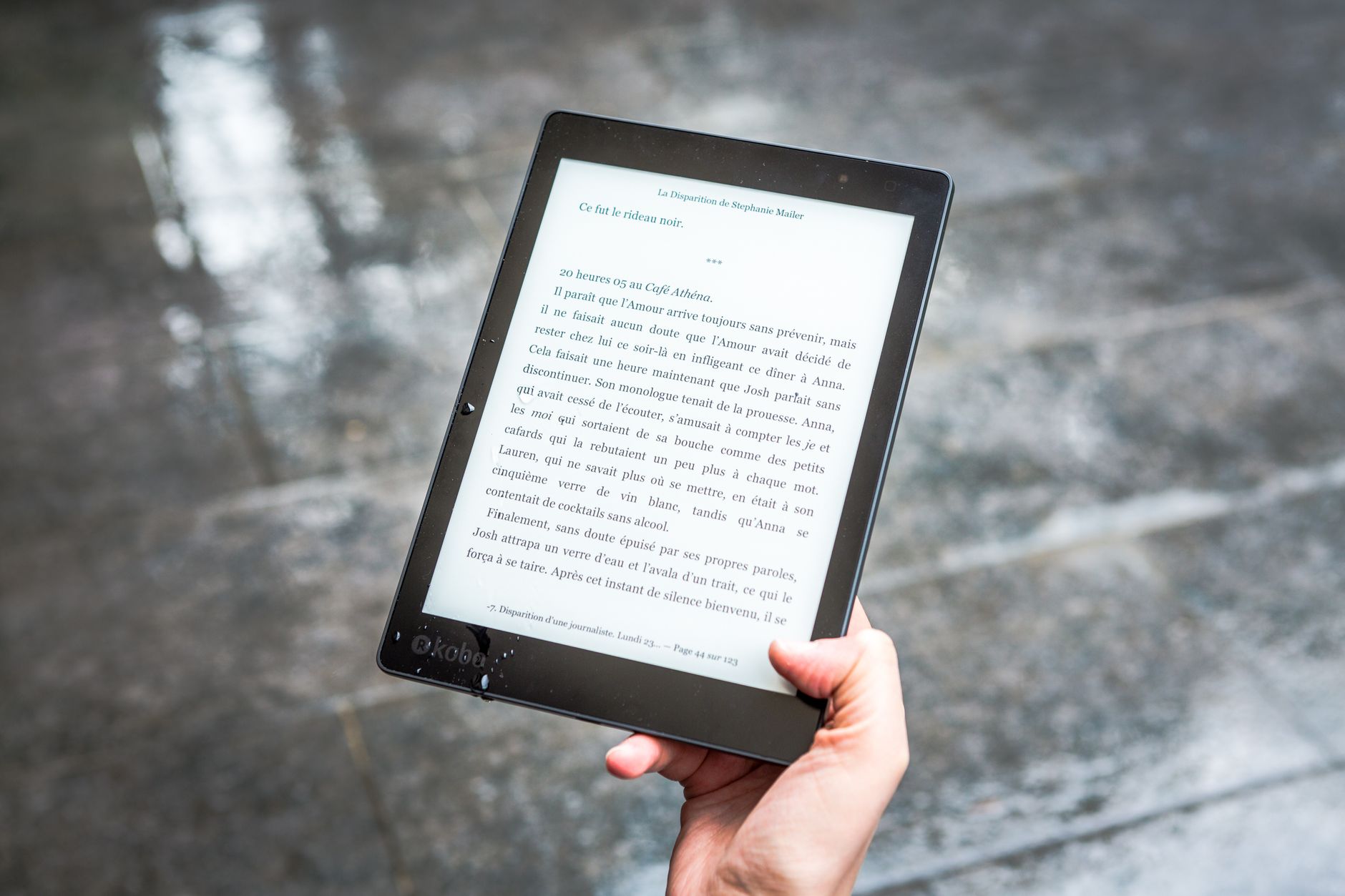
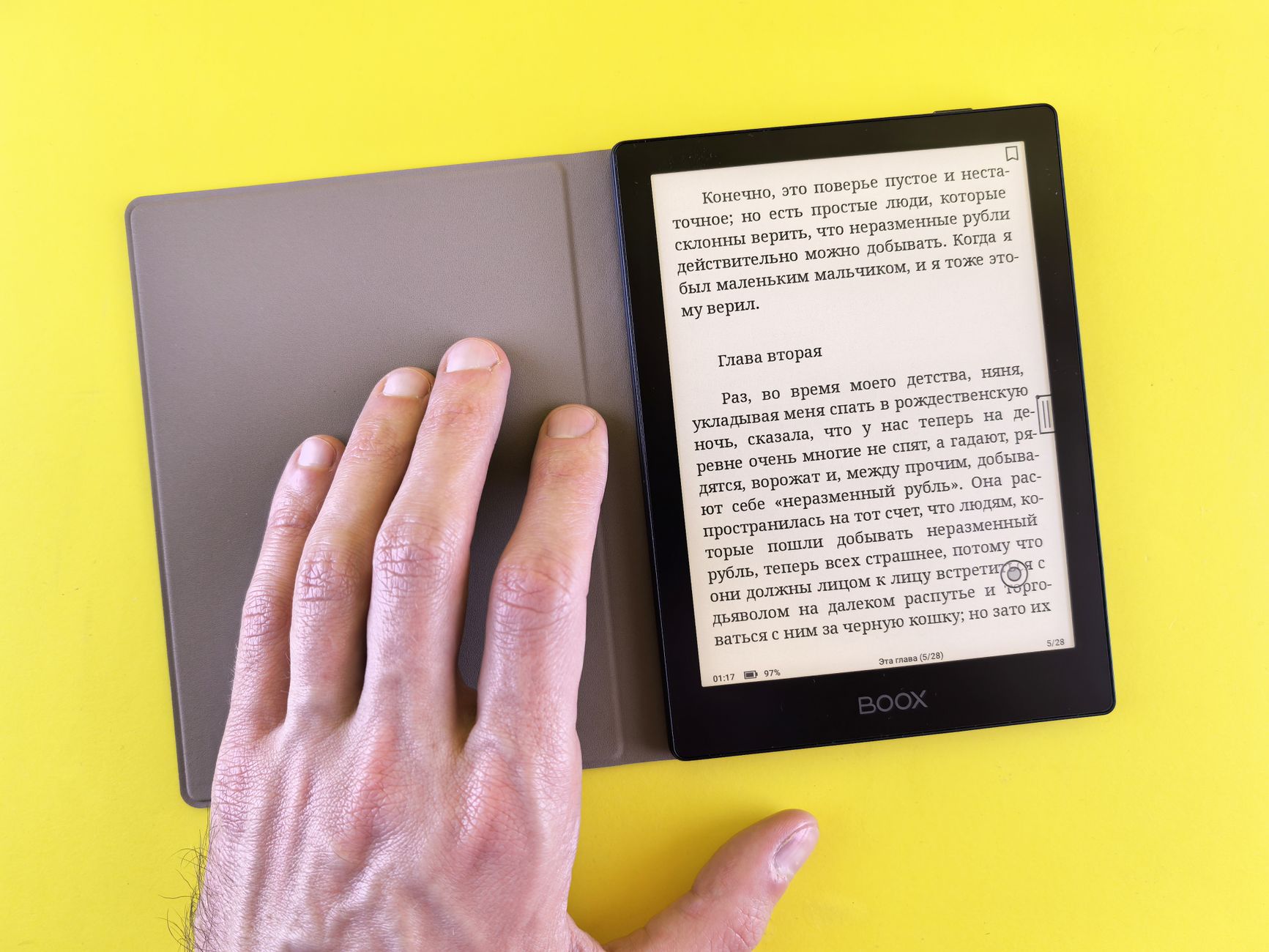
An ebook is just text that reflows to any screen, so even a 6 inch Kindle reads novels beautifully. A PDF is a photograph of a page: fonts, columns, tables and figures are locked in place. Shrink that onto a small screen and the text becomes tiny, forcing you to zoom and scroll constantly. This is why the single most important spec for PDFs is screen size, not resolution or brand.
Key Criteria For Choosing
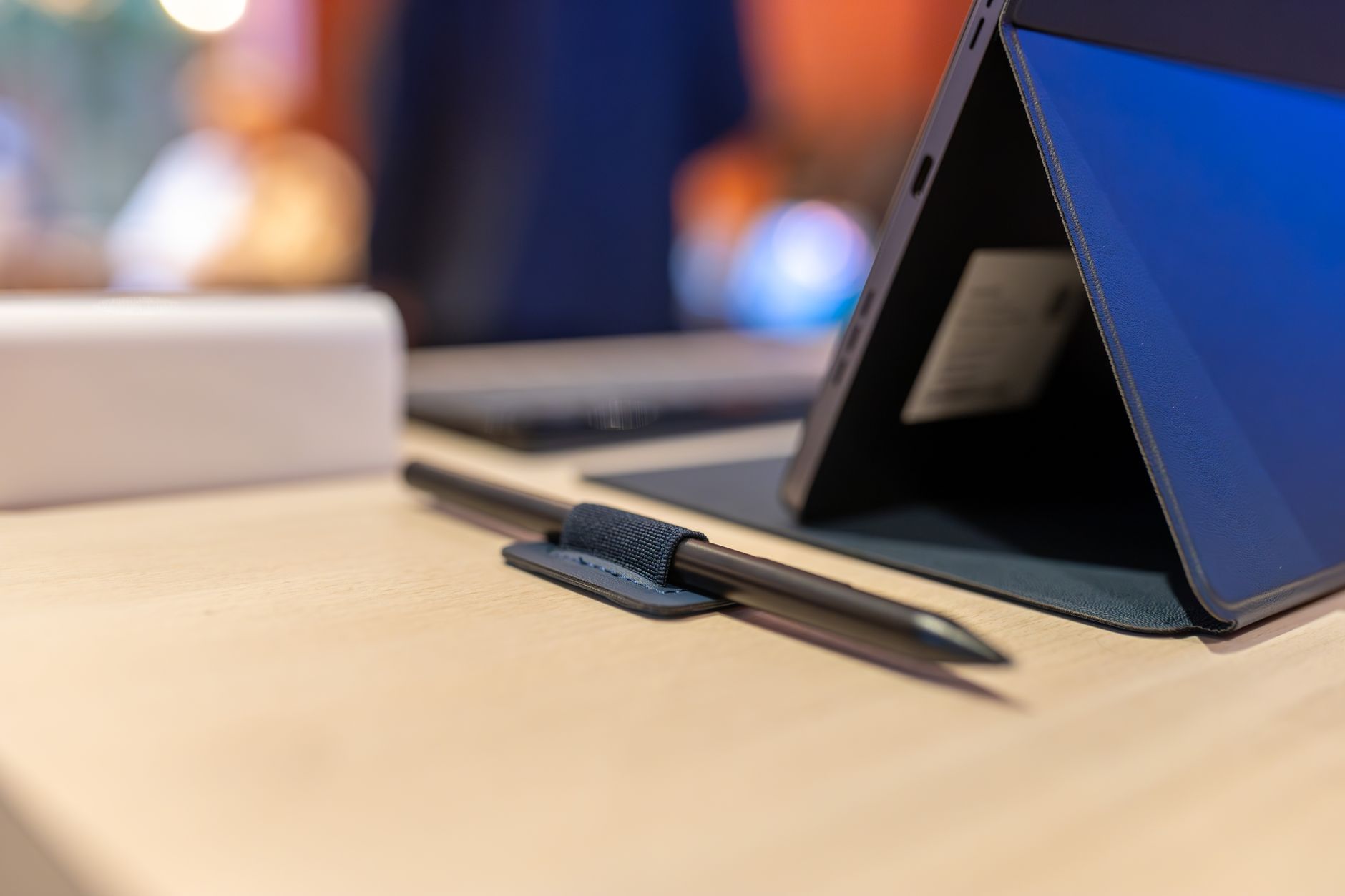
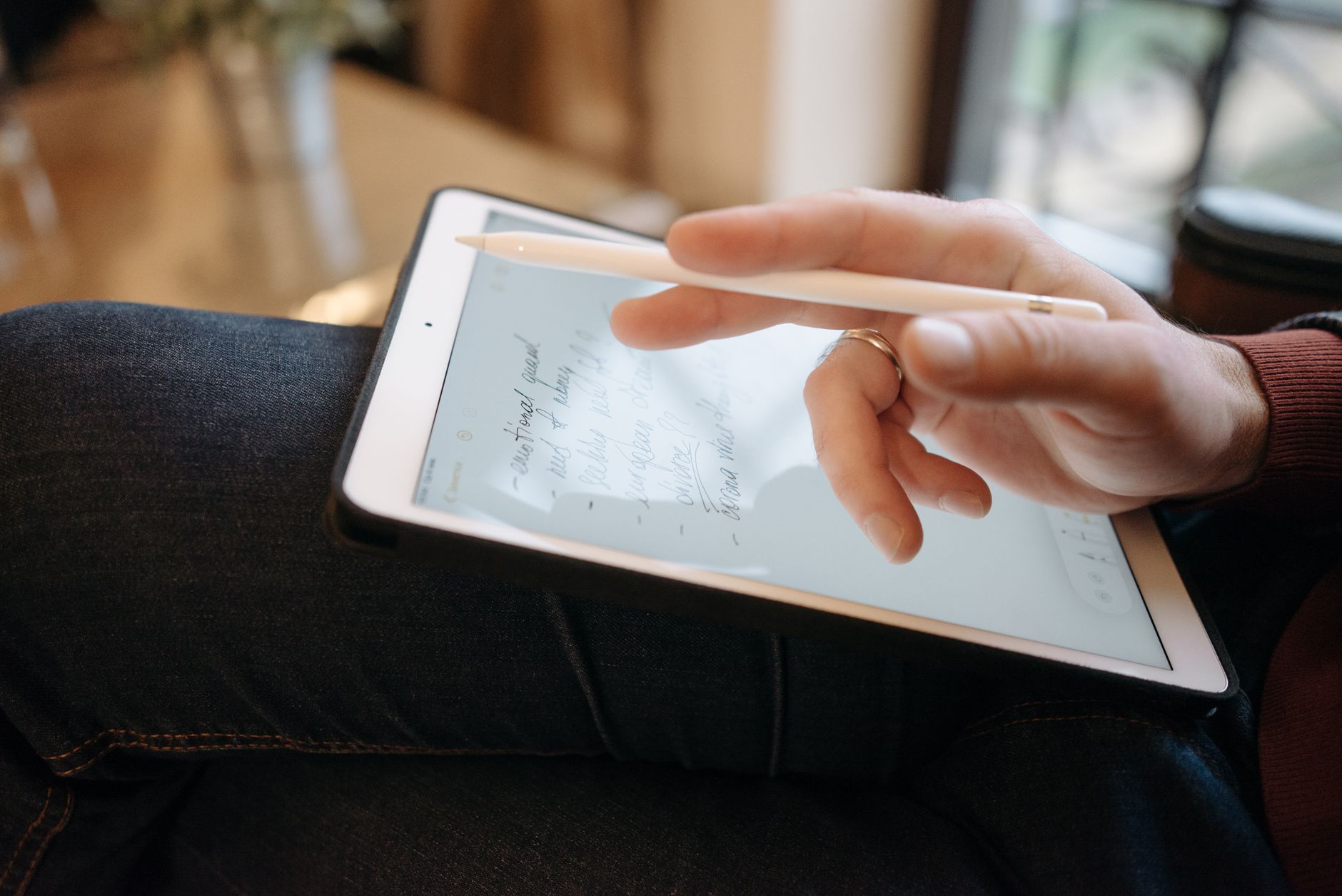
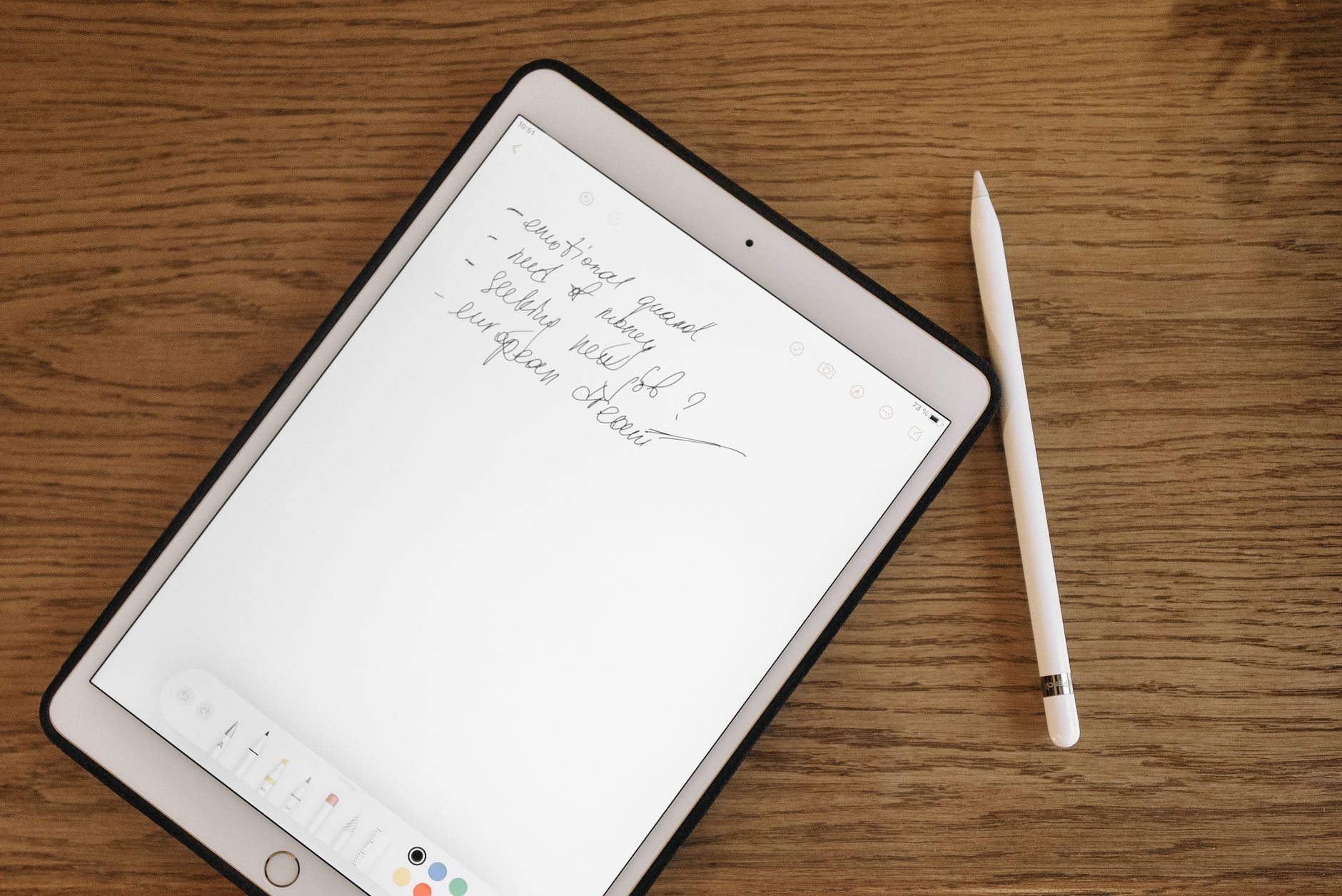
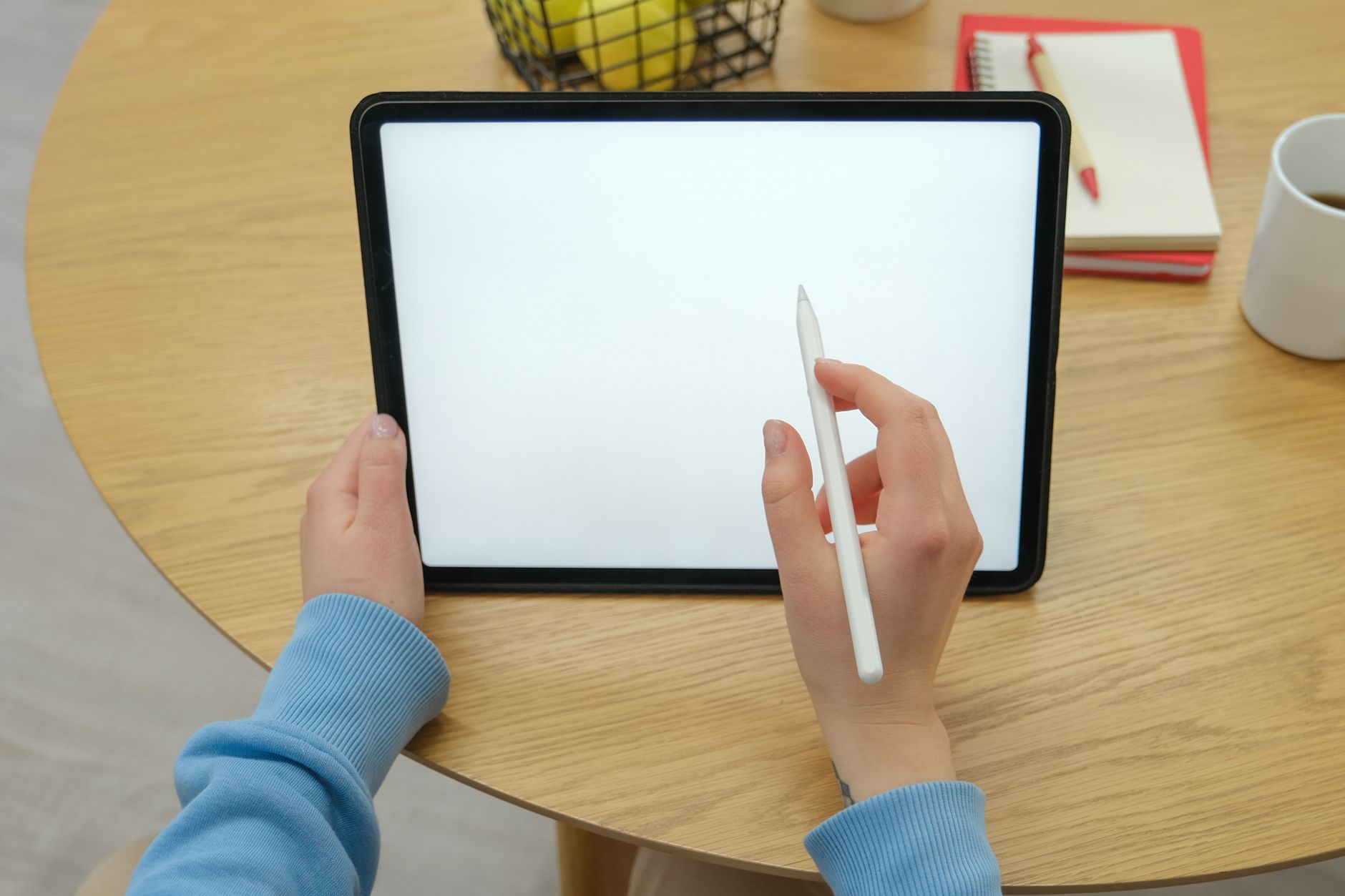
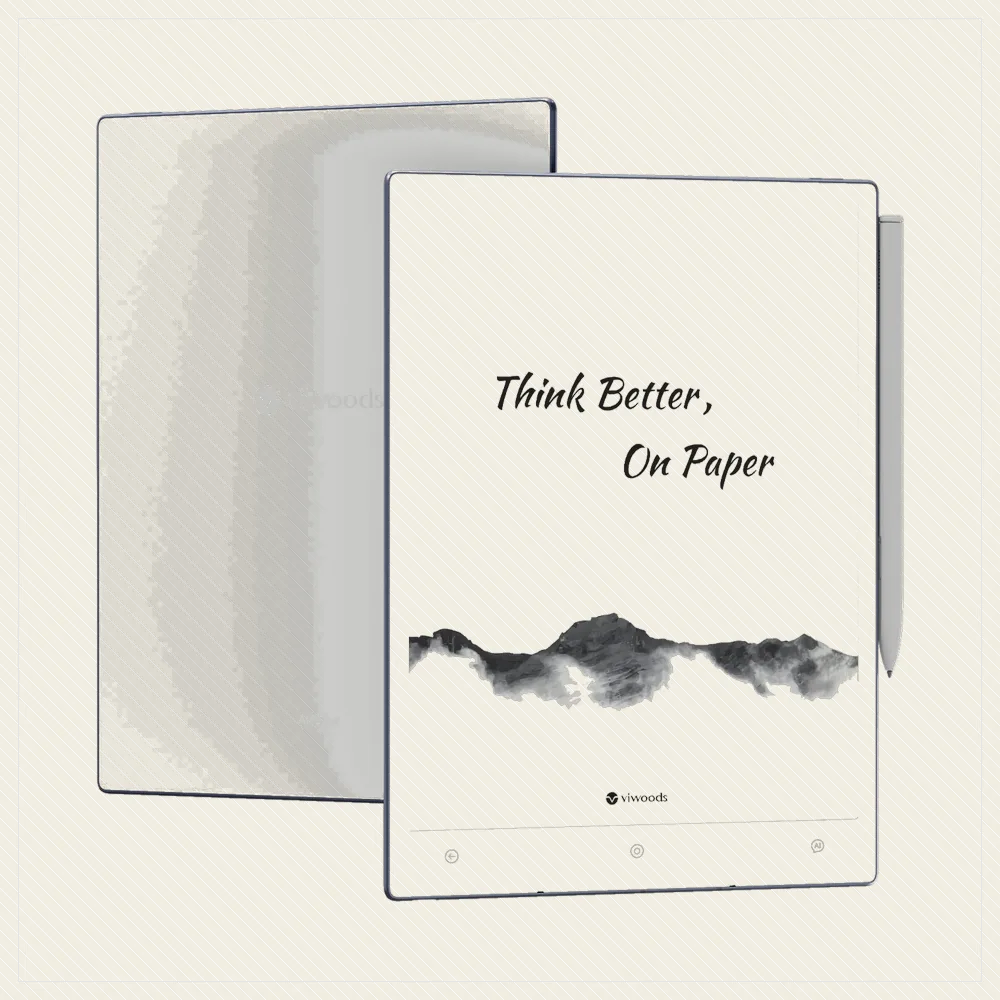
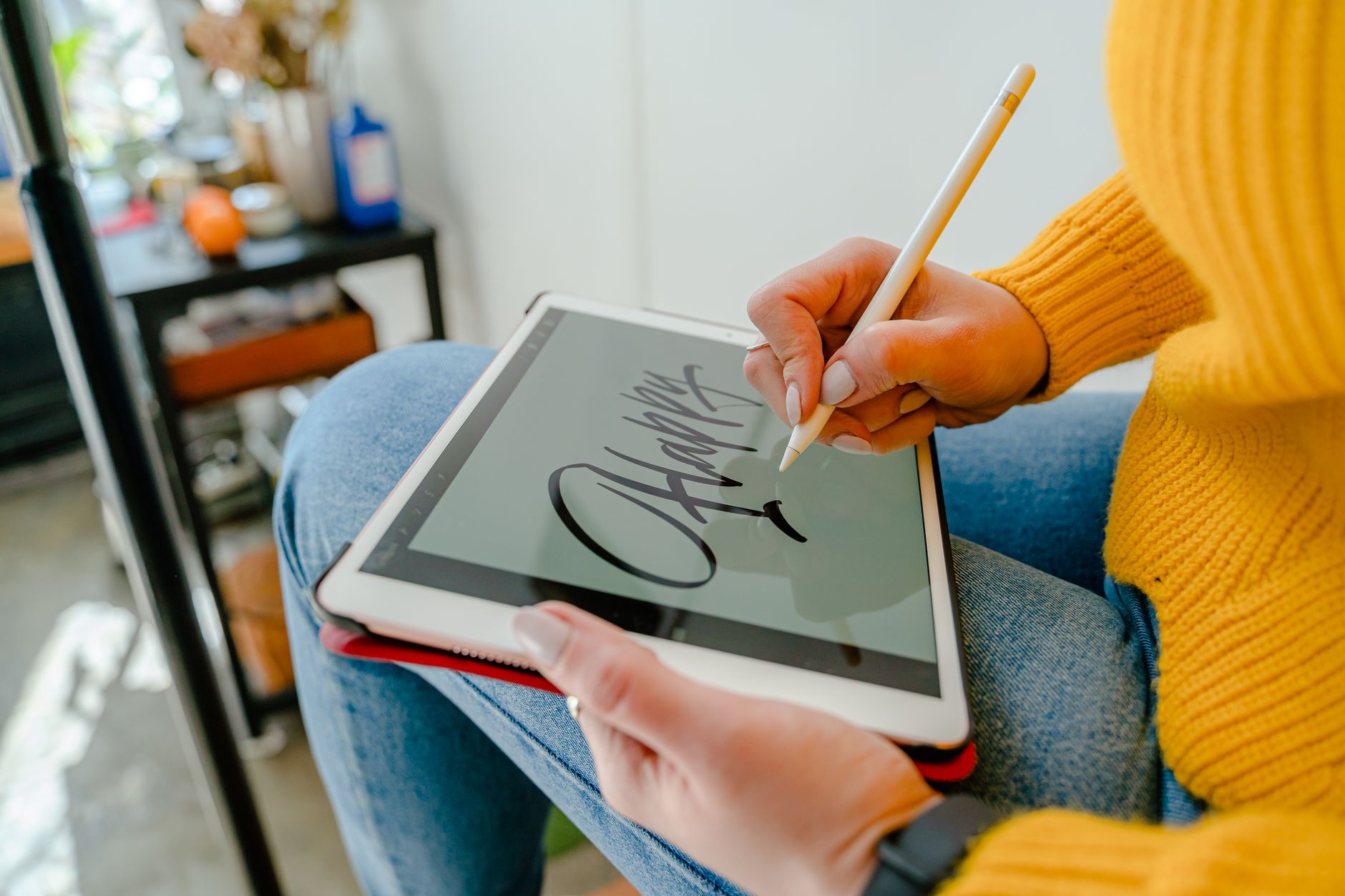
Prioritise a 10 inch or larger screen, which shows most A4 and Letter pages close to full size. A stylus is a big plus if you annotate, letting you mark up contracts, papers and sheet music directly. Fast rendering and reliable zoom matter for dense documents, and open Android helps if you rely on a specific PDF app. Waterproofing and colour are nice but secondary for document work.
Best For Large-Format Documents
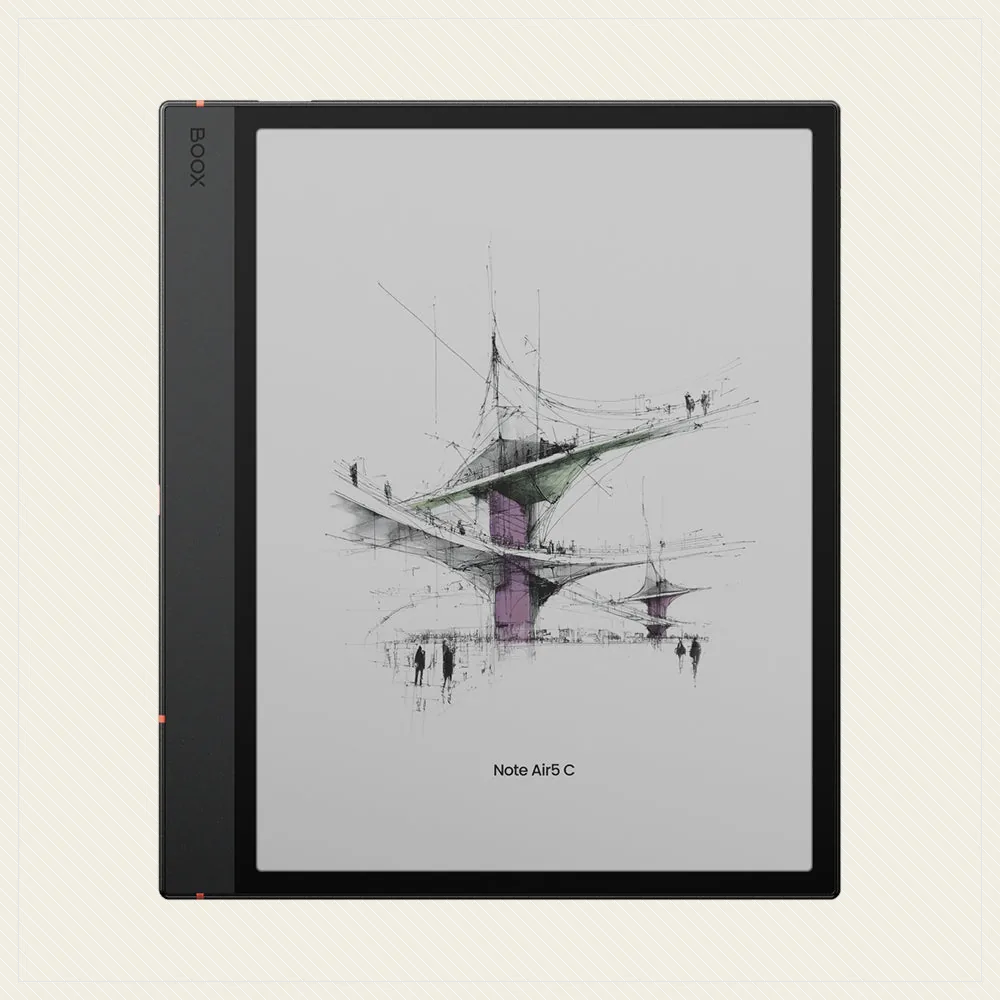
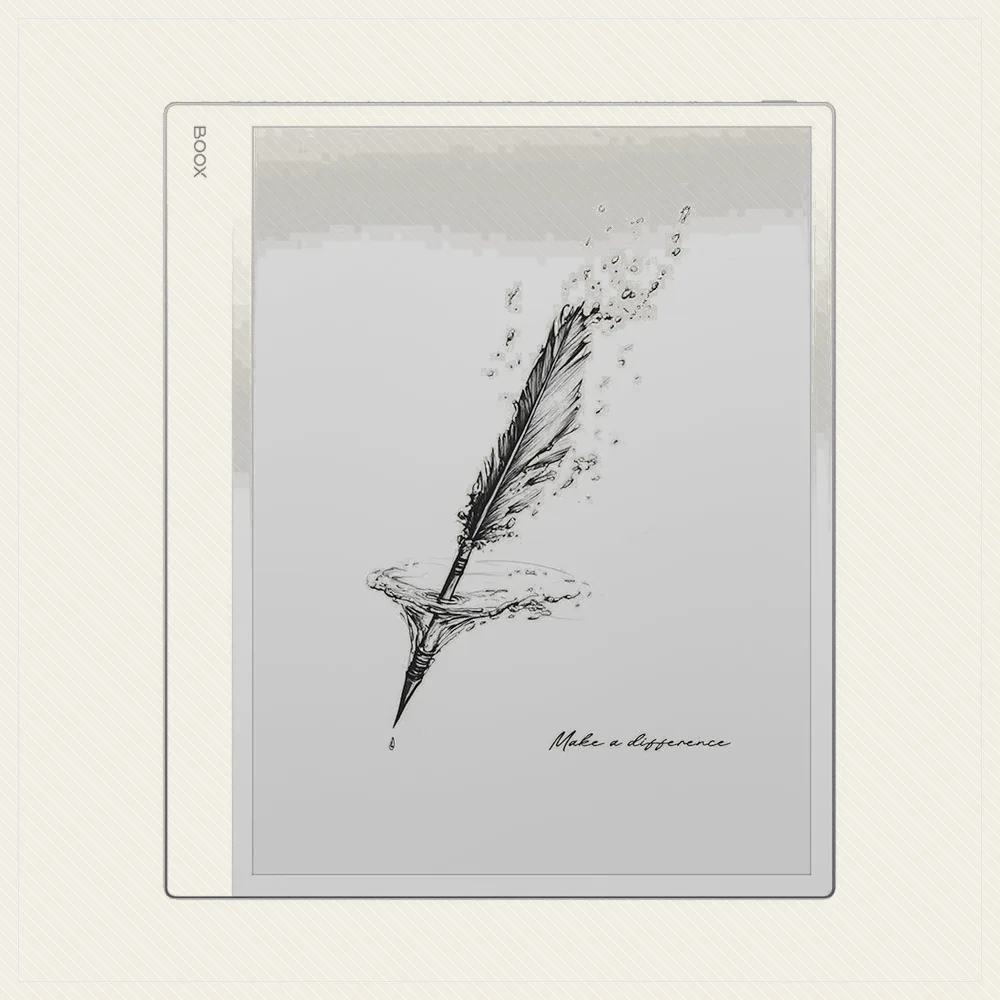
For serious PDF work, a 10 inch-plus tablet is the answer. The Boox Note Air 4C stands out because open Android lets you use your preferred PDF app in colour, while the reMarkable Paper Pro and Kindle Scribe offer big, clean screens with excellent pen markup. The Kobo Elipsa 2E is the open-ecosystem pick with a bundled pen.
Any of these turns PDFs from a chore into a comfortable read.
Best For Portable Reading And Annotation
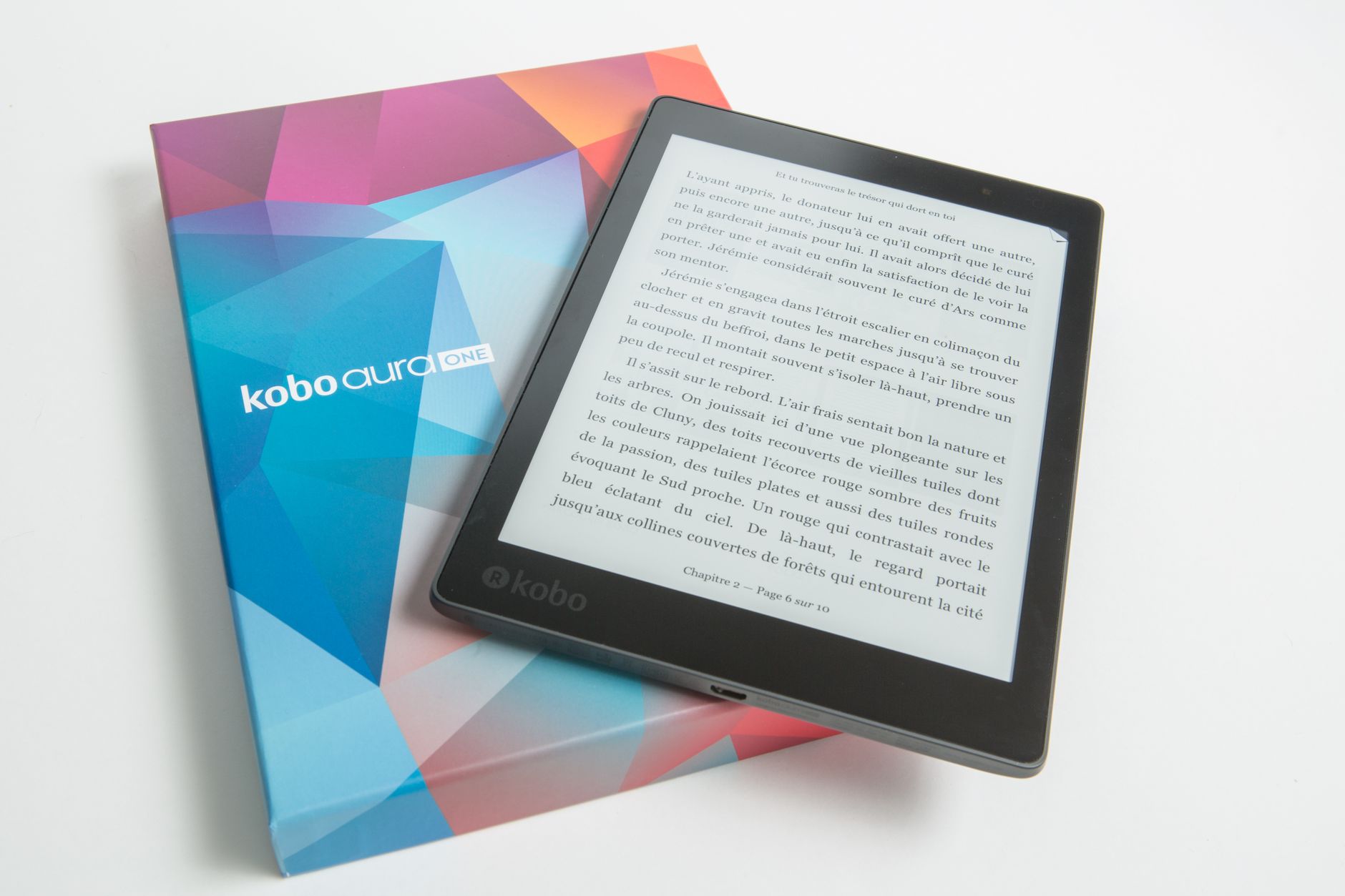
If you want something more carryable, an 8 inch device is a reasonable compromise. The Kobo Sage handles PDFs better than a 6 or 7 inch reader and takes an optional pen, and the Boox Go 10.3 is slim and light for its size. These will not match a big slate for full-page documents, but they are far better than a pocket reader.
Best Budget And Compact Options
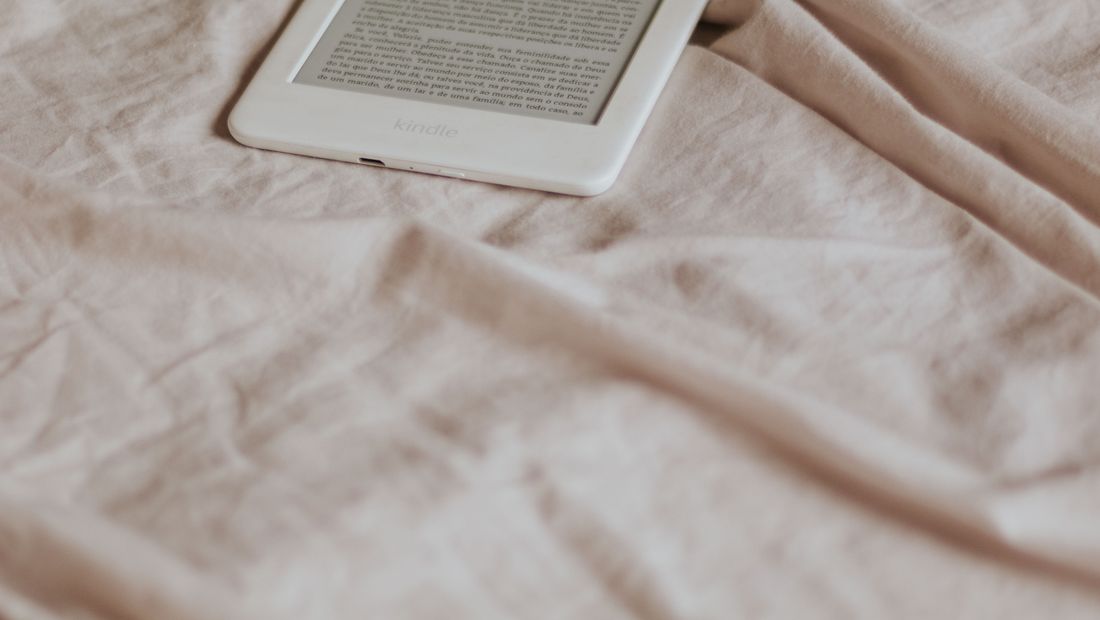
There is no truly great cheap PDF e-reader, because the thing that makes PDFs work, a big screen, costs money. If budget is tight, look for a used large-screen device rather than a new small one. A 6 or 7 inch reader like a Paperwhite handles simple, text-only PDFs acceptably, but struggles with anything complex, so set expectations accordingly.
Practical Tips To Read PDFs Better
Whatever device you choose, a few habits help: use landscape mode to enlarge text on smaller screens, crop the white margins of a PDF to gain usable space, and where possible convert simple PDFs to EPUB so the text reflows. For annotation-heavy work, a stylus device saves endless zooming. And remember that a 10 inch screen solves more PDF problems than any software trick.
Frequently asked
What is the best e-reader for PDFs?
A 10 inch or larger device. The Boox Note Air 4C is our top pick for its colour screen and open Android PDF apps, with the reMarkable Paper Pro, Kindle Scribe and Kobo Elipsa 2E all excellent for large-format documents and annotation.
Can a Kindle Paperwhite read PDFs?
It can, but not comfortably. A 6.8 inch screen is too small for full-page PDFs, so you end up zooming and panning. It is fine for simple text PDFs but a poor choice for anything with complex layouts.
Do I need a stylus for PDFs?
Only if you annotate. For reading alone, a big screen is enough. But if you mark up contracts, papers or sheet music, a stylus device like a reMarkable, Boox or Kindle Scribe is a huge convenience.