Best E-Reader for Library Books (Libby / OverDrive)
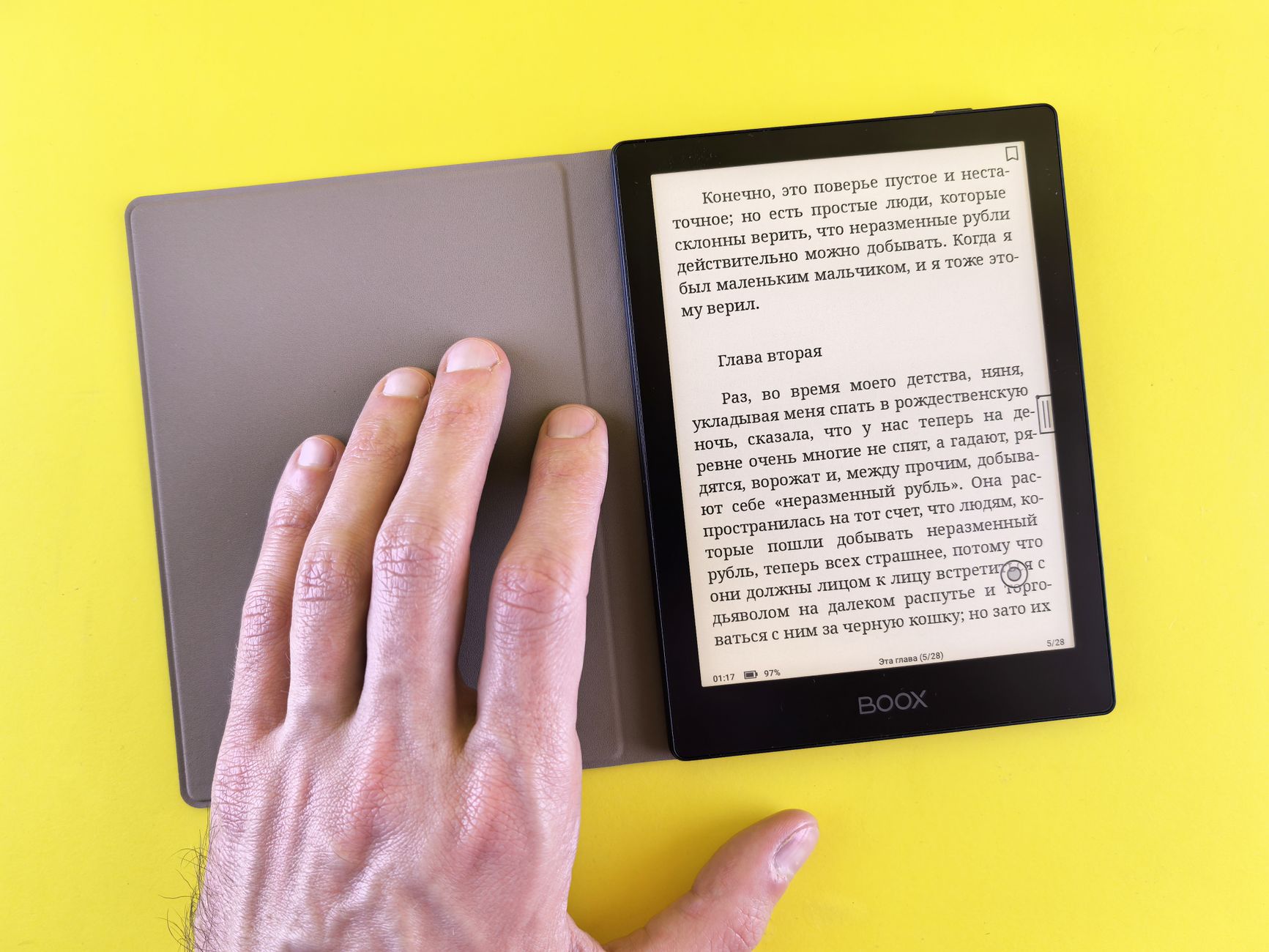
Borrowing ebooks from your library is the best-kept secret in reading: thousands of titles, completely free, through apps like Libby and OverDrive. But your e-reader makes a huge difference to how painless that is, and this is the one area where the choice of device genuinely matters. Some readers make borrowing effortless; others make you jump through hoops. Here is who does it best.


Why the Device Matters for Library Books
Library borrowing works through services like OverDrive and Libby, and the difference between readers is how directly they connect to them. On some devices, borrowing is built into the interface: search, borrow and read without ever leaving the reader. On others, you borrow on a phone or computer and send the book across, which works but adds steps. That gap is the whole story of this guide.
Best Overall for Library Reading
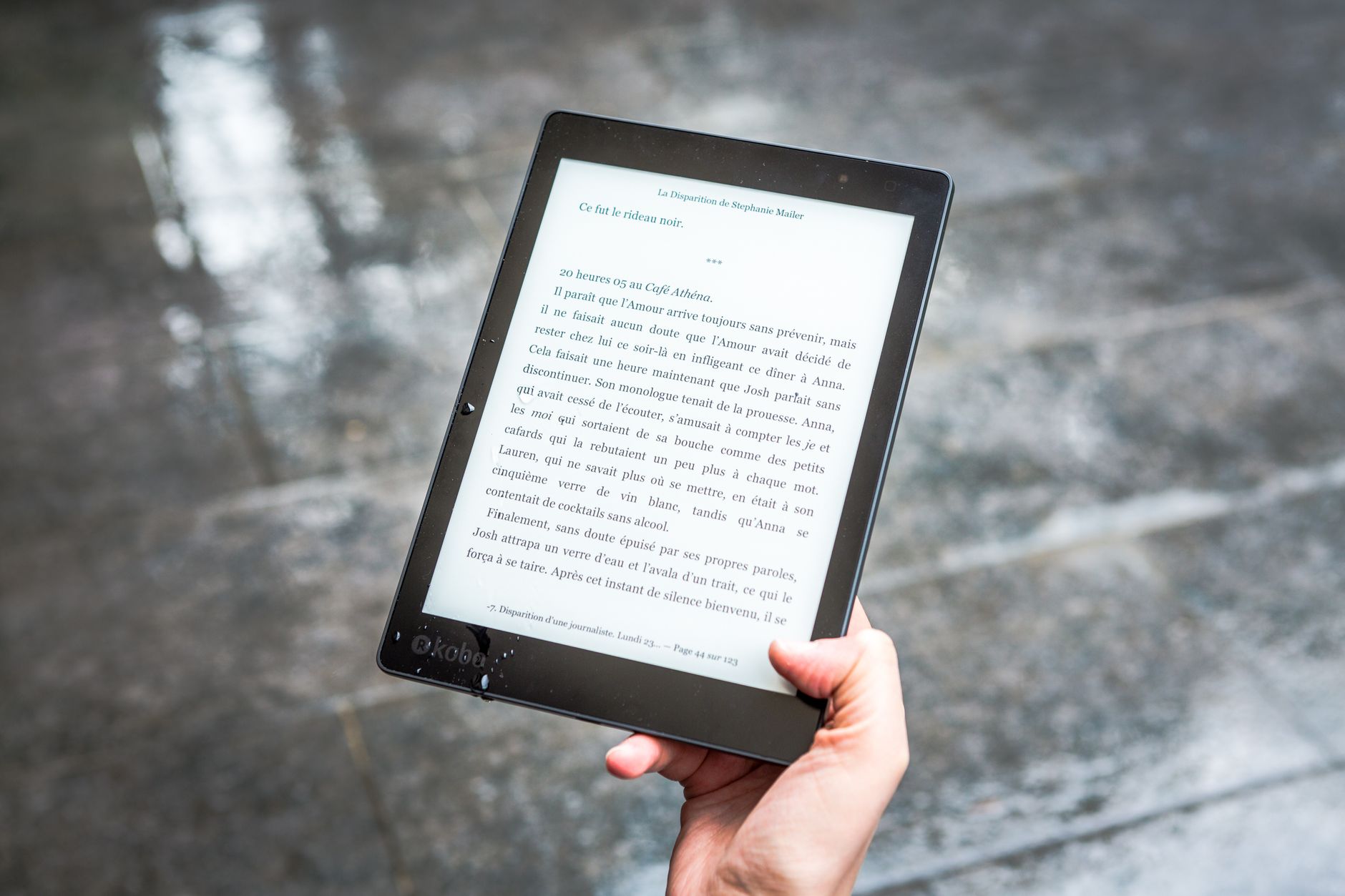
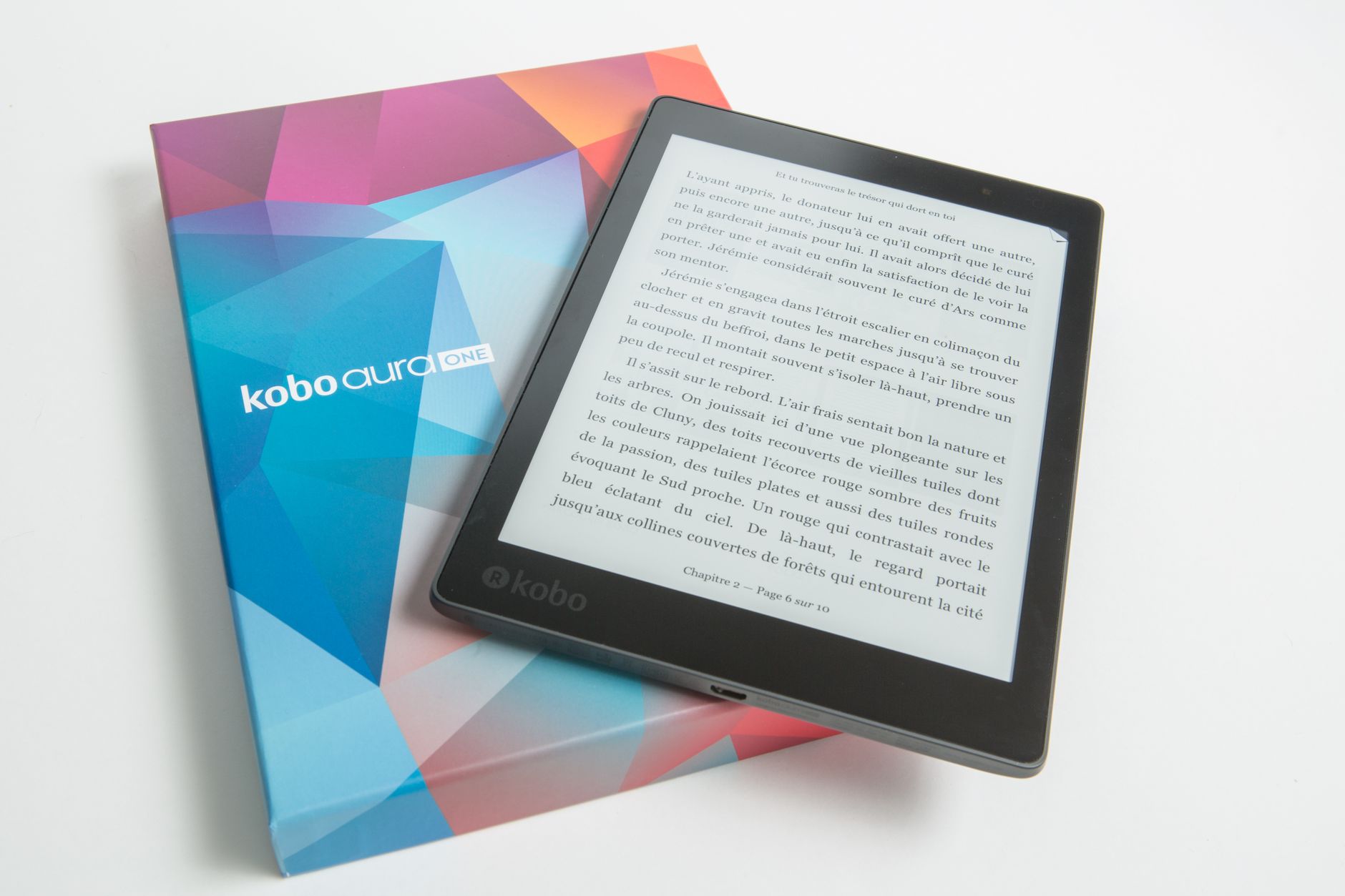
Kobo is the clear winner here. OverDrive and Libby borrowing is built directly into every current Kobo interface in supported regions, so borrowing a library book is as easy as buying one. The Kobo Libra 2, Libra Colour and Clara Colour are all excellent, with the Libra models adding page-turn buttons. If library reading is a priority, buy a Kobo and thank yourself later.
The Kindle Situation
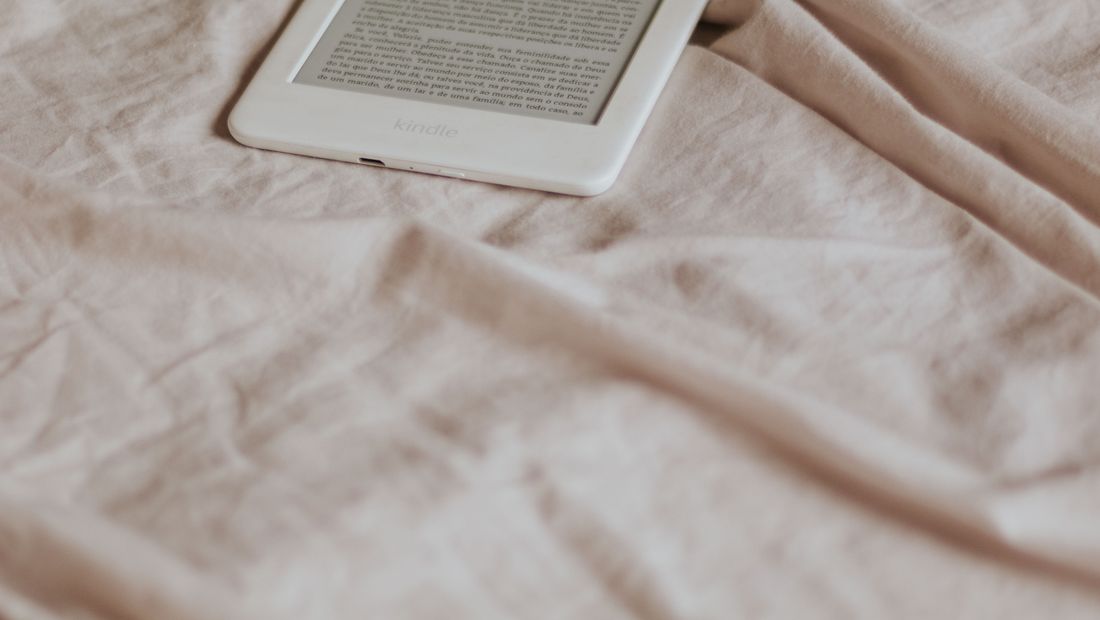
Kindles can borrow library books through Libby in the United States, but the process routes through Amazon and feels clunkier, and it is unavailable in many other countries. If you are a committed Amazon reader in the US who borrows occasionally, a Paperwhite is fine. But for anyone outside the US, or anyone who borrows heavily, a Kindle is the harder path.
European and Format-Flexible Options
In Europe, Tolino integrates local library lending like Onleihe, and PocketBook readers handle a wide range of formats natively, which helps with library and public-domain files. These are worth considering if you are in a market where they are well supported and you value open format handling alongside borrowing.
Tips for Easier Library Borrowing
A few things make library reading smoother: get a Libby account linked to your library card, keep an eye on hold times for popular titles by placing holds early, and choose a device with native library integration to skip the transfer dance. And remember that a single library card can often access multiple library systems, multiplying your free catalogue.
Frequently asked
What is the best e-reader for library books?
A Kobo. Every current Kobo has OverDrive and Libby borrowing built directly into the interface in supported regions, making library reading effortless. The Kobo Libra 2 and Libra Colour are top picks, adding page-turn buttons.
Can Kindles borrow library books?
In the US, yes, through Libby, but the process routes through Amazon and is clunkier, and it is unavailable in many countries. For heavy or non-US library readers, a Kobo is far better.
Do I need a library card?
Yes, a library card for a participating library, which lets you use Libby or OverDrive for free. Many people can access more than one library system, which expands the free catalogue significantly.